Inspiring
November 19, 2016
Answered

Creating PDF from Webpages

  • November 19, 2016
  • 1 reply
  • 709 views

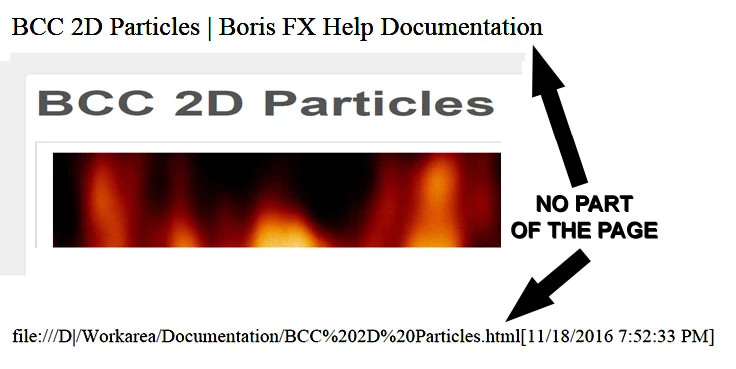
Hello Folks, when I combine Multiple Webpages into a single PDF File, Acrobat X Pro
always add a header and footer with the name of the page and address, as you can

see in the photo below.    How can I stop this from happening ?

Thanks.
This topic has been closed for replies.
Correct answer Test Screen Name

Create a PDF from a single web site. Do you get the heading? If so tunnel down the settings. Be sure you're creating from a web page NOT an HTML file because, weirdly, they use the same settings but only one offers the chance to change them.

1 reply

CtDave
Participating Frequently
November 19, 2016

You can configure this feature to turn off the header/footer (it is on by default).

G-PersonAuthor
Inspiring
November 19, 2016

Thanks, but where?

I had look all around on settings, and can't find it.

Test Screen NameCorrect answer
Legend
November 19, 2016

Create a PDF from a single web site. Do you get the heading? If so tunnel down the settings. Be sure you're creating from a web page NOT an HTML file because, weirdly, they use the same settings but only one offers the chance to change them.