Crop Pages in field-form document -went through the paces, but the page did not crop
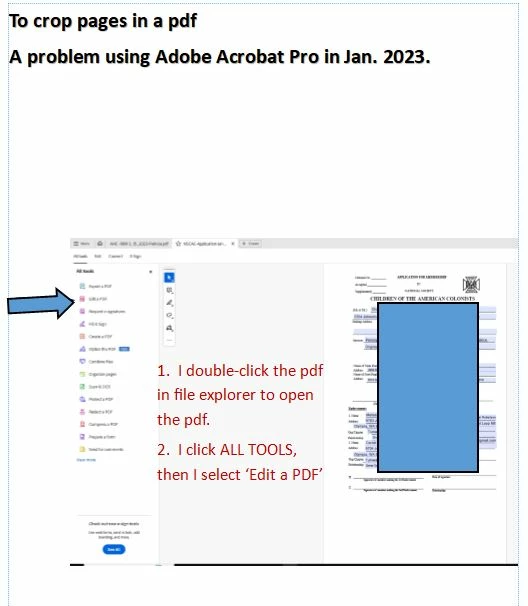
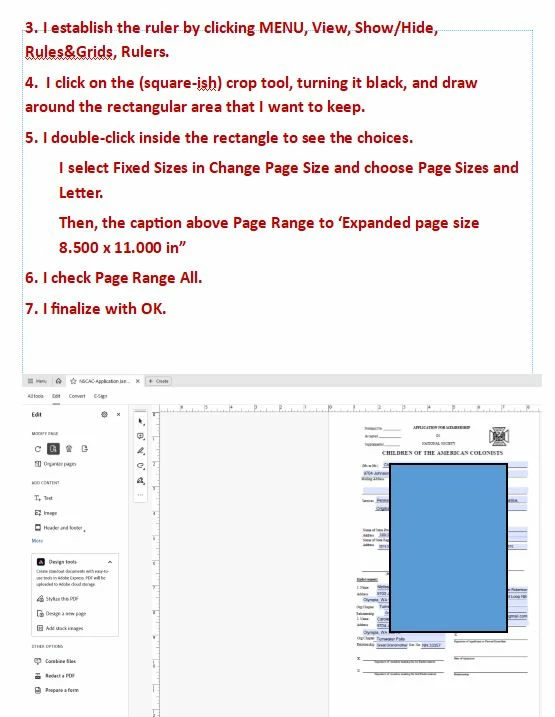
I went through the steps to crop a page in Adobe Acrobat Pro (Win10 with all but the very most recent Adobe update), but the crop does not take effect.
I did the following: ALL TOOLS - EDIT A PDF - CROP PAGE under Modify Page - I created a rectangle over the lowest 3" of the page (to convert it from legal to letter) - Double-clicked inside the rectangle - Change Page Size to the fixed size of letter - Checked Page Range All (and also tried just cropping one only) - finalized with OK.
This was as per the tutorial I reviewed.
Nothing happens when I do this. I realize that the literal file size of kb/mg should not change.
But my idea is to have the user experience this as a letter-sized document since the lowest three inches of each page are blank.
 AdChoices