
Question
CSV option missing from Bulk Send on Team Pro account
It's possible I missed something, somewhere, but...
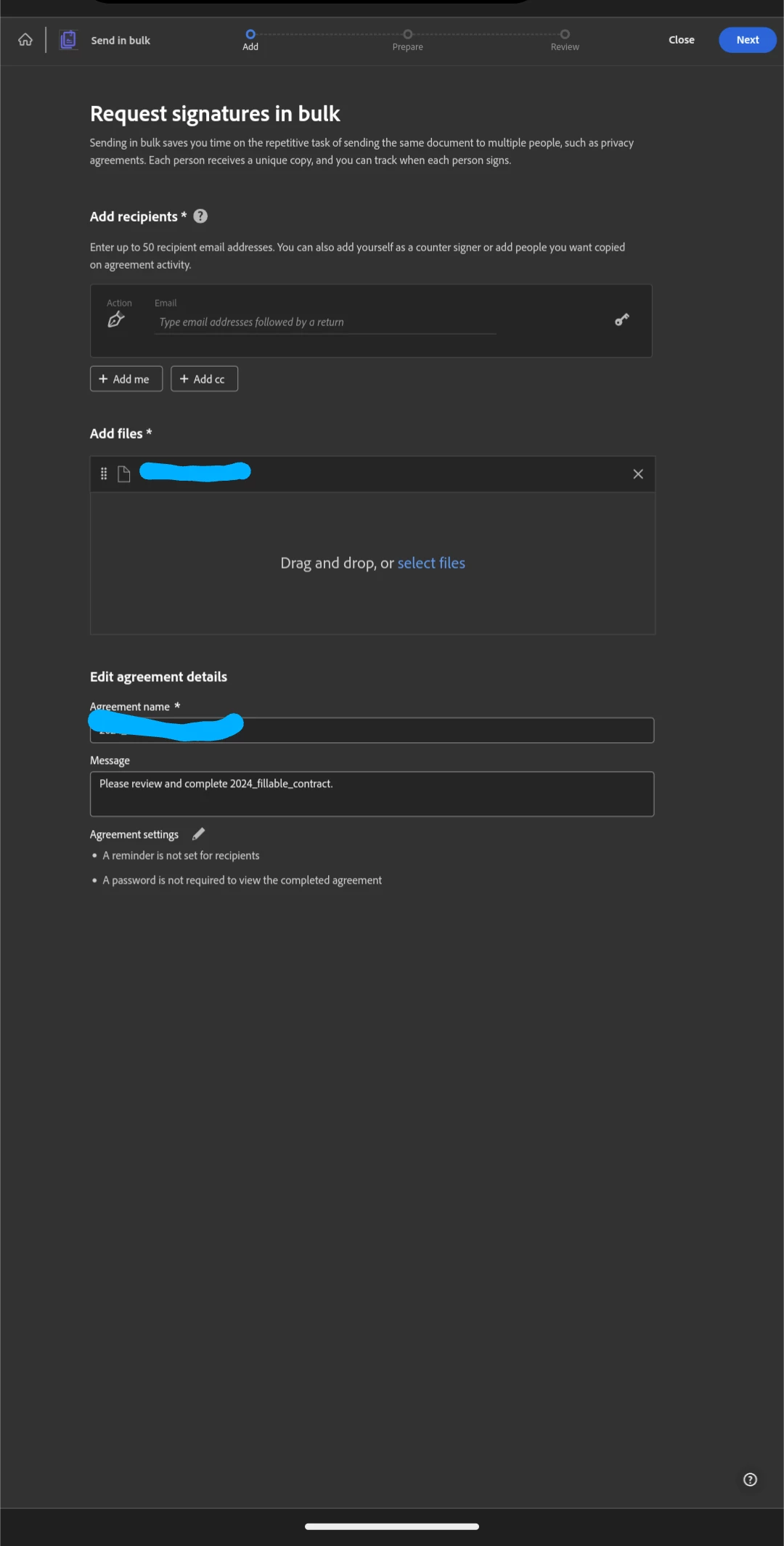
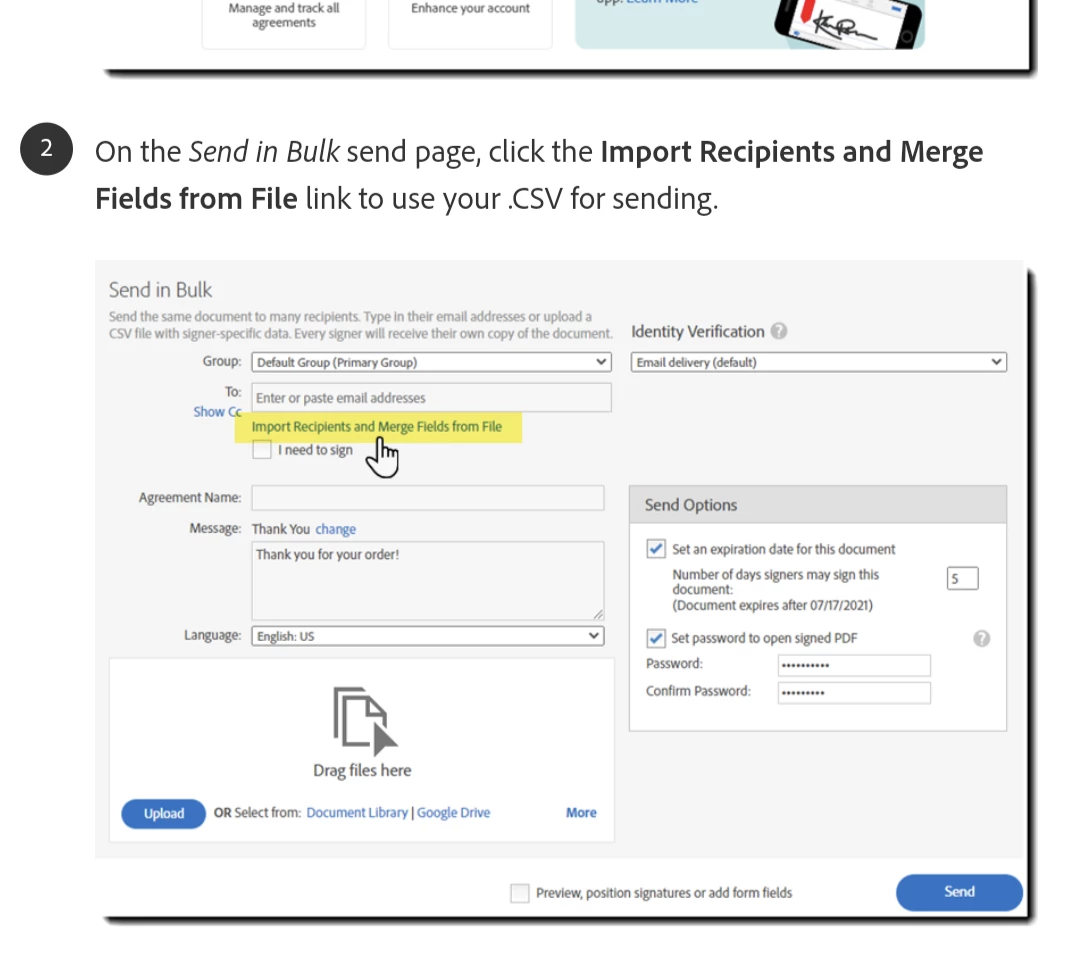
I upgraded from the Personal Pro to Team Pro account specifically to gain access to the CSV powered Bulk Sending option... But when I click the tile for Bulk Send or follow the option through the Windows app ... It displays the same screen I had for my Individual account. There is no link, button, or hamburger menu option that I see anywhere to upload my CSV file to handle email and contract filling like the KB screenshots show.
This is what I get:
This is what the KB says should be available:
or this:
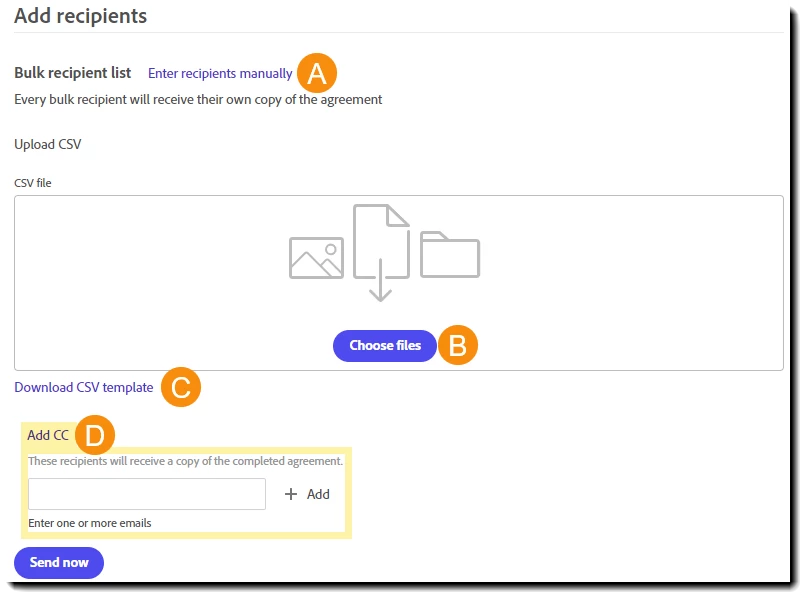
Neither or those shows
Amy suggestions on what I'm overlooking or how to fix this?


 AdChoices