This formula is in the "Total Field" at the end of the row. So the first row has a "Field A" where the customer puts in the quantity of product they want. If that number is 1 then "Field A" times $price1 and the answer is displayed in "Total Field A" at the end of the row. If the number entered in "Field A" is 2 or higher, then "Field A" times $price2 and that answer is displayed in "Total Field A" at the end of the row.
Same way with the "Field B" row. There is a "Total Field B" at the end of that row. The formula is in that box and calculates depending on what number is entered into "Field B" box. 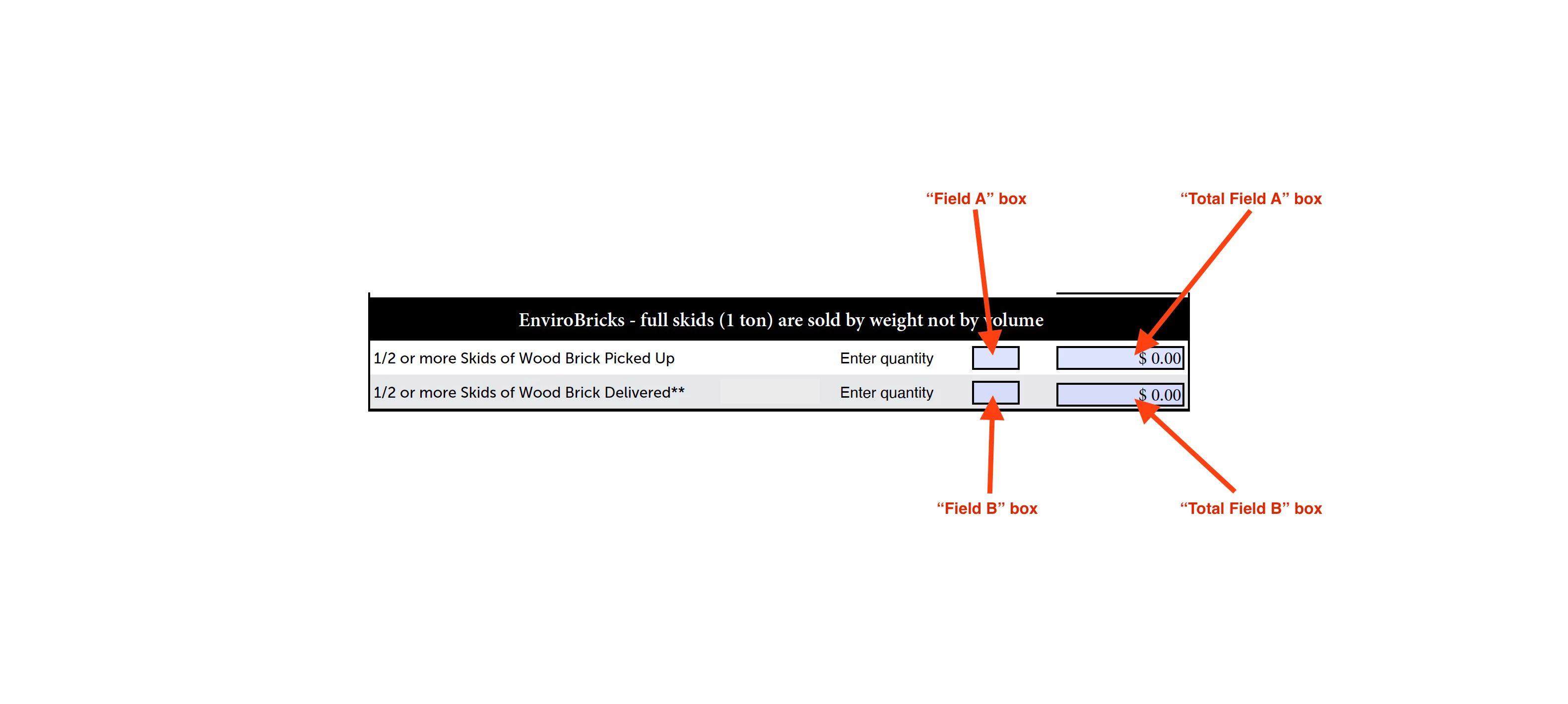
OK, that's very simple. Use something like this code as the custom calculation for "Total Field A":
var price1 = 10;
var price2 = 20;
var qty = Number(this.getField("Field A").valueAsString);
if (qty==0) event.value = 0;
else if (qty==1) event.value = price1;
else event.value = price2 * qty;
You can adjust that code for the B fields, too.




 AdChoices