Participant
December 15, 2024
Question

Custom Keystroke script not saving in Acrobat Pro V2024

  • December 15, 2024
  • 2 replies
  • 420 views

Hello,


I've been trying to link two separate text fields together and have followed a tutorial that uses this script:
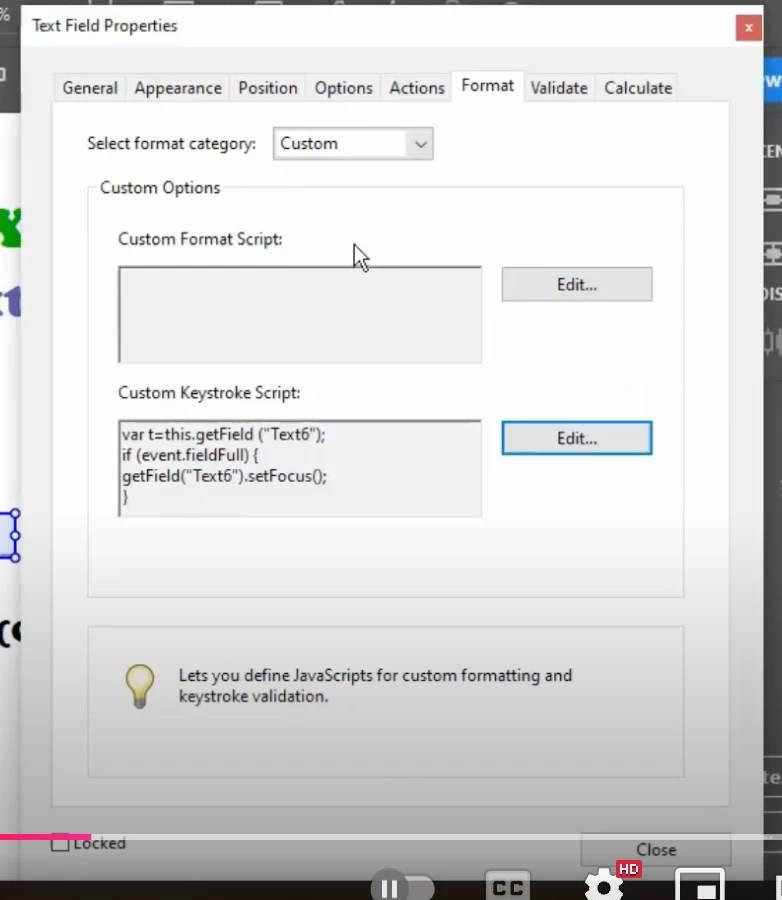
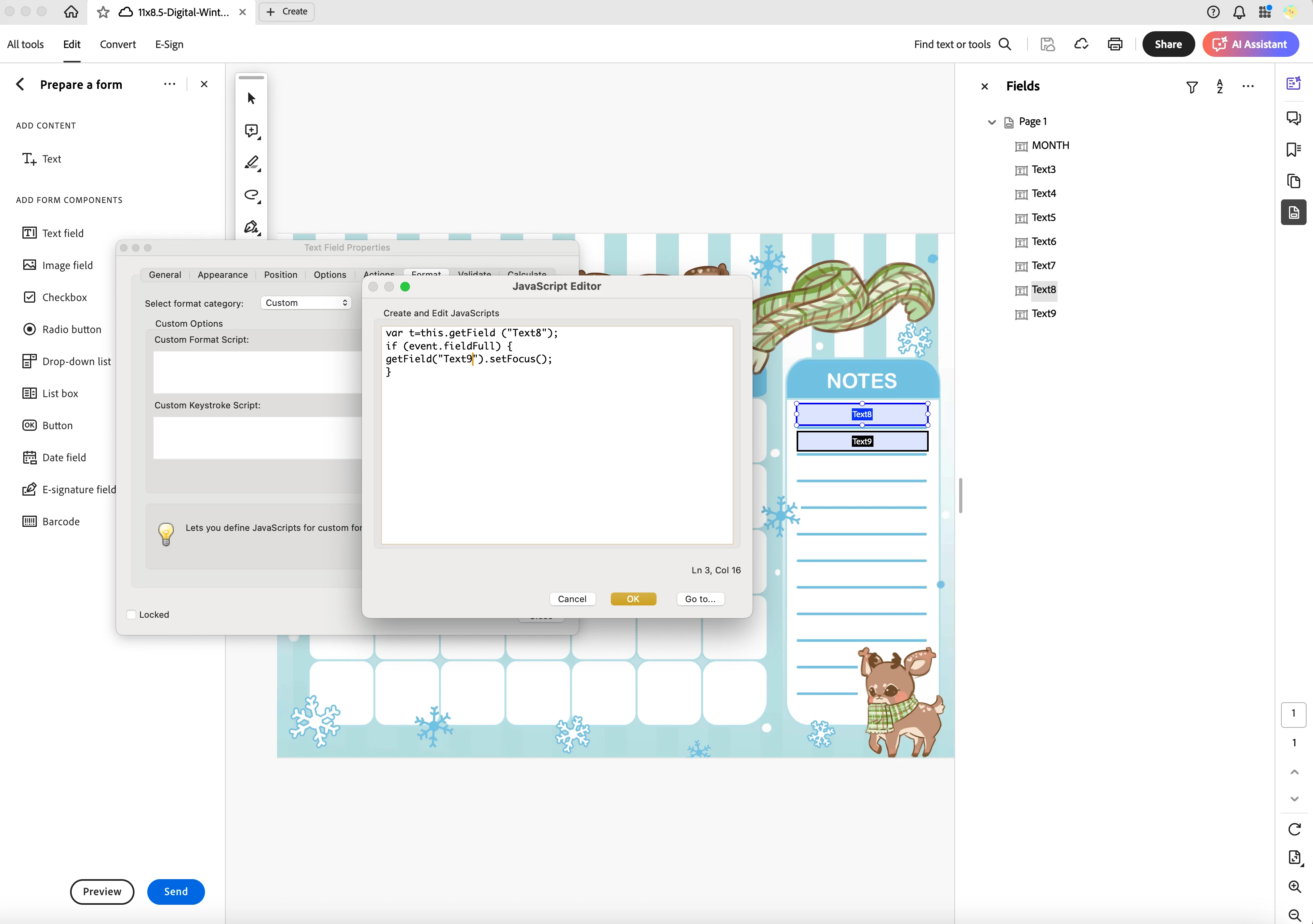


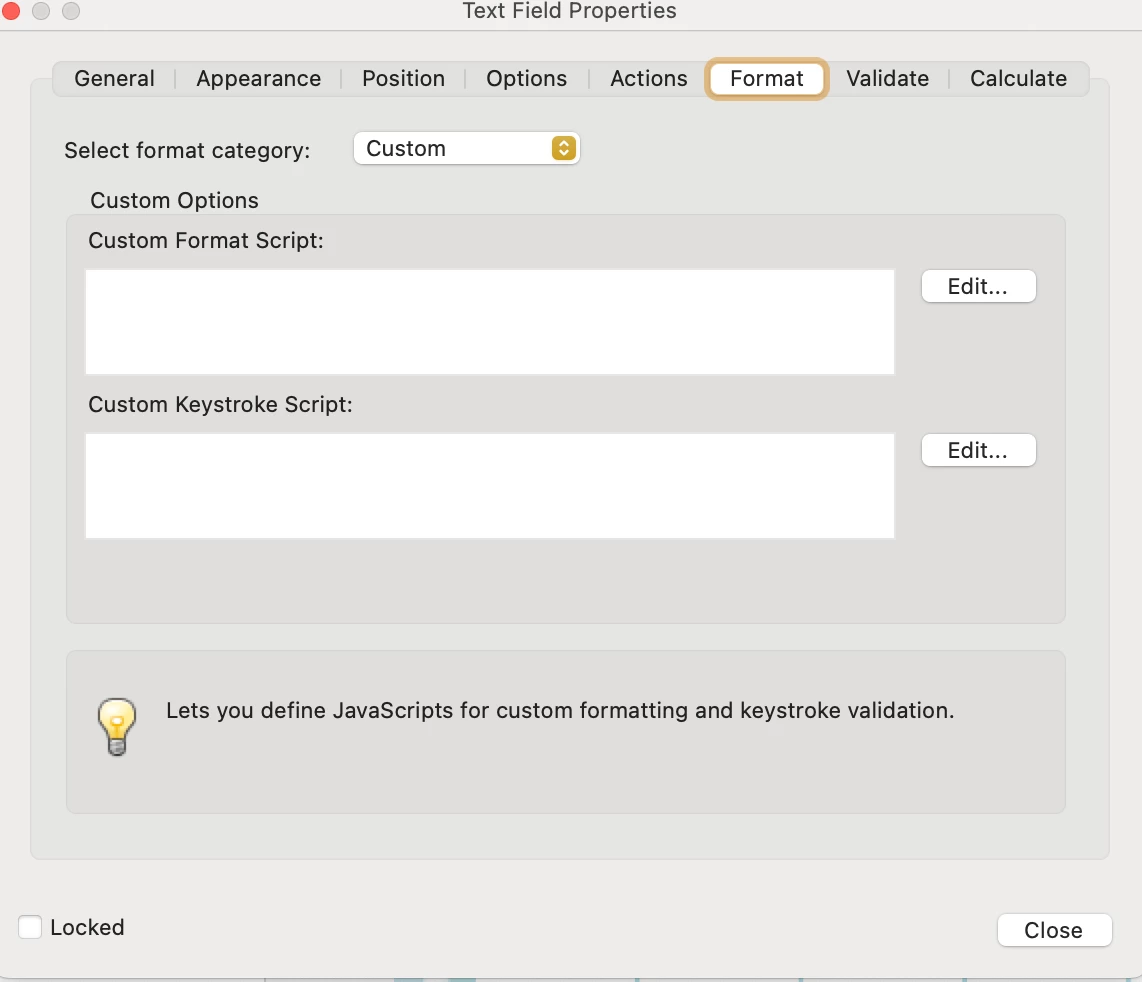
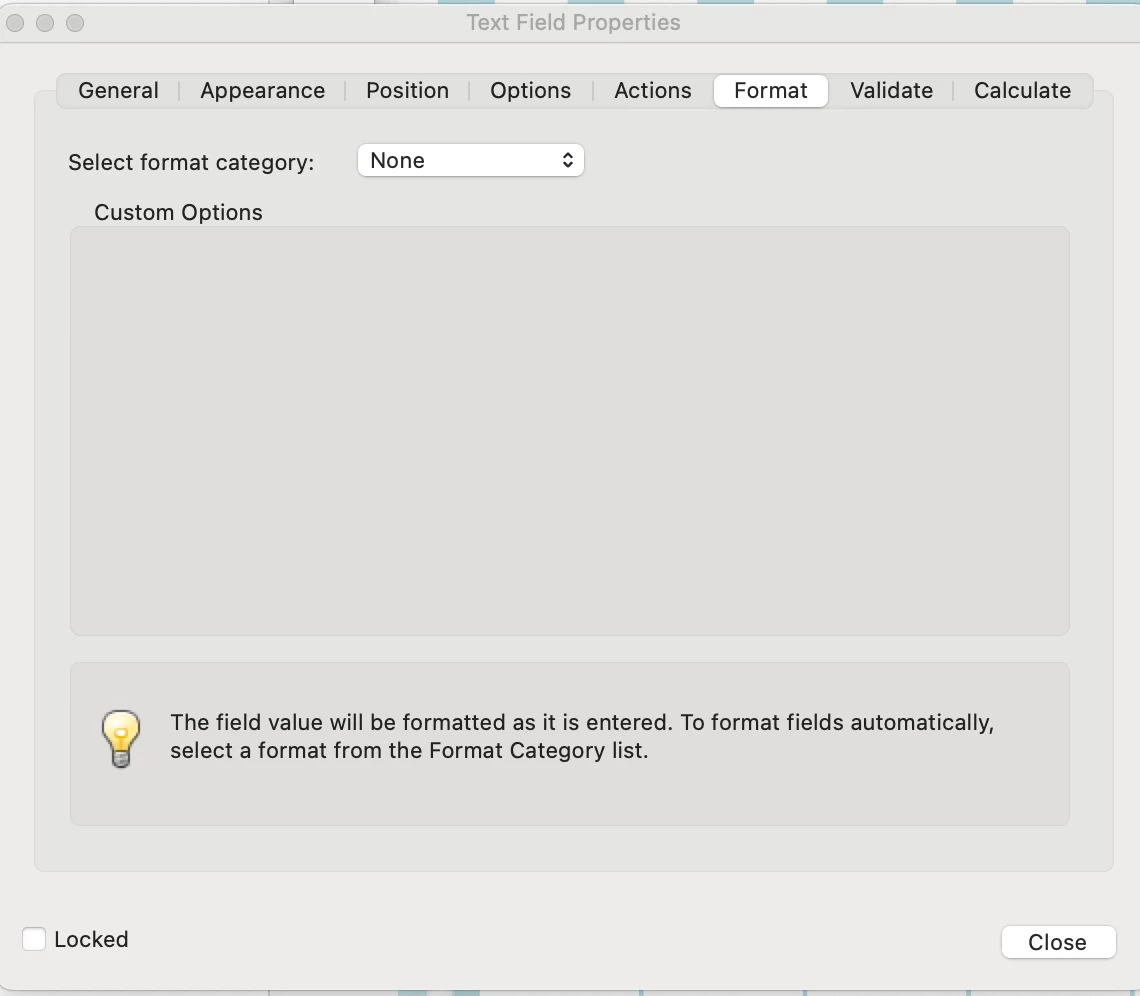
However after replacing the "NameOfFirstFieldGoesHere" and "NameOfNextFieldGoesHere" with my correct field names and pressing ok, the custom options window greys out and doesn't show that the script has been saved. 


Any ideas why? Just looking to have text run from one box to another. Also I did just install Acrobat if that matters.

This topic has been closed for replies.

2 replies

try67
Community Expert
Community Expert
December 15, 2024

Does it still work, though (even if it doesn't appear in the editor window)? Did you test it?

Also, did you at any point edit the code under Tools - JavaScript - All JavaScripts?

Participant
December 15, 2024

No the script doesn't work either. I also made sure to change my font size so it wasn't set to auto and unchecked scrolling long text but when i type the text stops at the end of the field and doesn't go to the next one i specified. No I did not edit the code under Tools - Javascript - All Javascripts. I installed Acrobat same day and went right into editing text field properties.

Participant
December 15, 2024

Also the first image is a screenshot from the tutorial showing what should happen after clicking ok on the Javascript Editor. For me the bottom image is what I see, nothing but grey, my script isn't there.