
Participant
July 4, 2024
Question

Dark Page reading theme not available in Adobe acrobat reader

  • July 4, 2024
  • 1 reply
  • 5727 views

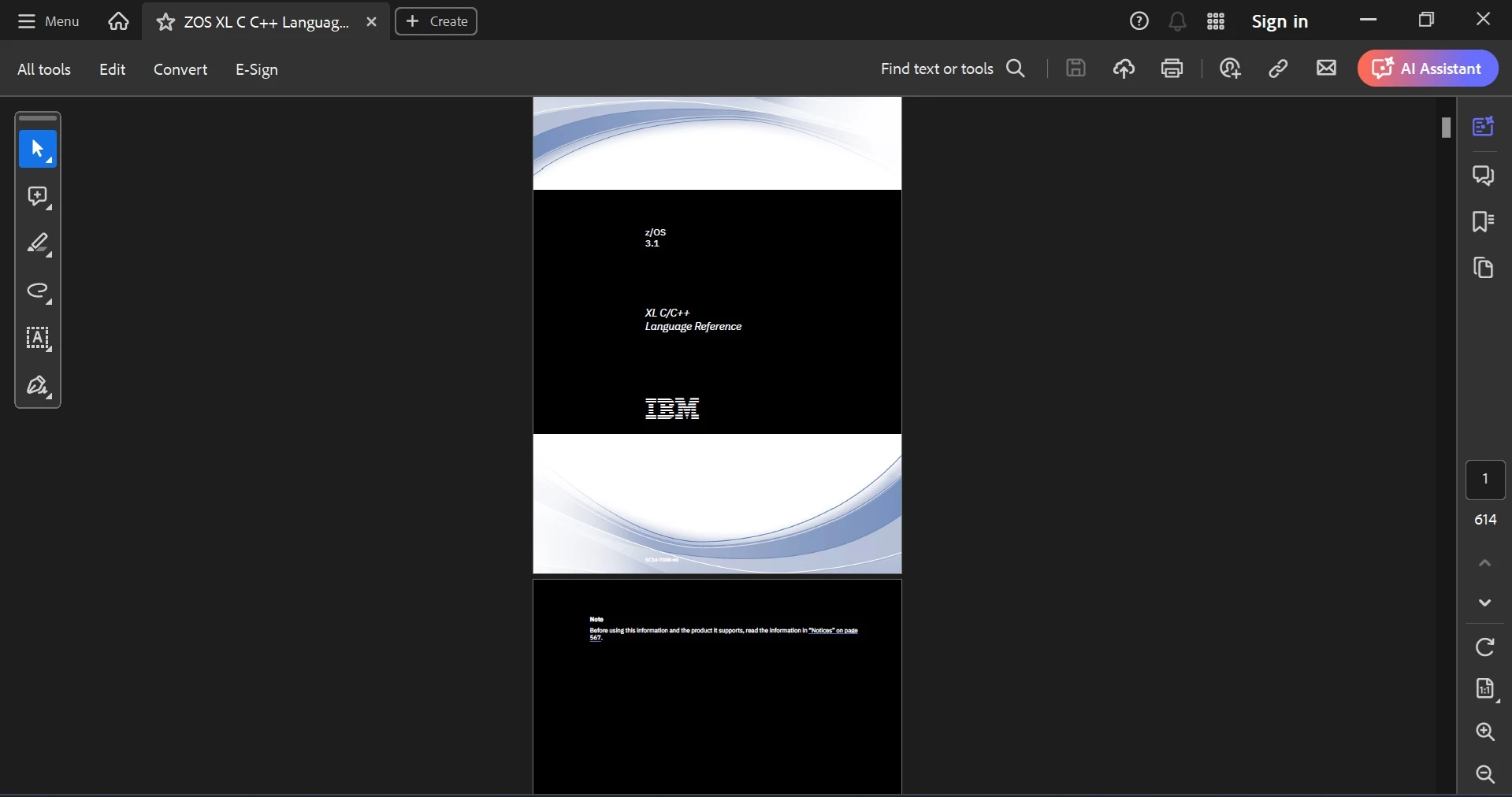
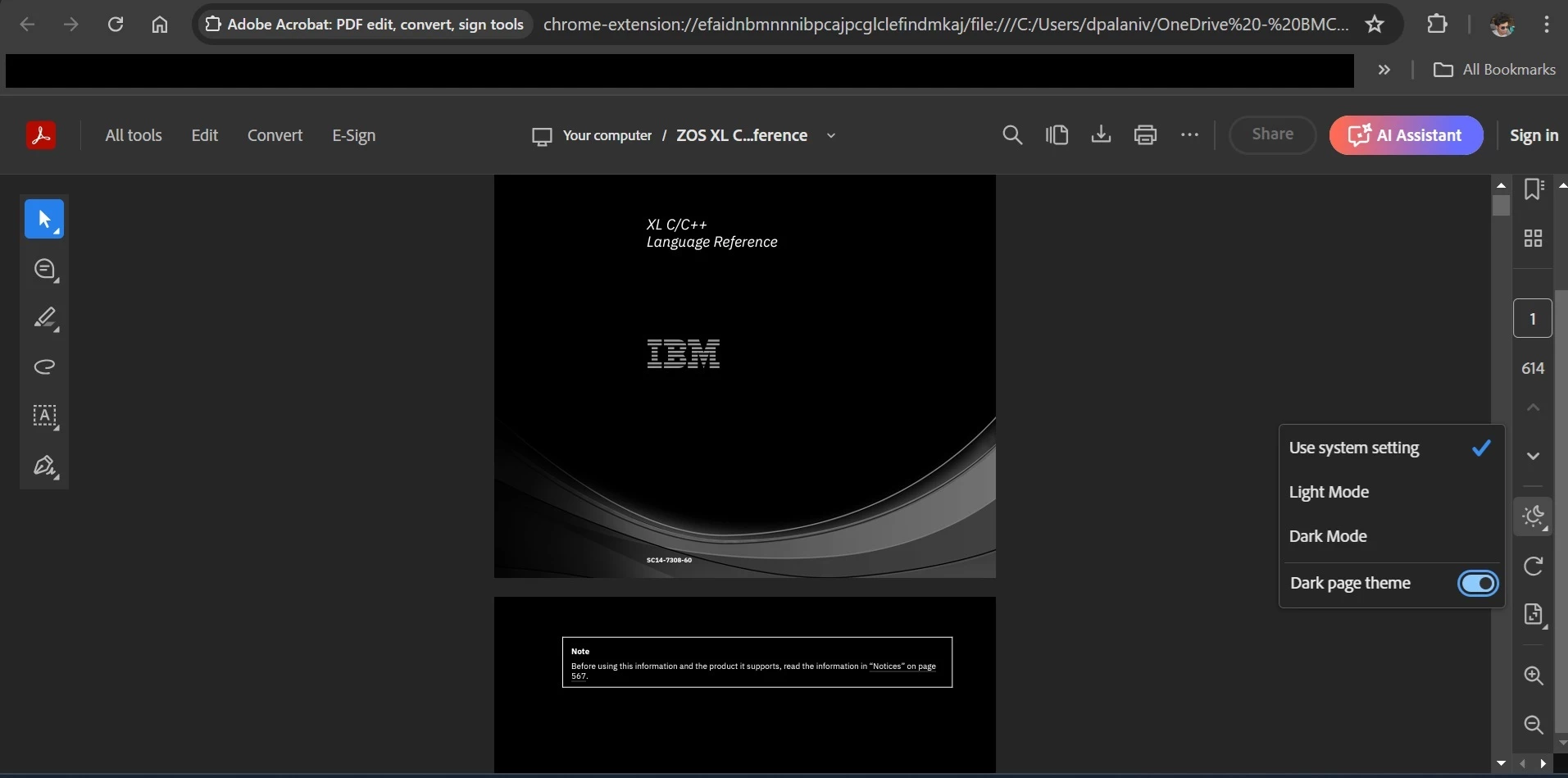
I have been able to get the "Dark Page" option under Customise reading option in Adobe acrobat reader extension for Google chrome. But the same option is not available in Adobe acrobat reader recent version of Windows app. I have tried using the "Accesibility" option in Preferences to Replace colors. Only the texts are getting the colors changed, but the images stick to the original. Whereas in the chrome extension of it, even the images are changed to inverted colours which is good to see.


Below image is the document opened in Adobe acrobat windows app with Replace color option enabled.
 Below image is the same document opened in Adobe chrome extension with Dark page setting.
Any idea how to mimic the behaviour of adobe chrome extension in Adobe reader windows app. ?

This topic has been closed for replies.

1 reply

Amal.
Community Manager
Community Manager
July 12, 2024

Hi there,


Hope you are doing well and thanks for reaching out.


What is the version of the OS and the Acrobat DC you are using? To check the version go to Help > About Acrobat and make sure you have the recent version 24.02.2089x installed. Go to Help > Check for updates and reboot the computer once.


Also click on the Hamburger menu > View > Display theme > Dark gray and see if that works for you.


~Amal

DheeepanAuthor
Participant
July 12, 2024

Hi Amal,

I have been using Windows 11 Enterprise (Version: 23H2, OS build: 22631.3737), Adobe acrobat Version: 24.002.20895 64 bit. Checked for updates (No updates availabe right now) and restarted the system. Still the same. 
Already tried with Dary gray theme, but that doesn't change the White pages to Dark. Only the App's panels are changing to Dark.

Community Manager
August 23, 2024

Hi @Dheeepan

Thank you for sharing your observations and feedback. We will look into it. 
Is it possible for you to share the same file with us?


~Tariq