Answered
Date picker not showing up on a PC (PDF form created on a Mac)
Hi all
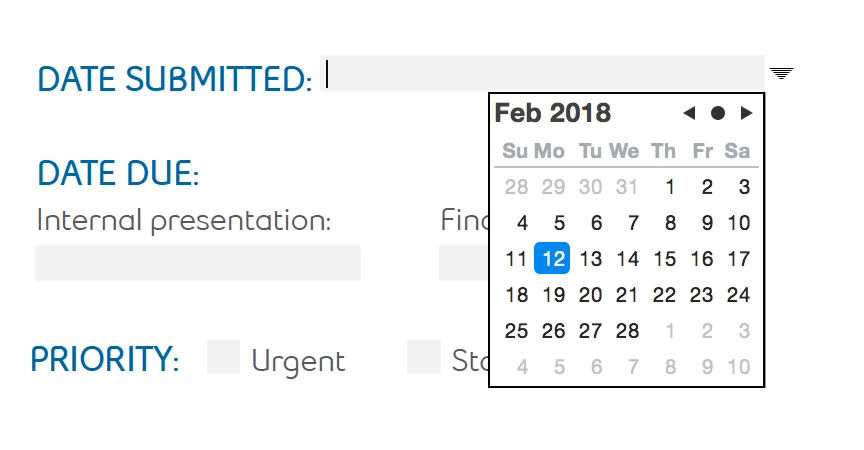
I've created a date field in Adobe Acrobat Pro (on a Mac) with a date picker (screen shot below). When I open the PDF on my PC the date picker is not there. Help? TIA!
Hi all
I've created a date field in Adobe Acrobat Pro (on a Mac) with a date picker (screen shot below). When I open the PDF on my PC the date picker is not there. Help? TIA!
The version you use is irrelevant. What matters is what version of the application is used on the receiving end...
Already have an account? Login
Enter your E-mail address. We'll send you an e-mail with instructions to reset your password.
 AdChoices