


Inspiring
February 4, 2025
Answered

Deactivate Acrobat Pro DC 2015.006.30527.898

  • February 4, 2025
  • 6 replies
  • 2338 views

Installing Acrobat Pro DC 2015.006.30527.898 on replacement computer licencing message unable to activate too many computers. Options to deactivate on old computer or enter different key.


Sure I have the old computer with Acrobat 2015, but there is NO option to deactivate. Yes I am aware older version had (I have done so in the past), but 2015 does not have that option.


Repeat > 2015 does NOT have the option to deactivate.


Can Adobe support reset the counter?? Or does uninstall deactivate??
Correct answer adam_3771

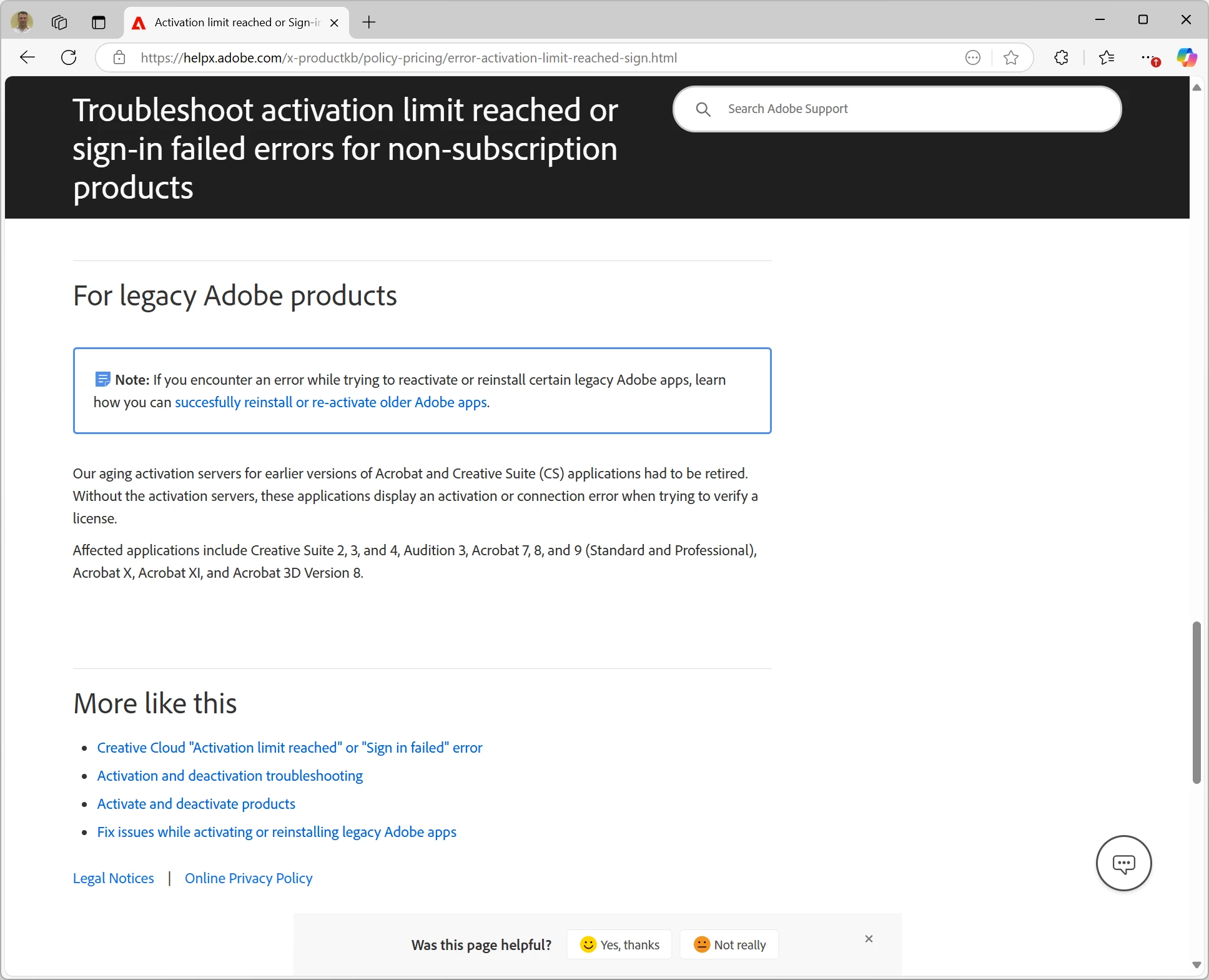
Search no more. Confirmed Adobe activation servers for legacy products are no longer.


Activation limit reached or Sign-in failed error


6 replies

adam_3771AuthorCorrect answer
Inspiring
March 19, 2025

Search no more. Confirmed Adobe activation servers for legacy products are no longer.


Activation limit reached or Sign-in failed error


adam_3771Author
Inspiring
February 5, 2025

Attached other user received popup message. Great news they have 32767 days remaining!!


RGour
Participating Frequently
February 6, 2025

Hi @adam_3771 


Have you tried signing out & uninstalling Acrobat from older devices.

AnandSri
Community Manager
Community Manager
February 6, 2025

Hello Adam!


I hope you are doing well, and sorry for the trouble.


If you have a volume license along with an upgrade serial number, you may need to contact the support team for activation and to reset the activation count after the verification process. For more details, please refer to these articles:

I have also shared additional details on support and how to reach the appropriate team via direct message. Please check your inbox.


I hope this helps.

Thanks,

Anand Sri.

adam_3771Author
Inspiring
February 5, 2025

Attached other user received popup message. Great news they have 32767 days remaining!!

adam_3771Author
Inspiring
February 5, 2025

Update - No Joy.


Spoke to Adobe (Volume License department) early this morning, no wait, they were nice and tried to help but hands are tied. Agent did say that lagacy activations are going away and do not have access to reset counters anymore. The only system is the newer activations where you tie the serial to a login upon activation. But I have a VLK so how is that suppose to work?

Will try the uninstall and see but not banking on that. If it works I will come back and update but if it does not work take the silence for what it is worth.

Participating Frequently
February 4, 2025

probably the same scam they are running by turning off the activation servers and telling you now you must subscribe and pay a monthly fee.

adam_3771Author
Inspiring
February 4, 2025

Thats what I assume is happening. I just hate wasting time calling support. A very long time ago called support I was able to ask to reset the counter, that was pre version X. The fact that they seemed to have removed deactivation option.

Actually just have another user today get a popup product not activated, but has 33000 days until product stops. Where as the new machine says standard 30 days grace period.

try67
Community Expert
February 4, 2025
adam_3771Author
Inspiring
February 4, 2025

Login to Adobe LWS licensing.adobe.com found the products ordered. Login to accoount.adobe.com/activated-devices > Activated devices shows no devices. Products > Show no products. For the fun of it I entered the key and registered the product no shows but still shows no options anywhere to deactivate. I clicked on every link one can see.


Billion dollar question does uninstall deactivate the product? Or can Adobe support reset the activation counter??

try67
Community Expert
February 4, 2025

Do you have an Enterprise/Volume license? If so, you need to contact Adobe directly for help with it.

Generally speaking no, uninstalling does not deactivate the license from that computer.