



thaddeus_0046
Participant
March 6, 2026
Question

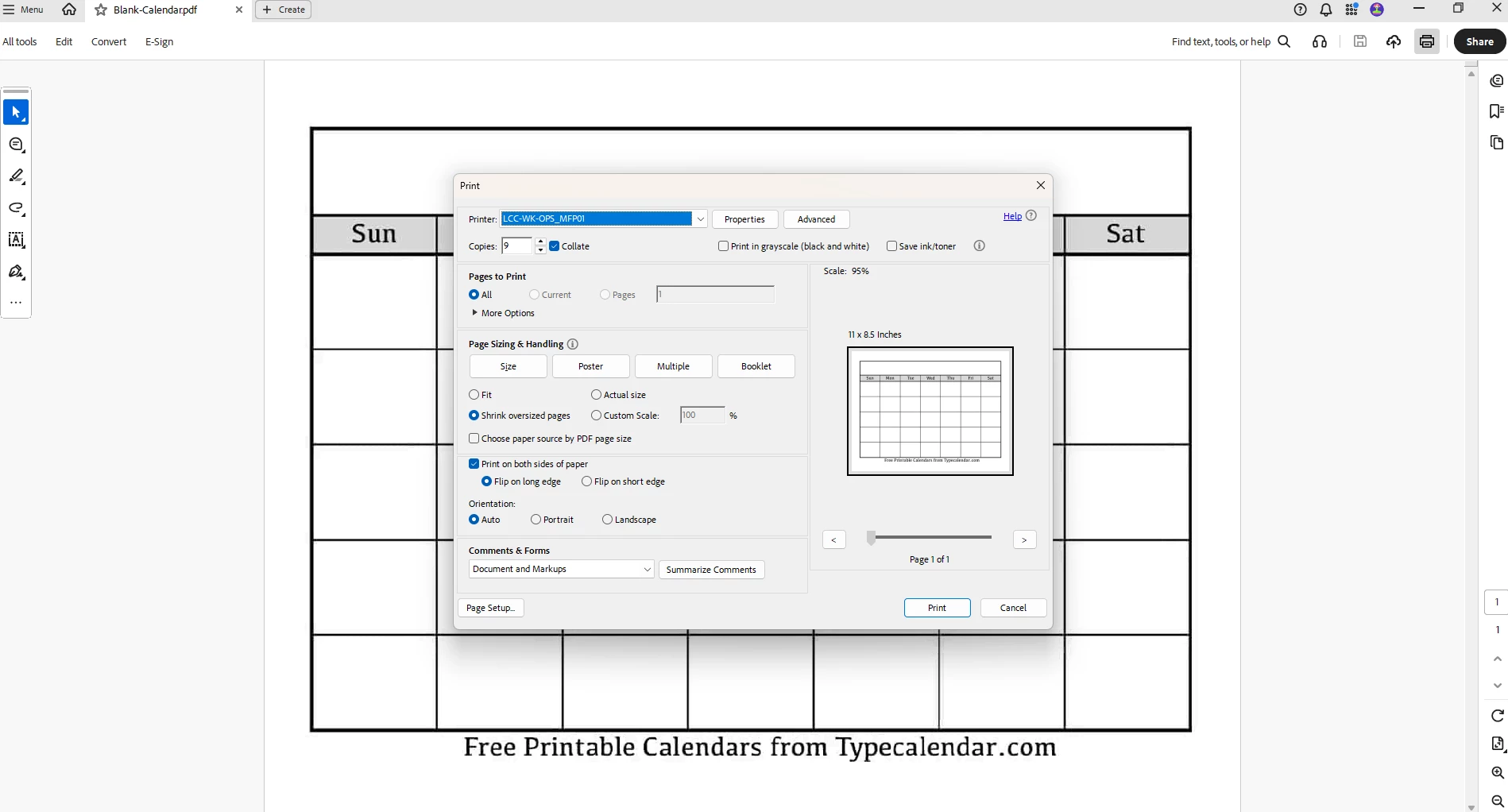
default print copy number set to 9 copies
  • March 6, 2026
  • 1 reply
  • 70 views

When I open the print dialog screen for the first time, the default number of copies is set to 9.  If i close the print screen, then open it again, the default number of copies changes to 1.  This happens with every single document that I open.  I deleted Adobe and reinstalled.  I reinstalled the printer driver.  I when into the advanced tab.  I have tried everything on this discussion board.  I am getting sick of printing a whole ream of paper because I forgot to check that the default number of copies is 9.  Send a patch.

    1 reply

    Jeffrey_A_Wright
    Legend
    March 6, 2026

    Thanks for posting about the problems you are encountering setting the default copies for your printer, ​@thaddeus_0046 .


    I appreciate that you have removed and reinstalled the printer driver, but have you also reset the print driver settings to their defaults? You can typically access this setting by clicking Properties, although the placement of the Revert to Default option and its wording will vary by manufacturer.


    Does only Acrobat default to 9 copies? Can you print from other applications with only one copy? What happens if you print to a file or Adobe PDF?