
Default Reader Check can not be suppressed
No matter how many times I instruct Acrobat "NO - I do not want it to be the default pdf reader. Also Do Not Ask Me Again."
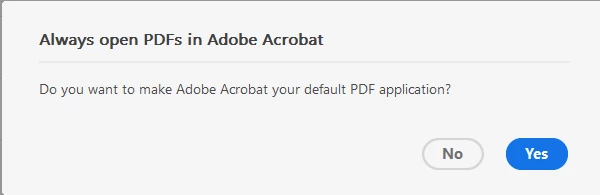
As well as refuse to allow Adobe Creative Cloud to re-install Acrobat plug ins for my Office Suite.
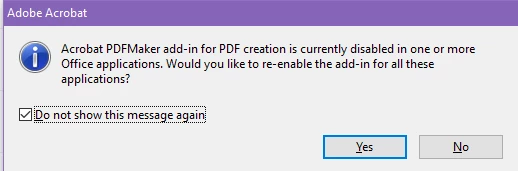
The nagging messages show up each time I start the program.
Earlier, in 2019 there was a similar post on this forum. The solution (then) was to go into preferences General screen and shut off "Tell me if Adobe Acrobat is not my default PDF application."
HERES THE DEAL: I uncheck that options and apply the choices. But the next time I start, the check box is re-engaged
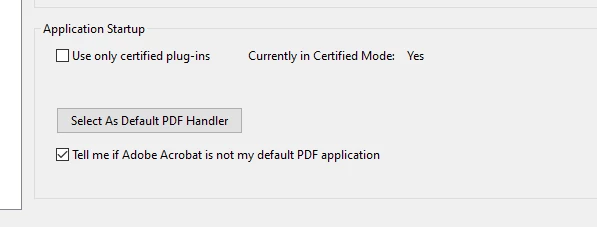
So can anyone tell me how to stop this. There is a delay of up to 30 seconds while Acrobat does these checks every time I want to open a PDF, which is disruptive and something that a version 1 of freeware software would do, not one of the flagship companies.


 AdChoices