Answered
Delete elements on each page
Hello,
Is there a way to delete elements on each page of a document (e.g. the blue one in the right upper corner, which is on each site of my PDF)?
Thanks a lot,
Marius

Hello,
Is there a way to delete elements on each page of a document (e.g. the blue one in the right upper corner, which is on each site of my PDF)?
Thanks a lot,
Marius
Hi Marius:
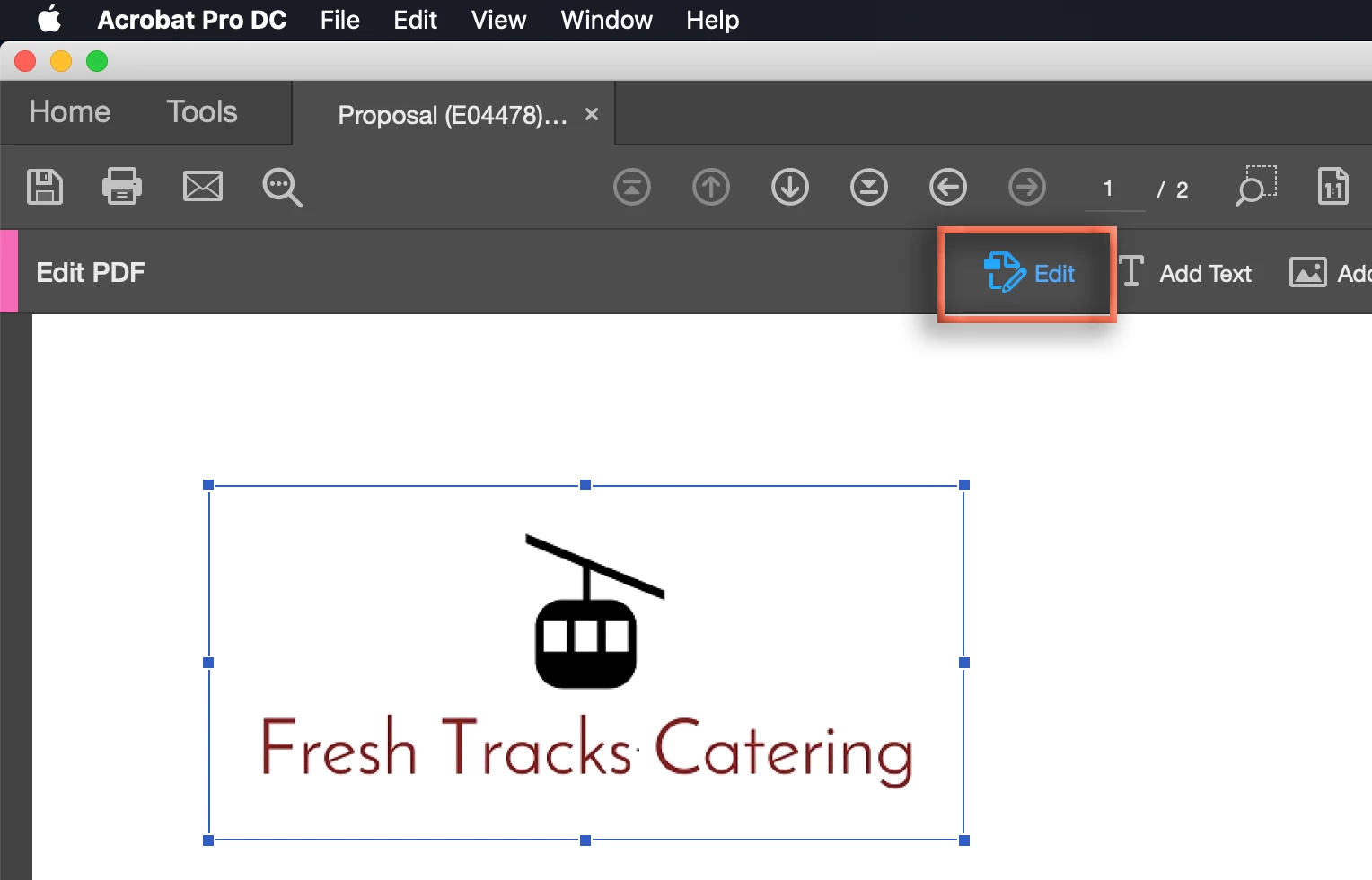
If you are using Adobe Acrobat (and not free Adobe Reader) you can choose View > Tools > Edit PDF > Open and then use the first tool on the toolbar (the Edit tool) to select the shape on each page and then press Delete.
~Barb
Already have an account? Login
Enter your E-mail address. We'll send you an e-mail with instructions to reset your password.
 AdChoices