
Participant
January 9, 2024
Question

Difficulties encountered when using the highlighting text tool of the mac version of acrobat.

  • January 9, 2024
  • 1 reply
  • 646 views

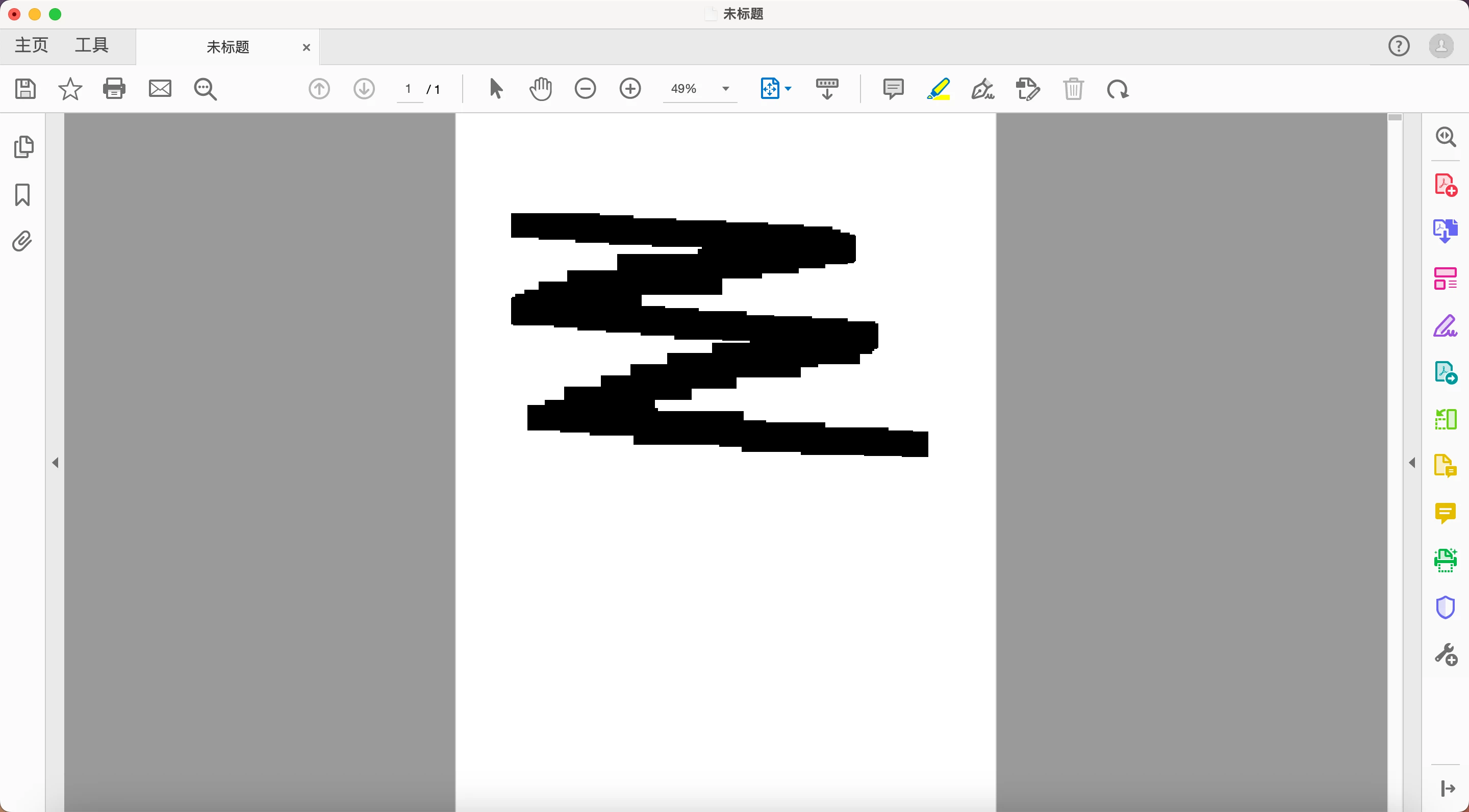
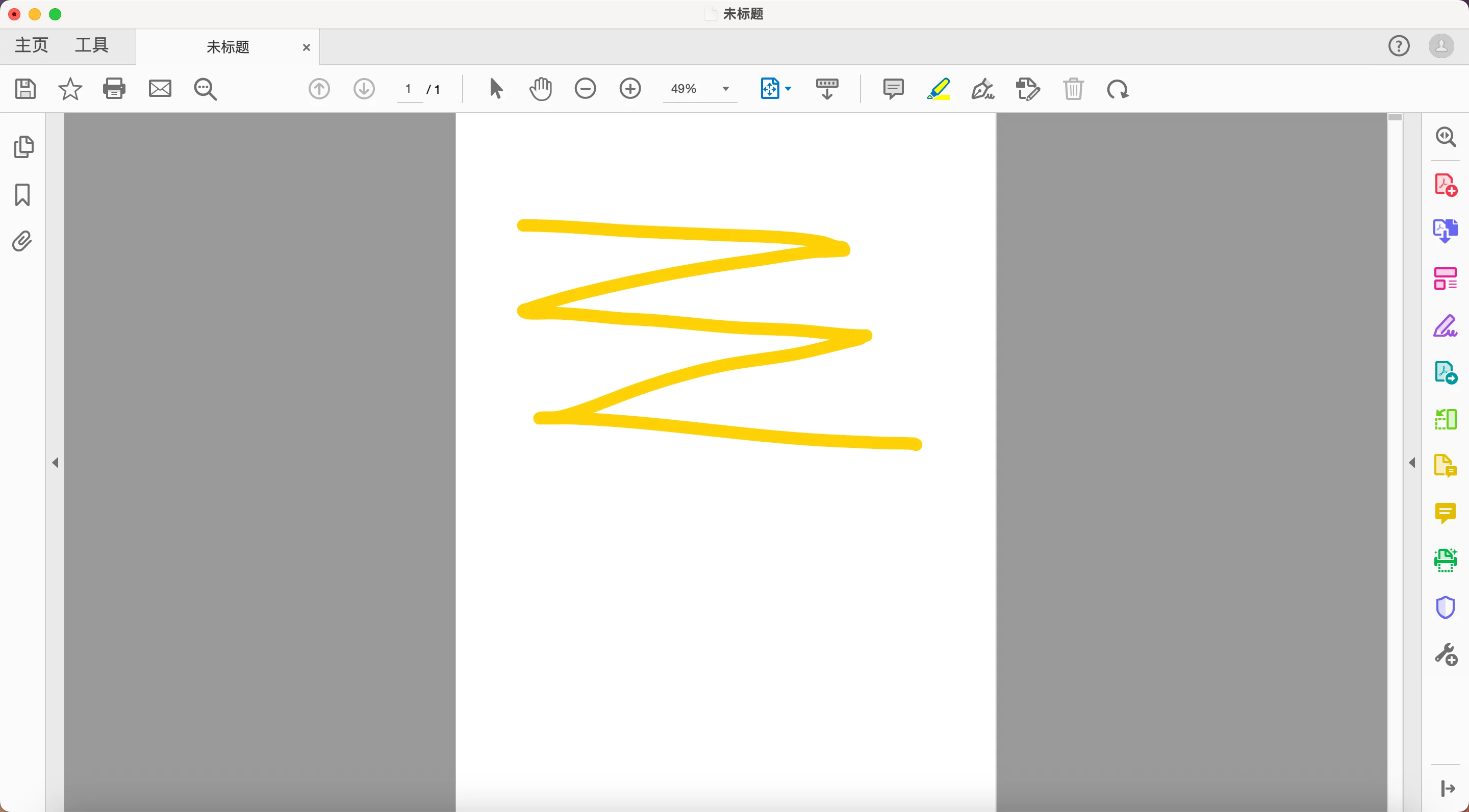
I am using the mac version of Acrobat Pro DC, when I open a pdf file for the first time to try to use the highlight text tool, the original should be highlighted part, there is a black color block, after releasing the mouse becomes a normal highlight color, and then use the highlight tool will not have this situation. I tried to install multiple versions, but did not solve this problem, may I ask what is the bug?
(like this)
 

This topic has been closed for replies.

1 reply

Amal.
Community Manager
Community Manager
January 9, 2024

Hi @Cutin
 
Hope you are doing well and sorry to hear that
 
Is this an issue with a particular PDF file or with all the PDFs? Please try with a different PDF file and check. If the file is stored on a shared network/drive please download it to your computer locally and then try again.
 
What is the version of the Acrobat DC you are using? To check the version go to Help > About Acrobat and make sure you have the recent version 23.08.20458 installed. Go to Help > Check for updates and reboot the computer once.
 
 
Please try to reset the Acrobat preferences as described here https://adobe.ly/47mXTMo
 
You may also try to create a new test user profile with full admin rights enable the root account in MAC and try using the application there and check.
 
If it still doesn't work, please remove the application using the Acrobat cleaner tool https://adobe.ly/3vBlZ8P, reboot the computer and reinstall the application using the direct link https://adobe.ly/47xPTZ0;


~Amal

CutinAuthor
Participant
January 9, 2024

@Amal. I have tried all the methods you mentioned, but there will still be the above situation, do not know whether it is related to the version of Acrobat Pro DC? This does not happen when I use Acrobat Reader.