

Digital signature valid but not visually readable
With Adobe Reader DC I can successfully place a digital signature in a pdf document. The private key related to the signature resides in a Qualified Signature Creation Device (USB stick with a smart card).
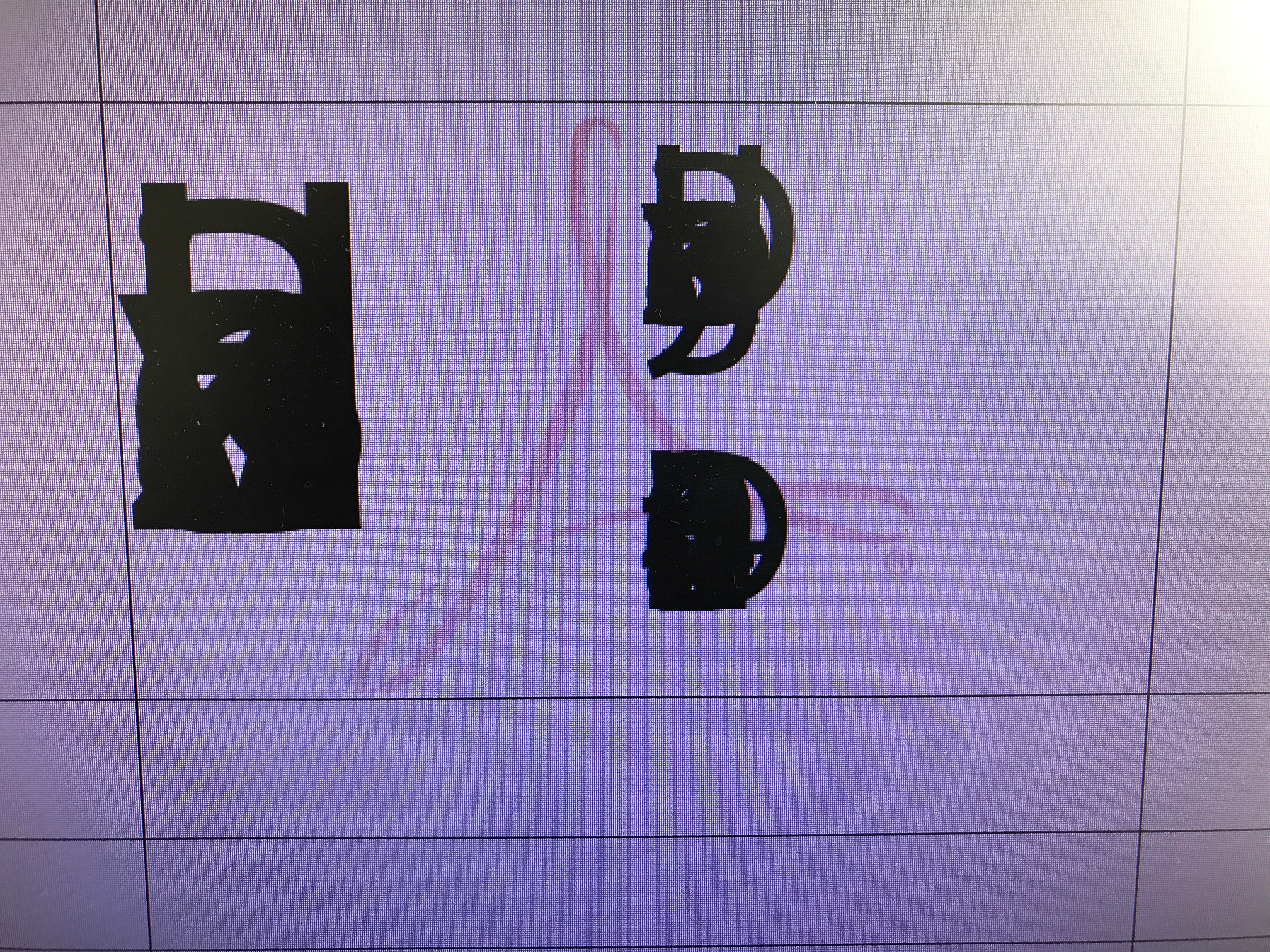
The produced signature is reported as valid after the signing. However, it is visually not readable as the letters in the text are placed on top of each other. Reinstalling Adobe Reader did not help. The issue persists on both my desktop and notebook computers.
The certificate appears perfectly readable on the preview screen before pressing Sign button. Here is a snapshot of the visual result after pressing the Sign button.
Configurations and versions:
- Windows:
10 Pro,
Version 1703,
Build 15063.413
- Adobe Reader DC, 2017 Release,
Version 2017.009.20044,
Version File Version 17.009.20044.25828,
AGM Version: 4.030.00069
CoolType Version: 5.014.00019
Core Version: 17.2304
JP2K Version: 1.002.00002.38123
I will appreciate any help in solving this issue.
Best Regards
 AdChoices