


Participant
August 20, 2020
Question

Disable Acrobat DC Tutorials

  • August 20, 2020
  • 1 reply
  • 5656 views

Hello,


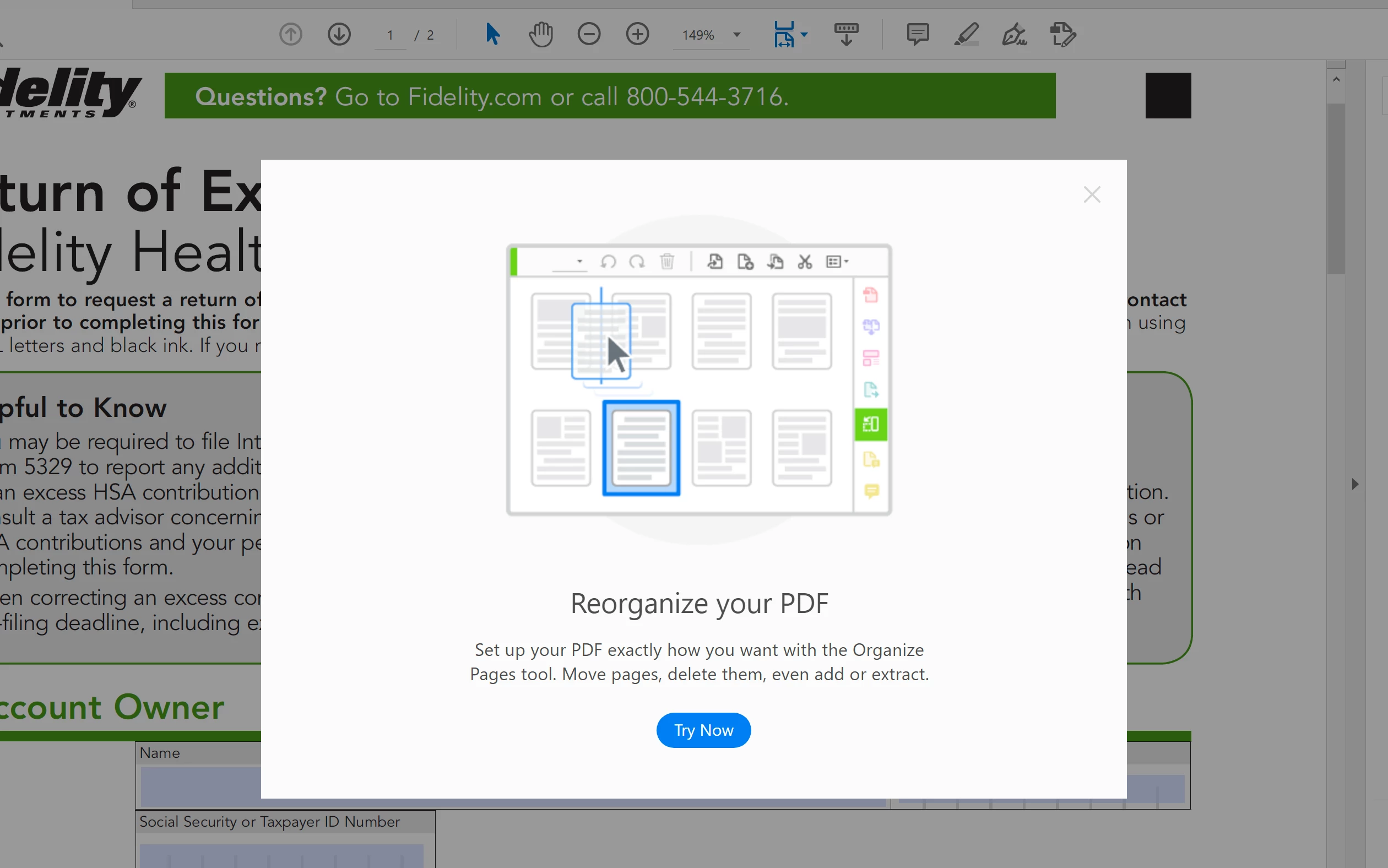
Ever since I installed Acrobat DC it has been harrassing me with "tutorial" pop-ups like the attached. I have searched extensively (both with Google and through the preferences pane) and I can't figure out how to disable these entirely (rather than just dismissing them one at a time [by clicking the X] when they come up). Can anybody help?


-Sam
 

1 reply

Amal.
Legend
August 20, 2020

Hi Samuelb


We are sorry for the trouble. As described you want to disable the pop up messages in Acrobat/Reader DC


Please go to Edit (Windows), Adobe Acrobat/Reader DC (Mac) > Preferences > General > Uncheck 'Show me messages when i launch Adobe Acrobat' > Click OK and reboo the application.


Let us know how it goes


Regards

Amal

Participant
November 21, 2022

This does not fix the issue. Why is it so hard to remove this feature. It is super annoying to be doing your work and get interupted constantly with blue boxes that you can't turn off. 


Amal.
Legend
December 2, 2022

Hi @NoneYa13 


We are sorry to hear that. Please go through the correct answer marked in the similar discussion https://community.adobe.com/t5/acrobat-reader-discussions/how-to-stop-the-windows-which-open-permanently-while-you-start-the-adobe-reader/m-p/10112066#M47544 and see if that works for you.


Regards

Amal