

Participant
November 20, 2025
Question

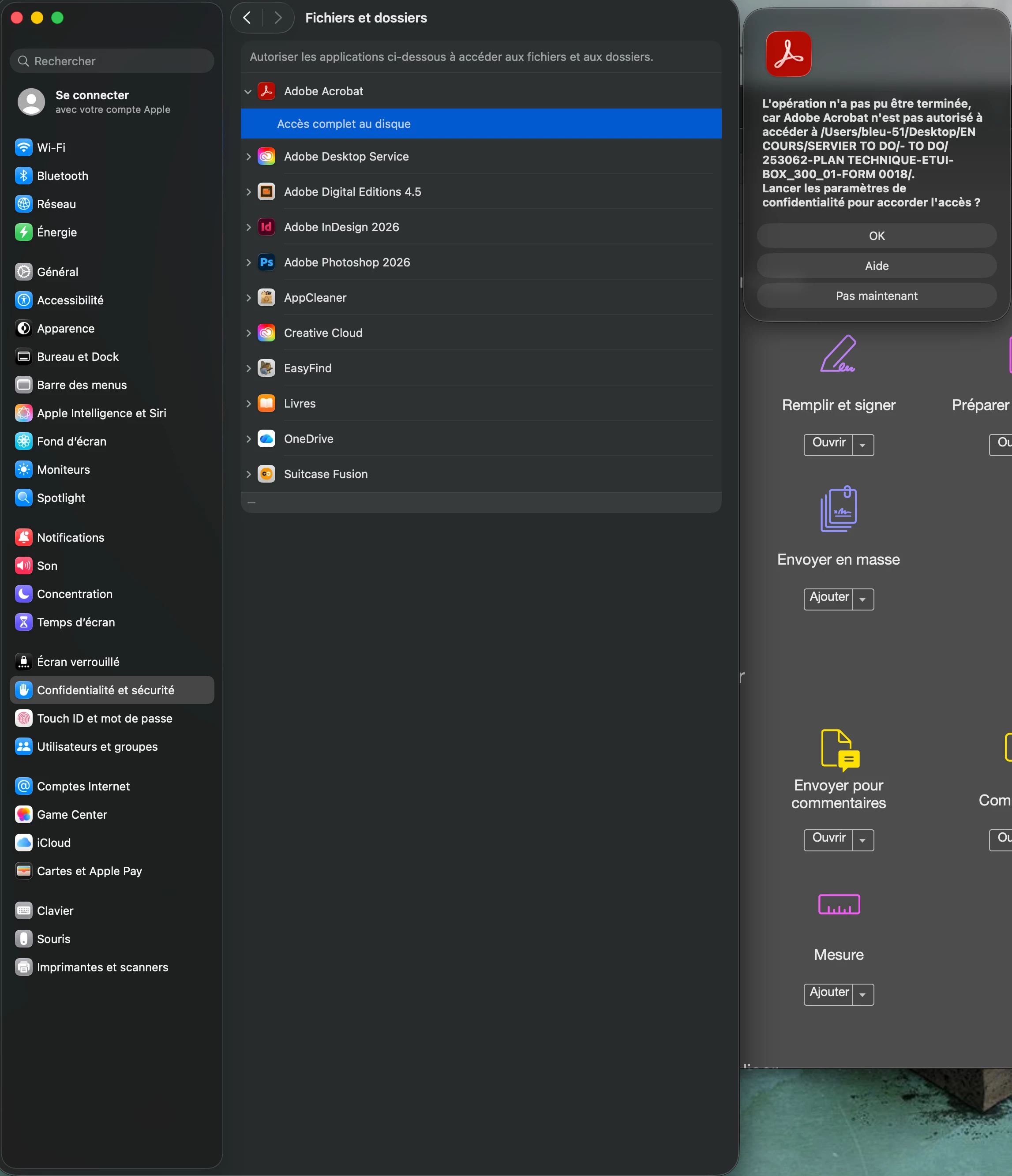
Disk acces error for Adobe Acrobat instead of right privacy settings (full disk access)

  • November 20, 2025
  • 11 replies
  • 102 views

Hello,


Adobe Acrobat inform me that it can't write on disk instead of right settings in privacy setting (Full disk acces).

Any suggestions ???


Thanks.
 

11 replies

bitdesign
Participating Frequently
August 11, 2026

Thank you for your response.

The PDFs are saved both in the cloud (Infomaniak kDrive) and locally on my computer. However, I have also tested PDFs saved directly on the Desktop and other files stored locally.

The problem occurs with any PDF, regardless of where the file is stored.

As you suggested, I tried disabling “Enable Protected Mode at Startup” in Acrobat Preferences, and everything works perfectly. I then re-enabled this setting, and the problem came back.

Can I leave this feature disabled?

Meenakshi0101
Community Manager
Community Manager
August 11, 2026

Hi bitdesign,


Thank you for sharing the information.


We recommend keeping the option “Enable Protected Mode at Startup” enabled. Please allow us some time to check this behaviour. If more information is required, we will let you know.


Thanks,

Meenakshi

Participant
November 20, 2025

For information this error occured since Tahoe 26.0.1 update. Updated to 26.1 does not resolve.

Meenakshi_Negi
Legend
November 20, 2025

Hi Yoan_Guillot9867,


Thank you for reaching out, and sorry for the trouble caused.


As you get the error, please confirm if you are able to give the read and write access for Adobe folders in Preferences. 

It would be helpful if you could share a small video showing the steps you take that result in the error.

We will get this checked.


Thanks,

Meenakshi
