
Question
Distorted symbols after skewing up the image on page
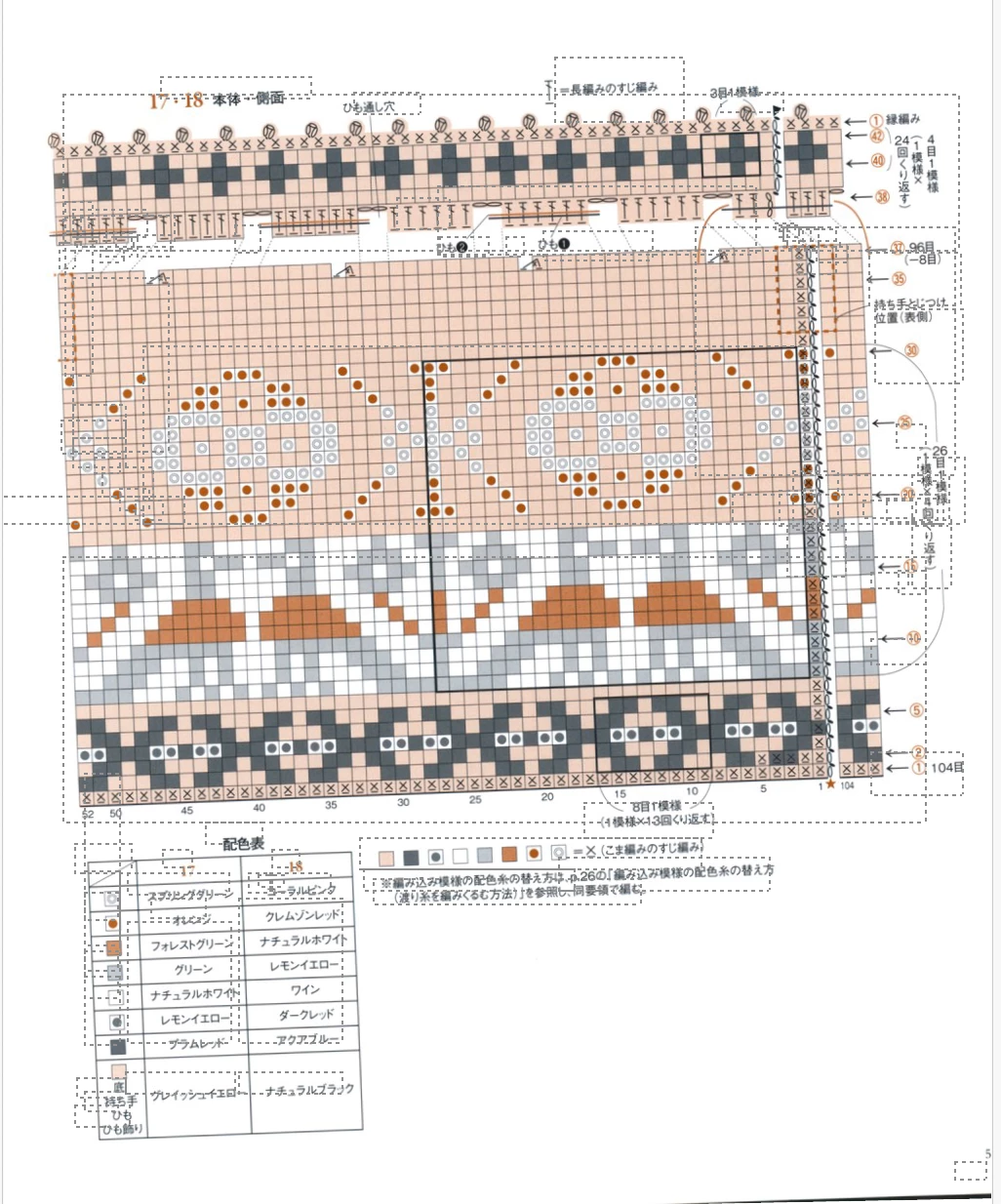
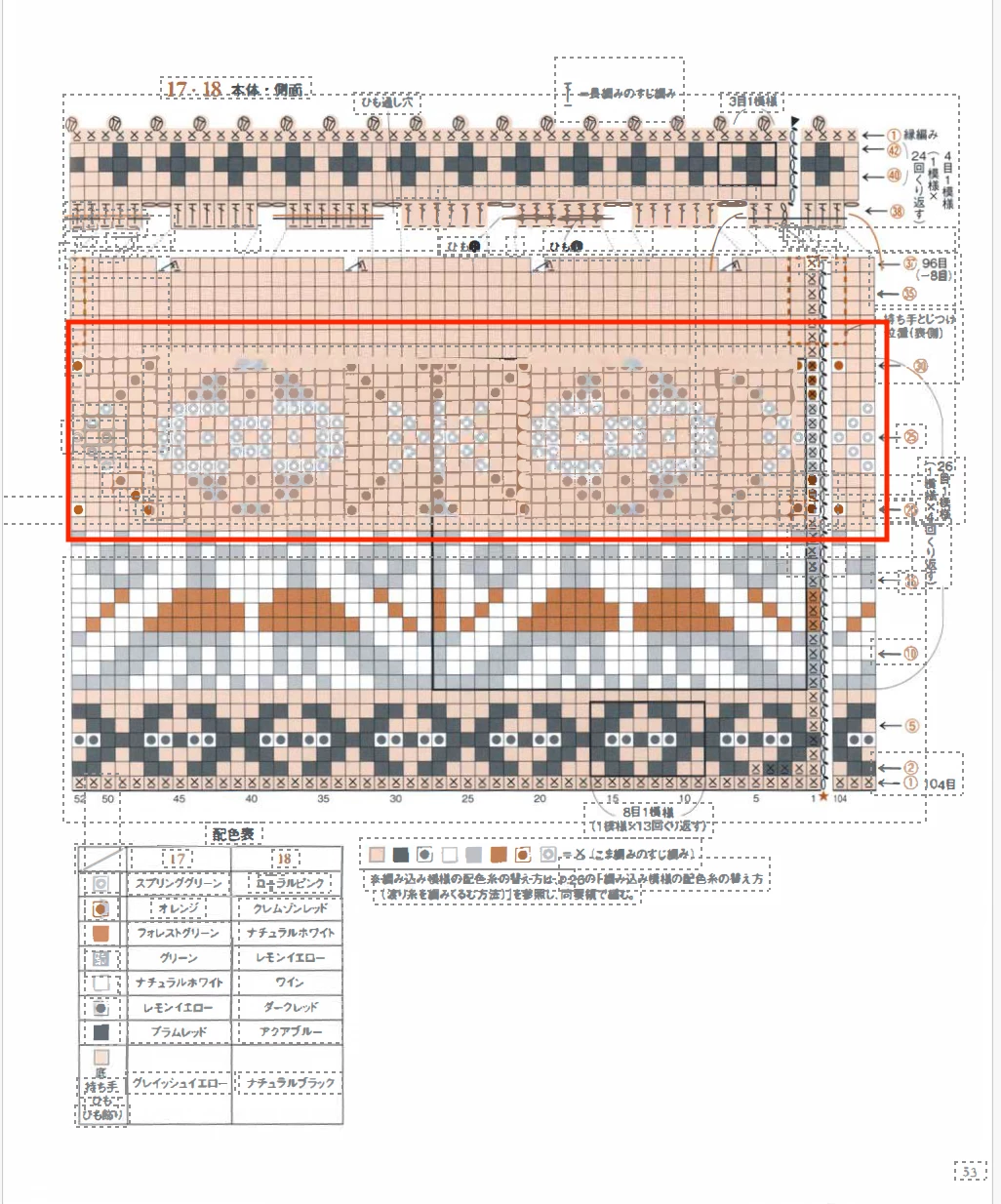
When Adobe fixes the skewed page, it does a great job of putting it straight but some of the symbols are completely distorted, other than deleting one of the line of symbols on the chart (part in red in the screenshot).
I added the Japanese language to fix the issue with the text characters not being recognized and now it's fine and I was wondering if there is a way to also embed these little circles and dots that are in the chart, as I embedded the Japanese text, so not to be distorted.
Would anyone know?
 AdChoices