

Answered
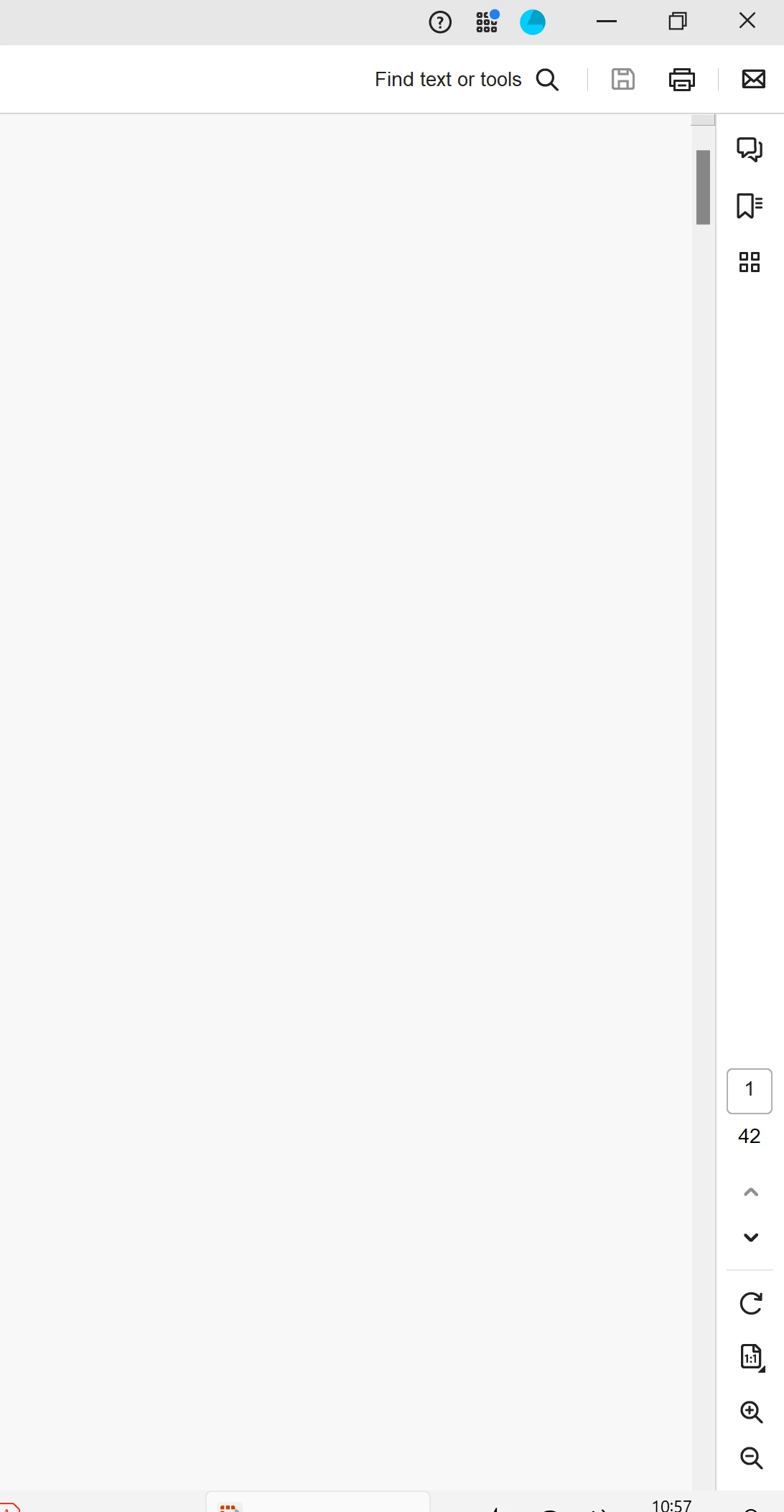
Document control location in bottom right
Hello,
Acrobat recently updated (Version: 23.6.20360.0) and seems to have significnatly changed, but not in a user friendly way. But I assume I mist be doing something wrong and I just need to make a preference change because I can't beleive Adobe would be so silly to move the document contrils to the bottom right (see screenshot).
I now find the document zoom controls / page number in the bottom right, which as got to be the worst possible location for it when using monitors.
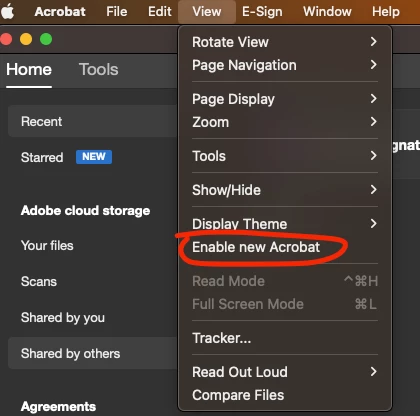
Anyway, is there a way to reset Acrobat so those controls are back at the top of the page, as in the traditional location and most logical and user friendly place for them?


 AdChoices