
Question
Don't know next steps after "Go to Line" Tab pops up - I want to count fields that contain text
Hi, SUPER new to java script and doing custom calculations with Acrobat.
I've got a column of 30 fields that could contain client initials, I want to count the fields that contain text so that the number of current clients pops up in a field near the top of form. I know there's been similar questions and answers, but the problem is that when I try a script, this 'Go to Line' tab pops up and I have no clue about what to fill in or if its a separate problem not related to code.
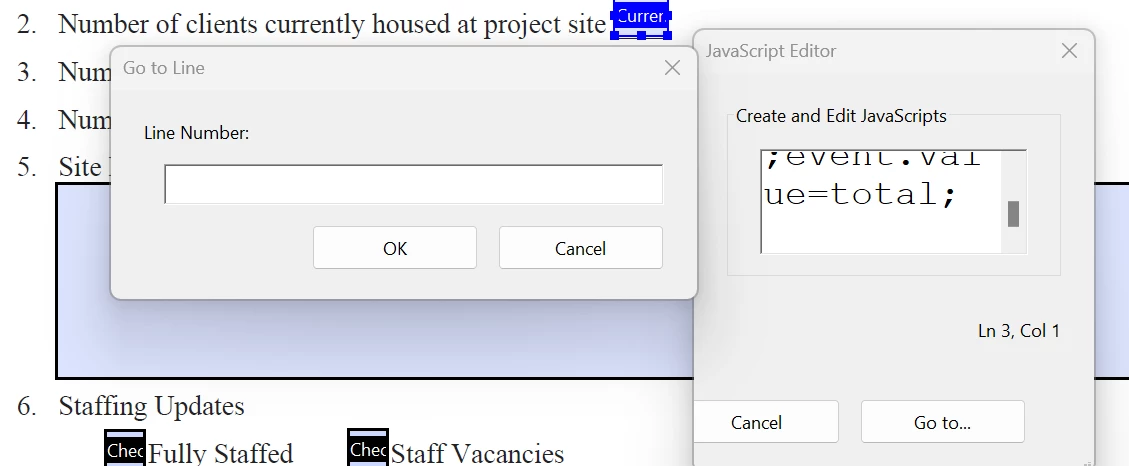
I have been inputting the following script into the custom calculation box:
var total= " ";
for (var i=1; i<=30; i++) {
if (this.getField("Client"+i).valueAsString !=" ") total++;
}
event.value=total;
Any guidance would be helpful TY


 AdChoices