


Participant
September 30, 2025
Answered

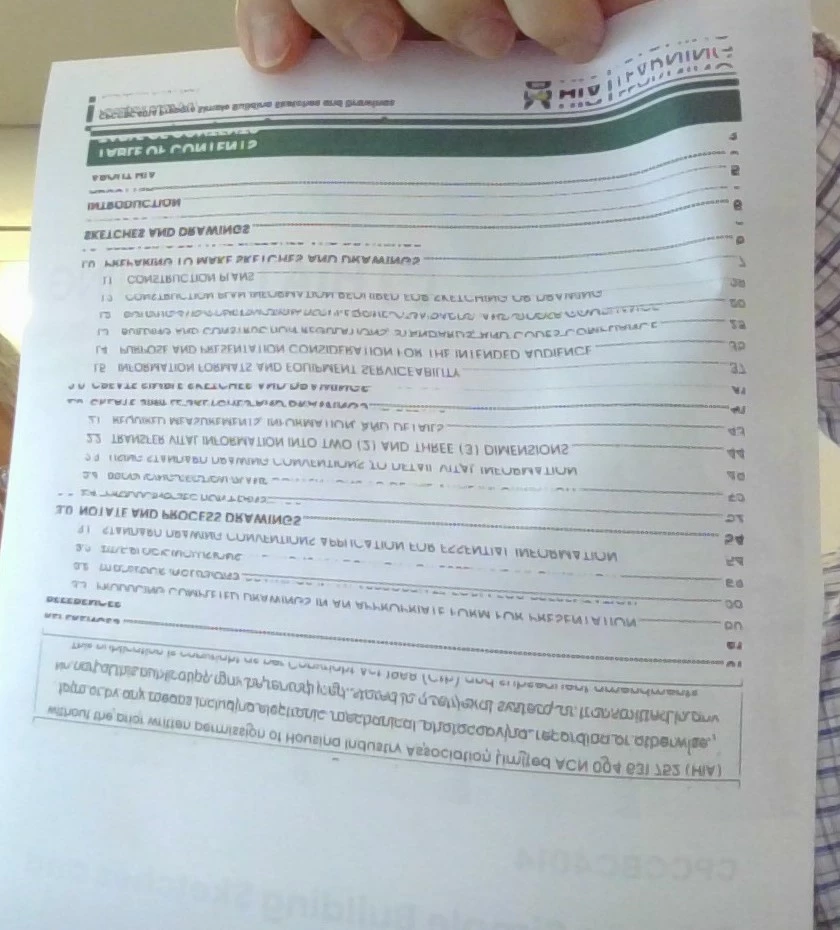
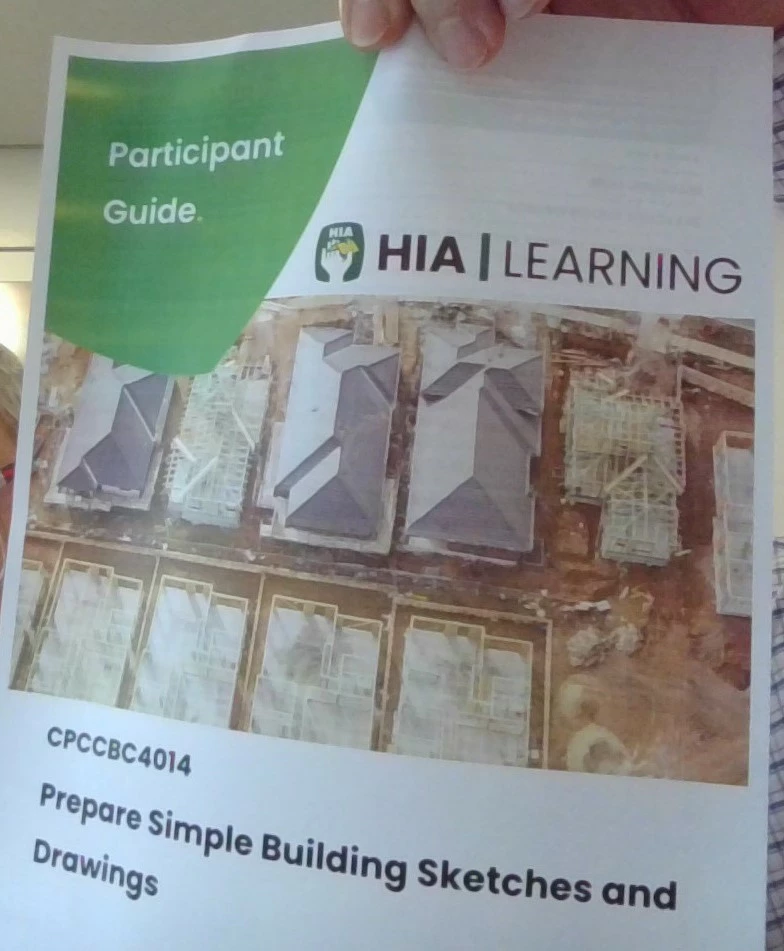
Double sided print, front page perfect the back page distorted

  • September 30, 2025
  • 2 replies
  • 187 views

Hi All,

I have spent 2 days trying to fix this problem I have the latest Adobe editor desktop, on a windows 10 hp laptop,  when I try to print a double sided document the front page is fine but the back pack page is distorted and not legible I have tried every solution on chatgpt and other online suggestion, Adobe support were not able to assist neither was our organistional external It support. I am wondering if anyone has experienced this before. Thanks
Correct answer Amal.

Hi there 


Hope you are doing well and sorry for the trouble. 


++ Adding to the discussion


Please update the Acrobat application to the latest version 25.01.20756 from the help menu > check for updates and reboot the computer once. 

Also, check for any pending/missing updates for the printer driver /firmware and try updating it. You may also try to remove the printer drive/firmware, reboot the computer, and reinstall it from the printer manufacturer's website and check if that helps.


Also, check the help page https://helpx.adobe.com/acrobat/kb/troubleshoot-pdf-printing-acrobat-reader.html 


~Amal

2 replies

creative explorer
Community Expert
Community Expert
October 1, 2025

@ed_9928 look at your print settings.... maybe you accidentally have the mirror image or reverse page orientation. Or flipped page. The screenshots as attached is from an Epson Printer. 


m
Amal.
Amal.Correct answer
Legend
October 3, 2025

Hi there 


Hope you are doing well and sorry for the trouble. 


++ Adding to the discussion


Please update the Acrobat application to the latest version 25.01.20756 from the help menu > check for updates and reboot the computer once. 

Also, check for any pending/missing updates for the printer driver /firmware and try updating it. You may also try to remove the printer drive/firmware, reboot the computer, and reinstall it from the printer manufacturer's website and check if that helps.


Also, check the help page https://helpx.adobe.com/acrobat/kb/troubleshoot-pdf-printing-acrobat-reader.html 


~Amal

Legend
September 30, 2025

Hi @ed_9928


Thanks for reaching out. 
Please let us know which application you are using: Adobe Acrobat, Illustrator, or InDesign. 


I am assuming you may be using Adobe Acrobat. Have you tried booklet printing: https://adobe.ly/4gTPTZS;

Could you elaborate more on your issue with double-sided printing? Was this document created by the same app in question, and was it created by you? 


Best regards,
Tariq | Adobe Community Team

ed_9928Author
Participant
October 1, 2025

Hi Tariq

Thank you for your response,

I have recently purchased Adobe Acrobat Version 2025.001.20693 (64Bit).

I did try printing in Booklet form as you suggested, it printed on both sides, clearly, however I need A4 size per page.

I have tried multiple pdf documnets from different sources and they all face the same printnig issue. These are multiple page documents which I wish to print on both sides of an A4 paper.