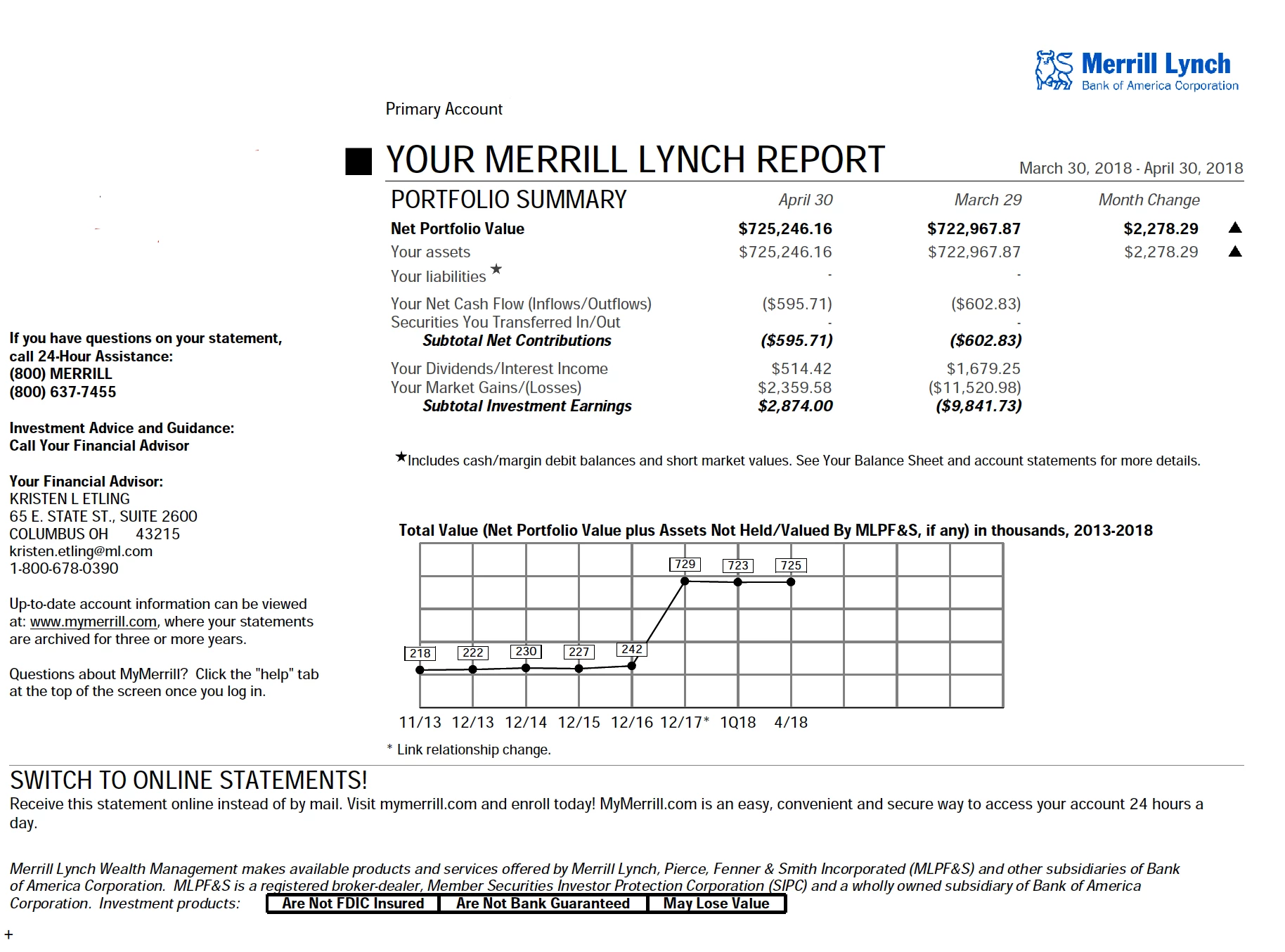
Downloaded brokerage statements (on my iMac running Tahoe 26.3) fonts are changed when file is opened. When file is printed everything is correct. File also open correctly on MacBookPro running Sequoia. Is this a mac problem or Acrobat problem?
@jsw08041984 So, it should look like this. On my PDF, the Helvetica font is not embedded. Now, this PDF statement was off the internet, so it isn’t mine. Seems it’s similar as your statement but appears correctly I would assume?
Let’s try this, open your PDF in Acrobat Web to see if that is also screwy too?
Two more things and then it’s waving a whit flag… maybe three
• Clear your font cache. Go to Go at the top, hold the Option key which will show you Library (sorry, I can’t do a screenshot of this!). Application Support/Adobe/Acrobat or DC and look for AdobeSysFnt.lst (or similar .lst files) and move them to the Trash. for some reason, I have three
Turf these (if you want just because you might be leery on this, move it to your deskop and place that into a folder) — you really don’t need to because when you restart your iMac and re-open Acrobat, the fils should create a new and fresh batch
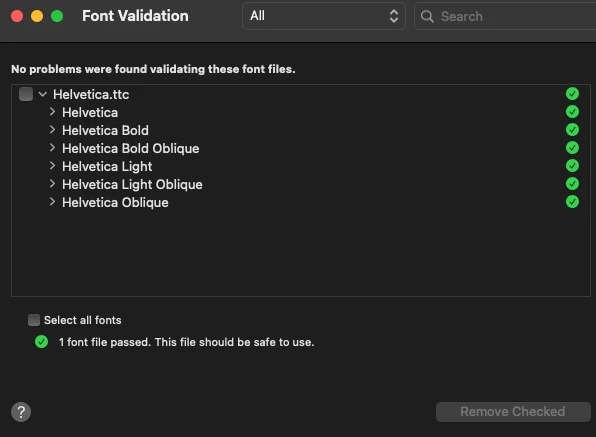
• Open Font Book, and resolve duplicates of Adobe Sans and Helvetica. You can also try validating your Adobe Sans and Helvetica (File - Validate Font)
• You could also ‘deactivate’ Adobe Sans and Helvetica in Font Book. Restart Acrobat, and Acrobat will use the font embedded in the PDF rather than one Tahoe is trying to use
@jsw08041984 chances are it’s your iMac and Acrobat. To confirm that, on your iMAC, open Preview, and open that same file. Can you check? If it looks fine, then the issue is 100% within Adobe Acrobat’s rendering settings.
@jsw08041984 that helps narrow it down to Acrobat rendering the PDF. First, close any open PDFs. In your Acrobat preferences, Command K - Page Display- Rendering - Change your settings to this. Click OK. And then restart Acrobat for good measure, and reopen your ‘Merrill Lynch’ statement. I did go to ‘Merrill Lynch’ website, and downloaded a PDF (an annual report and a form), and the fonts looked fine. The fonts in the document was Times New RomanPS, Libration Serif and Arial MT
I also have the screen resolution set to 110. My system defaults and custom is the same for some weird reason and the page layout is set to default too.






 AdChoices