Participating Frequently
January 18, 2021
Question

Dublicate pages in Acrobat forms with different text in Textbox

  • January 18, 2021
  • 2 replies
  • 691 views

So I need to have a PDF File Template to fill in the text myself on a weekly base.

So 1 PDF File with 52 Pages.

I found out about the great option to create an PDF form. I converted my Word template to a PDF Form and everything works great exept:

After Acrobat auto-created my Fill In Textboxes and I dublicate the 1 page, the Text boxes are synced to each other through the pages.

So when i edit "Monday on page 1" the text also appears on page 2.

Is there a way to delete the connection between pages?


Editing View
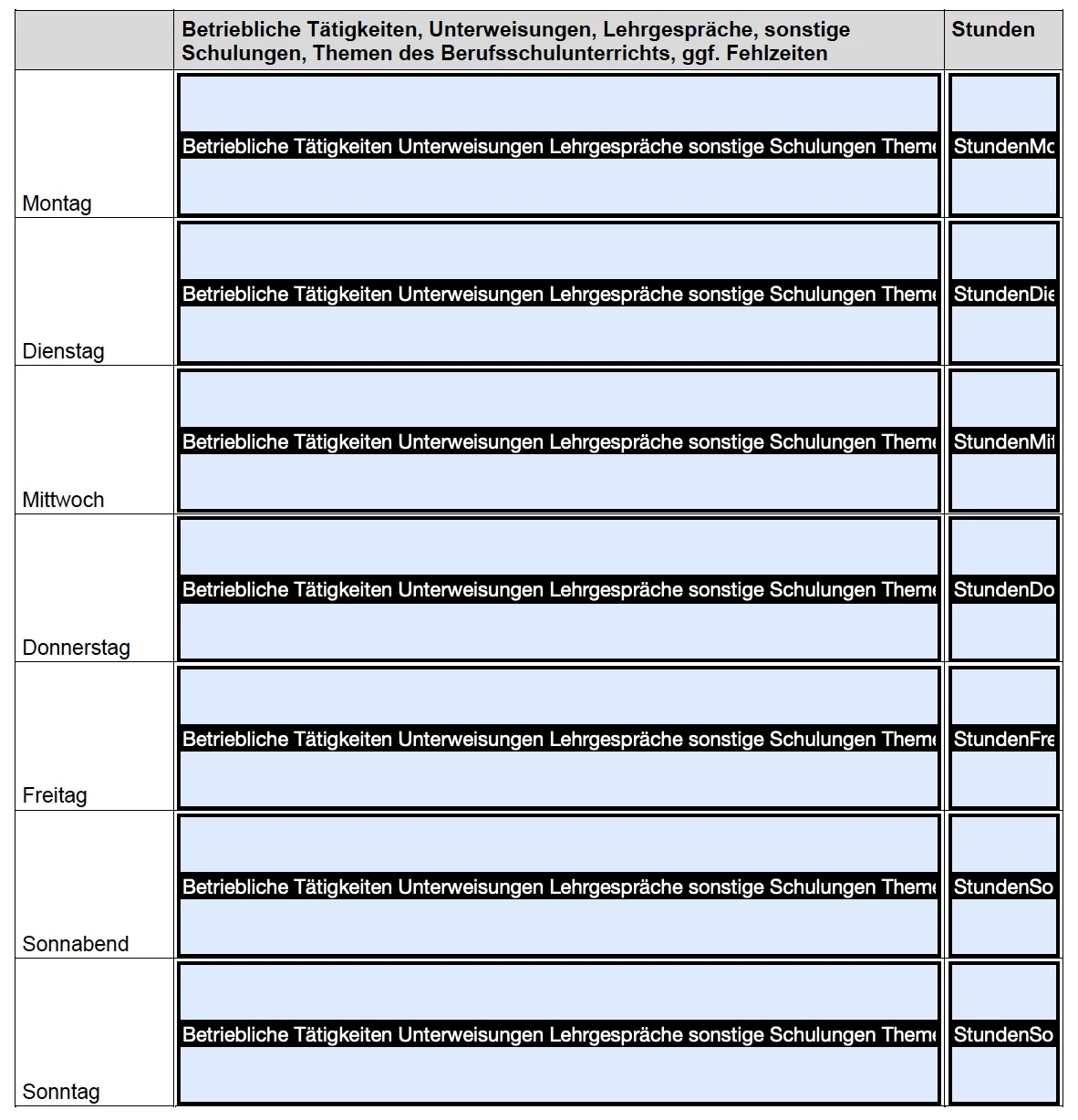
As you can see the text from page 1 gets transferred to page 2
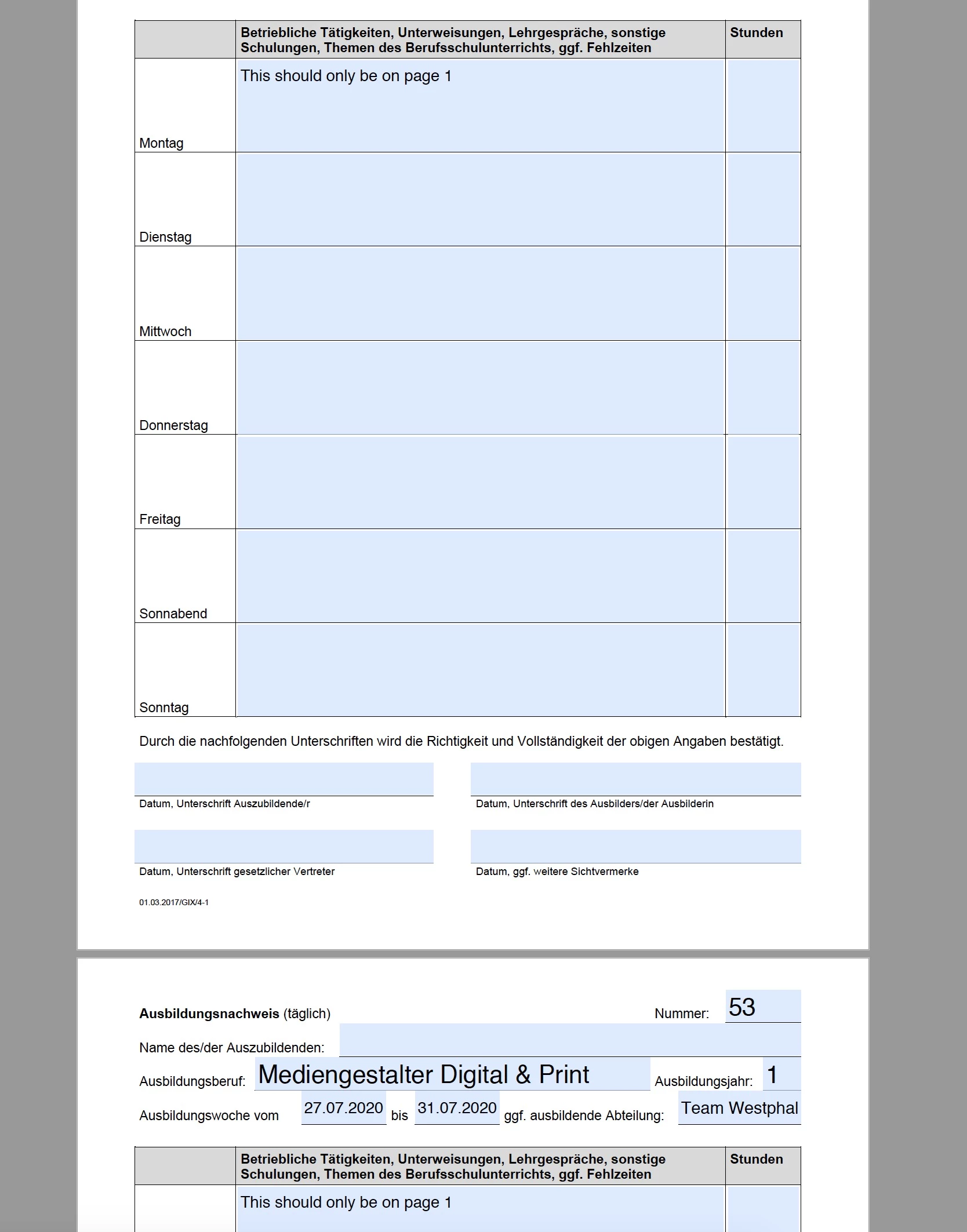


This topic has been closed for replies.

2 replies

Bernd Alheit
Community Expert
Community Expert
January 18, 2021

You can create a template page and spawn this page with the rename option.

Participating Frequently
January 18, 2021

Kannst du das genauer erklären?

Wie erstelle ich eine template seite und das andere

try67
Community Expert
Community Expert
January 18, 2021

Rename the fields on page 2 so that they have a unique name.

Participating Frequently
January 18, 2021

Yea i just fiddled around and found that solution.

I just wonder if there is a faster way. When i dublicate the page acrobat automatically sets "#2" on the end of the name but that doesnt seem to be enough.

I would have to rename 20x52 so 1040 text boxes by hand, i think i would pass on that one if i cant automatically change it ':D


Do you know if that works?

try67
Community Expert
Community Expert
January 18, 2021

There are other ways of doing it, yes, but they all require some scripting know-how.

Or you can use an existing tool, like these (paid-for) ones I've created:

https://www.try67.com/tool/acrobat-duplicate-pages-of-a-pdf-file-including-form-fields

https://www.try67.com/tool/acrobat-rename-duplicate-fields-to-unique-fields