Participating Frequently
September 28, 2020
Answered

Duplicate Form Fields with Different Formatting

  • September 28, 2020
  • 2 replies
  • 1944 views

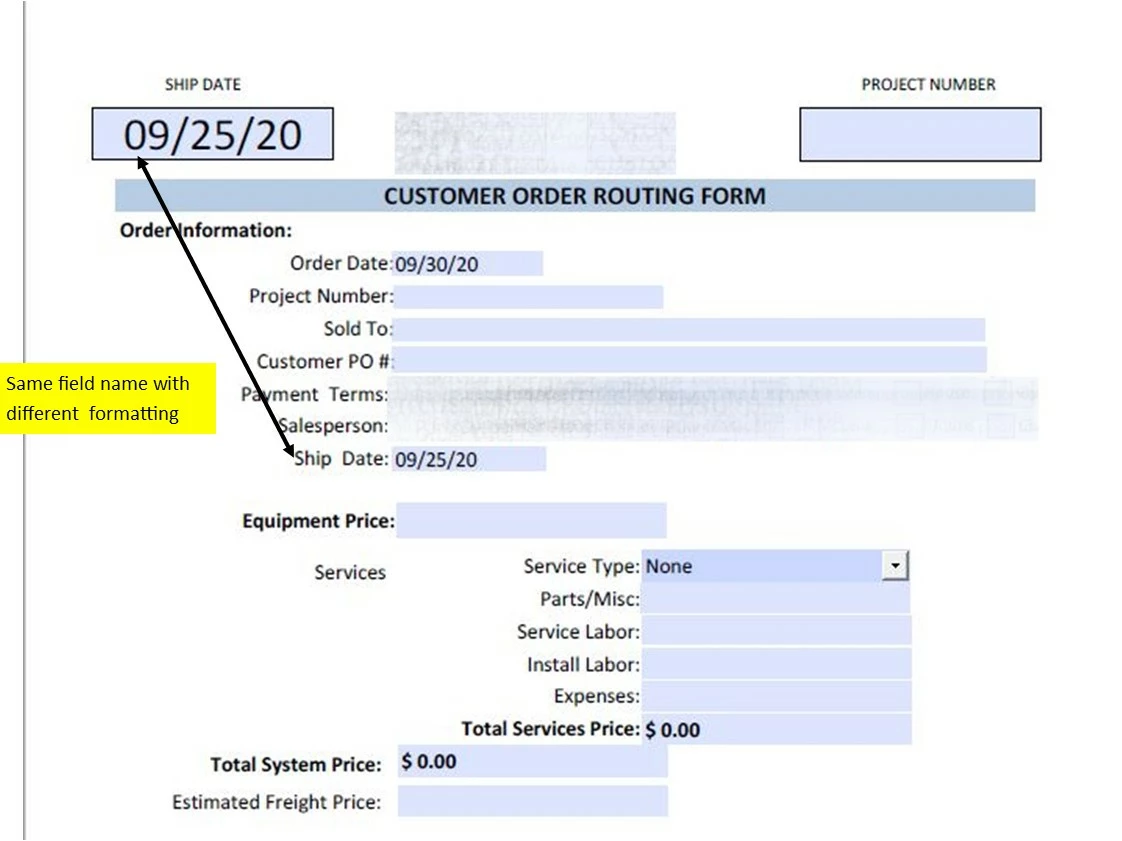
Created a form that has a couple of  key fields that are repeated near the top of the page in a larger font for emphasis.  The field names are the same but one the field in the form body is formatted at Calibri 12 and the field at the top of page is Calibri 26 with a black border.

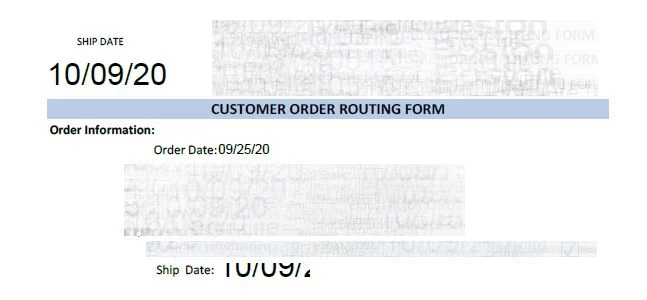
This works fine when viewing, printing or sharing via email but a problem occurs when I send the form via Fill & Sign.  When it is sent for signature the smaller field in the form body shows the Calibri 26 font...

Pictures below show how it should look and how it looks within Fill & Sign.  Thanks in advance
 

This topic has been closed for replies.
Correct answer try67

And a calculation script to copy the value from the first field to the rest. Something like:

event.value = this.getField("ShipDate").valueAsString;


2 replies

JR Boulay
Community Expert
Community Expert
September 29, 2020

This is not the first time that I am surprised that the simple act of signing a PDF can change its appearance. As if Adobe engineers didn't know how to properly flatten form fields.
It sounds crazy to me, and in some countries it's not legal.

Acrobate du PDF, InDesigner et Photoshopographe
Bernd Alheit
Community Expert
Community Expert
September 29, 2020

Use fields with different names.

try67
Community Expert
try67Community ExpertCorrect answer
Community Expert
September 29, 2020

And a calculation script to copy the value from the first field to the rest. Something like:

event.value = this.getField("ShipDate").valueAsString;


Participating Frequently
September 29, 2020

@try67 close but the formatting from the cell being referenced is used in the target cell.  Any other thoughts are appreciated.