



Answered
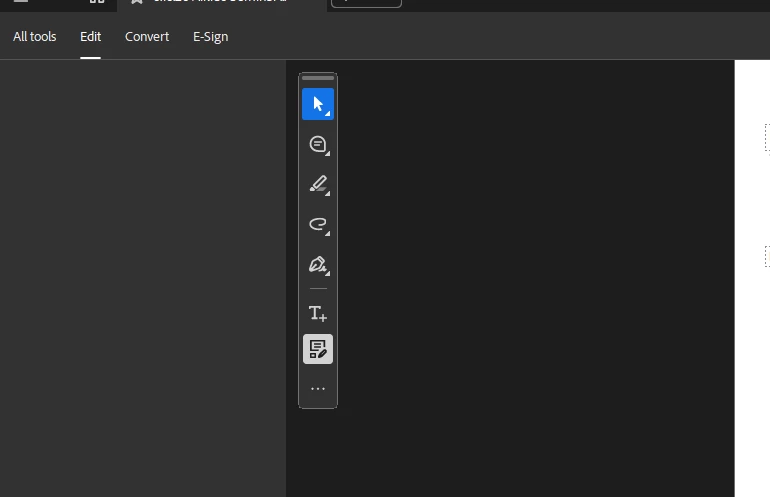
Edit menu on the left side of Acrobat blank when selected
While in a document, the All tools menu on the left shows all the options when the document first opens, but when you click on Edit or any other tab, all the options disappear and the column becomes blank for all tabs, even the All tools menu. This is happening for multiple users in our departments. The application will work normally at first, then will start having the issue randomly. Repairing or reinstalling does not fix the issue. Disabling the ‘new’ acrobat will allow the tools to be used, but this is only a workaround and not a solution to the problem.

 AdChoices