Participant
September 12, 2021
Answered

Editing text in PDFa

  • September 12, 2021
  • 2 replies
  • 558 views

Hello, A friend created a book for me using inDesign. Sent me a PDF version.
I opened it in Acrobat to edit some text.
1) The edit view shows different fonts and some incorrect spacing - no space between some words in edit view, fine in pdf.
2) On one page I indented text to show paragraphs and moved (dragged) images away from the text.
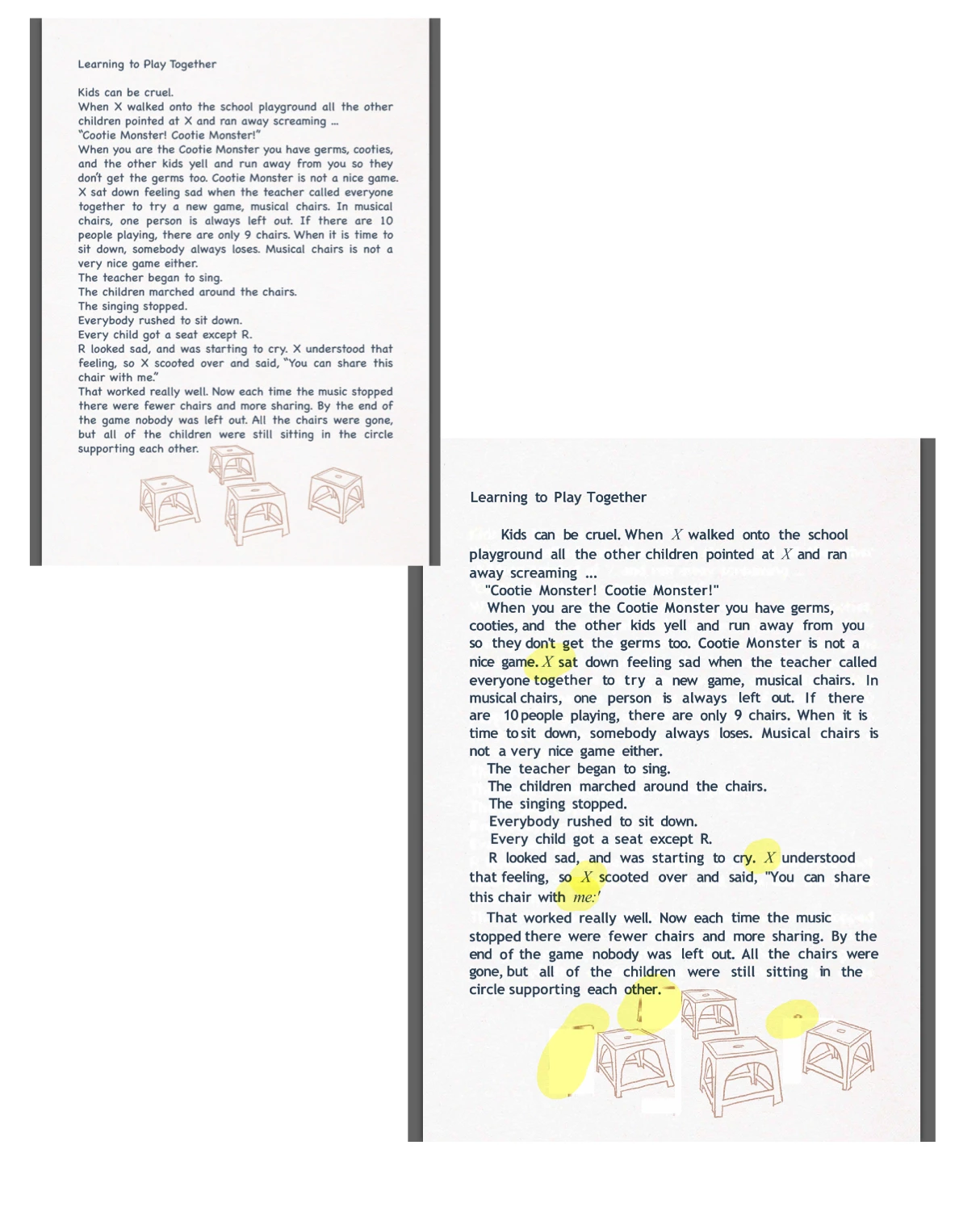
   The new saved version showed some words in a different font- not fro mthe originla pdf and not from any change I made.  (pic 2 yellow highlights)
   The dragged images also left edges behind. ( also yellow)
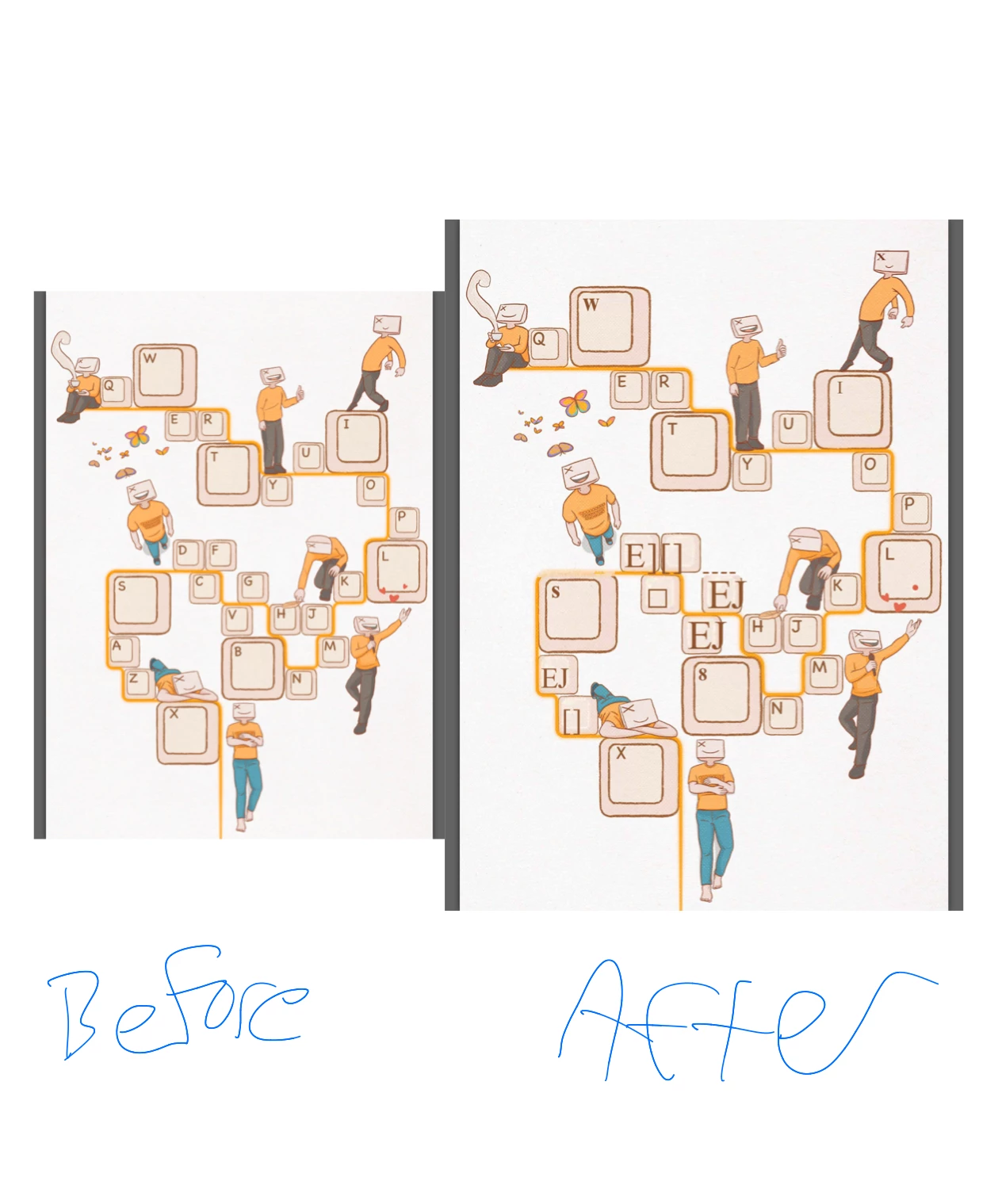
3) A different graphics only oage that I did not edit, came out a bit messed up after I finished editing and saved as a new pdf  (pic 1)

Any thoughts?  Many thanks.
This topic has been closed for replies.
Correct answer gary_sc

Try is correct, do not use Acrobat to try to "fix" the issues. However, if you do not have InDesign as your friend does, one other alternative is to take the PDF and use  the many "Comment" features in Acrobat and send that PDF back to your friend to fix the issues in InDesign. 


Don't feel bad, many people have the understanding that Acrobat can edit any PDF and that's kinda sorta true. but the reality (and the intent) was only to do spot editing like fix a singular mispelling and such. But the BEST approach is to fix any issue in the original application and then re-create the PDF.

2 replies

gary_sc
Community Expert
gary_scCommunity ExpertCorrect answer
Community Expert
September 12, 2021

Try is correct, do not use Acrobat to try to "fix" the issues. However, if you do not have InDesign as your friend does, one other alternative is to take the PDF and use  the many "Comment" features in Acrobat and send that PDF back to your friend to fix the issues in InDesign. 


Don't feel bad, many people have the understanding that Acrobat can edit any PDF and that's kinda sorta true. but the reality (and the intent) was only to do spot editing like fix a singular mispelling and such. But the BEST approach is to fix any issue in the original application and then re-create the PDF.

Thay BonAuthor
Participant
September 13, 2021

Thank you,
You are right, I got into this thinking Acrobat might do more than it can. I am at the low end of skills and try to keep things simple- but you need the right tools for the right job inDesign it is.

I think there are many people like me who take "Editor" at its word. It would be good of Adobe to keep things clearer up front, emphasising the limitations of Acrobat and nudge us towards inDesign.

try67
Community Expert
Community Expert
September 12, 2021

You should not do that. PDF files were never meant to be edited in such a way and Acrobat is not an editor, like Word or InDesign.

Ask your friend to send you the original InDesign file and make the changes there. When done, create a new PDF file from it.

Thay BonAuthor
Participant
September 13, 2021

Thank you. I'm definitley going to stop doing it. I will try inDesign with inDesign files .