

Embed Microsoft docs in PDF Acrobat Pro DC
Hi all,
I wish to embed multiple Microsoft (excel and word docs) in PDF. I'm currently using Acrobat Pro DC.
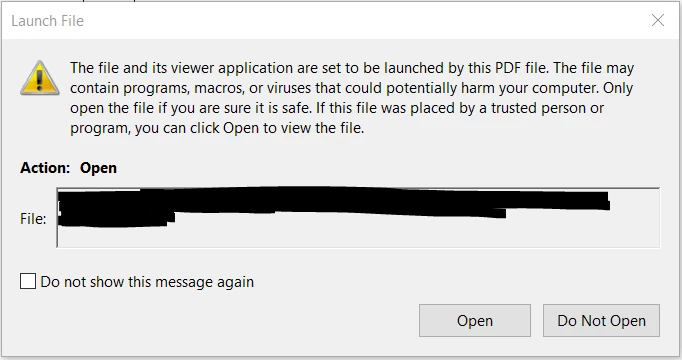
I know one of the method is to "create links" or "open a file" and then it will prompt the user to browse for the file and attach it. This method works perfectly and I am able to open Microsoft docs in PDF Acrobat DC as shown below:
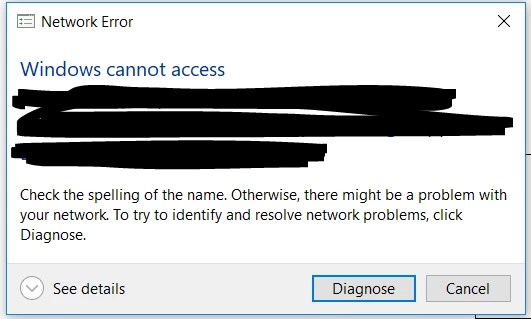
However, if I use this method and if I move that file out of the specified folder, it will show me this error:
Ideally it should open the files without having to point it from a specific folder in cases of moving the file in the future.
I was able to embed other PDF doc within the PDF doc by editing the PDF > Add/Edit Web or Document Link > Add a new attachment (PDF) > Open that PDF file > Click 'Set link'. It works perfectly for PDF files but not for Microsoft files.
Anyone has any idea? Thanks!!
 AdChoices