"Enhance Scanned Document" leaves a shadow, breaks charts and images
Hi. I found the Enhance scanned document pretty amazing being able to recognize the text and then replace it with quite similar font family. Although I have a particular issue with it. While the image text is replaced with an actual OCR-ed characters, the image underneath remains at some degree. Even choosing the High background removal, it remains underneath, leaving an annoying shadow while also breaking actual images and charts I may have around.
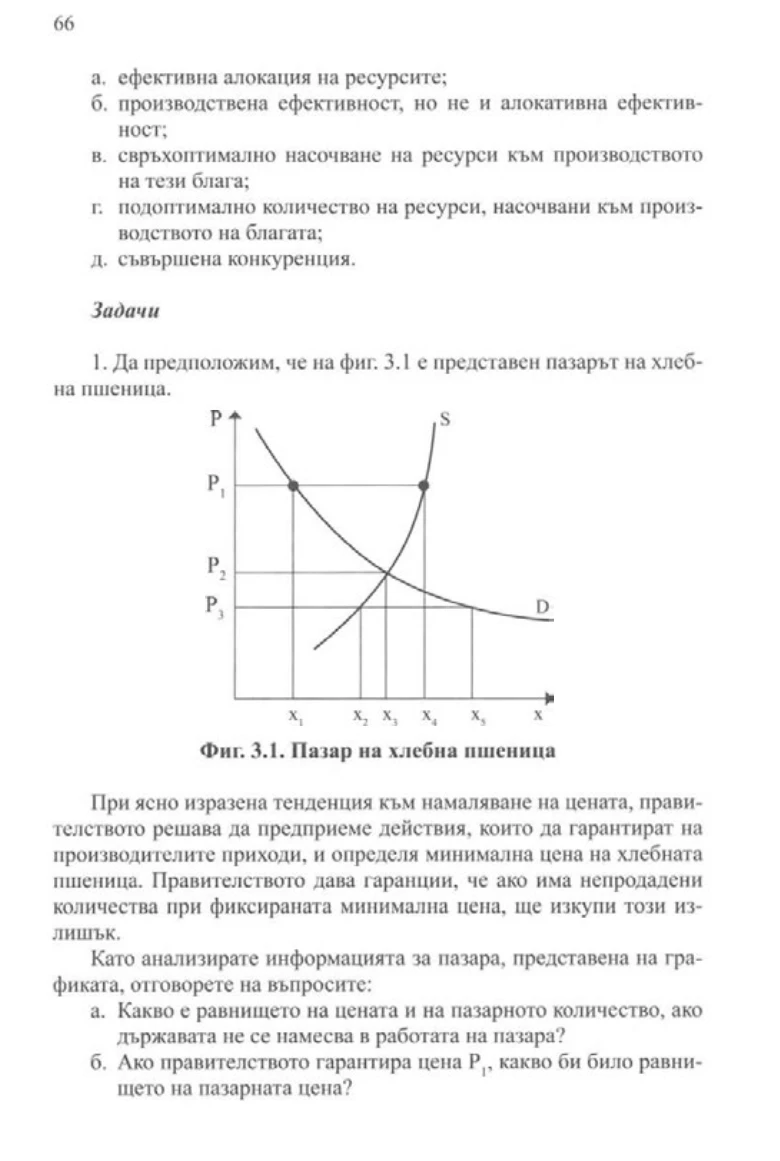
This is the orginial. Actually looks not that bad, still I wanted to try enhancing it:
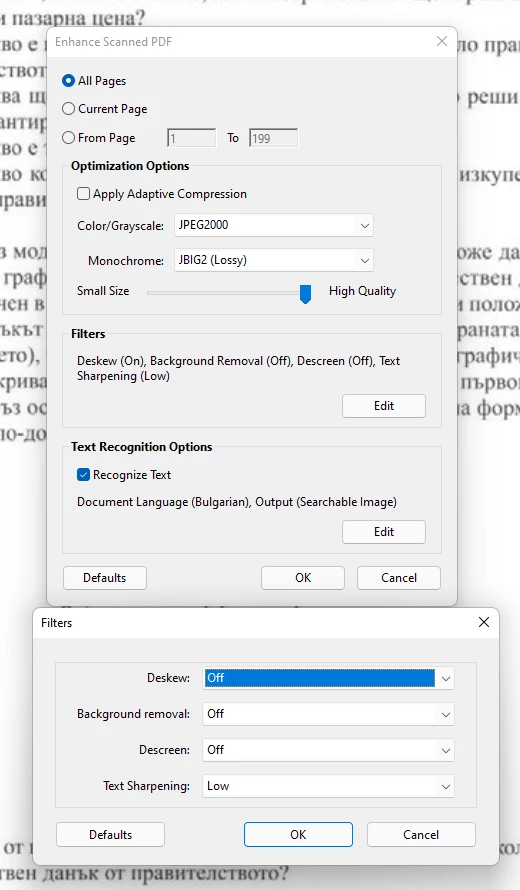
I tried with Descreen, Deskew and Compression turned off.
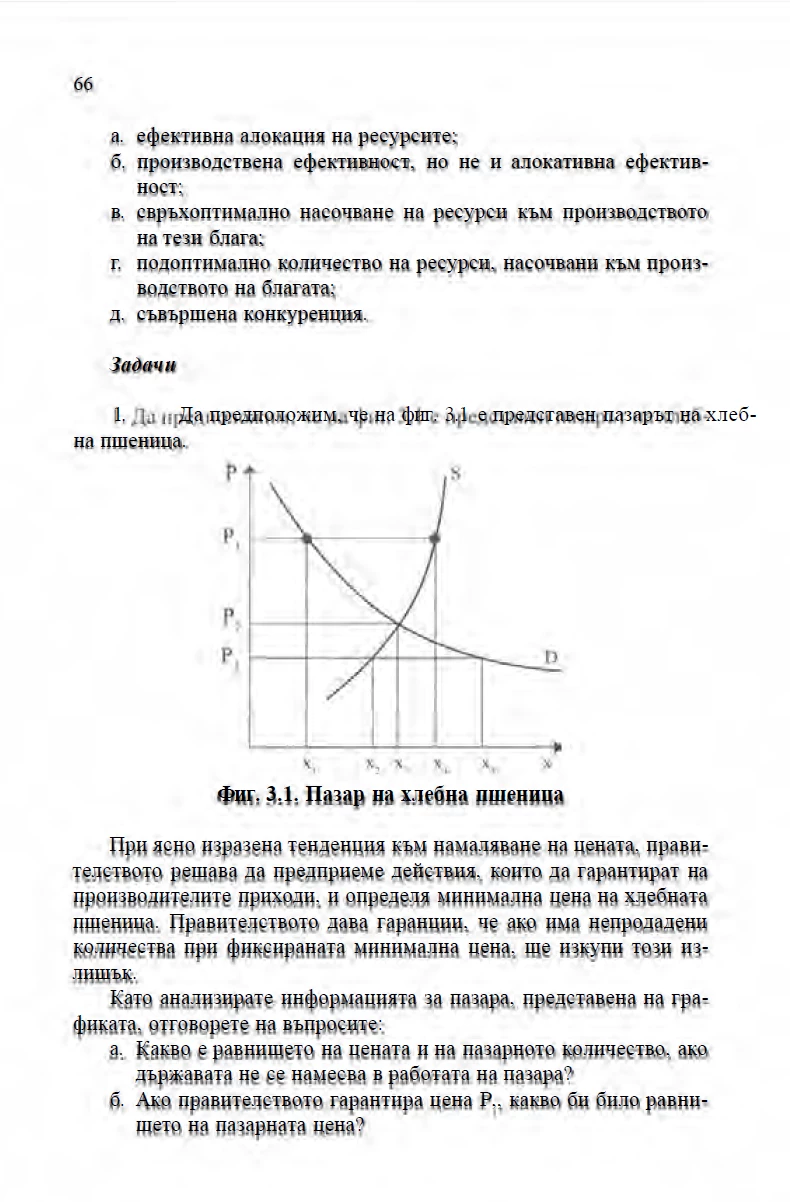
The result with Background removal off is below. There is a shadowy artifacts below the text. The chart becomes very low quality even compression is turned off.
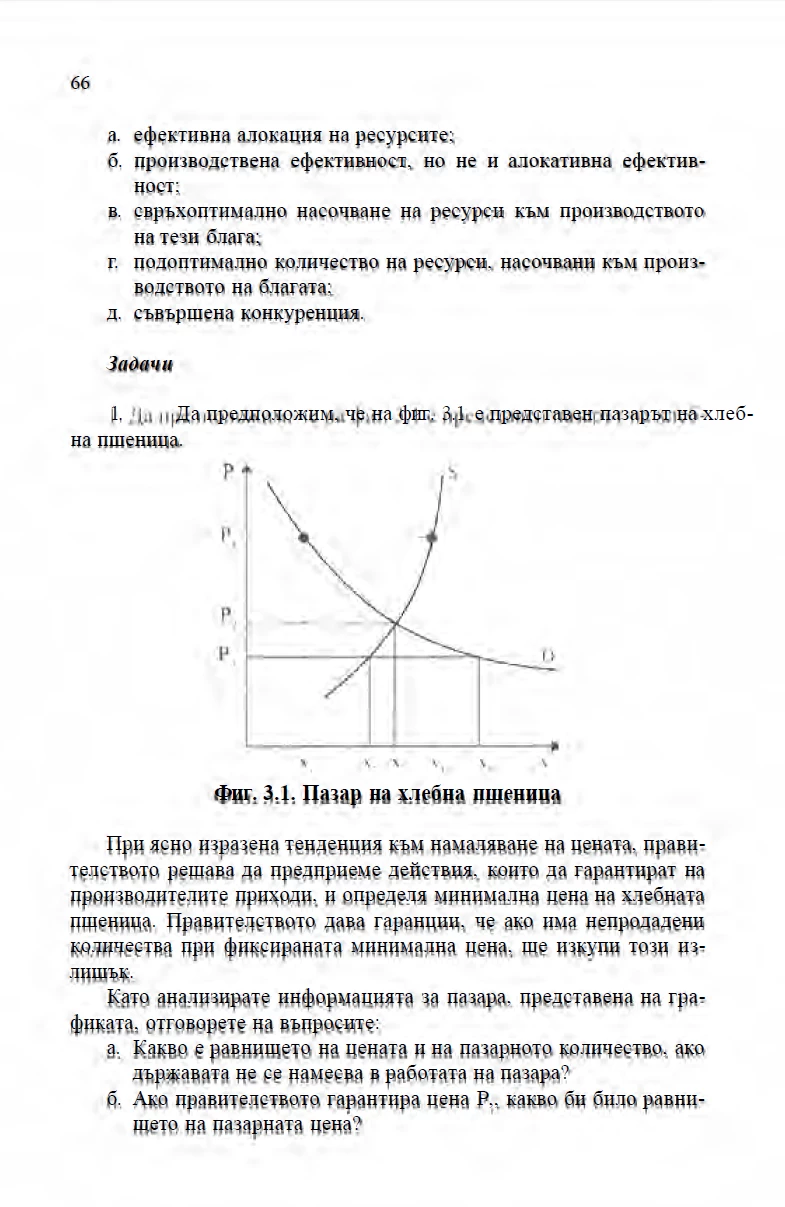
Having background removal to High makes the text a little bit more readable, with less shadows still they are quite visible and the result is not the expected. This is at the cost of the chart becomming even more broken.
Any ideas how I can actually enhance the page replacing the original text with the OCR-ed one, leaving no shadows but keep the charts or any other images intact?
I'm attaching the page I have mentioned above.
 AdChoices