Participant
July 31, 2025
Question

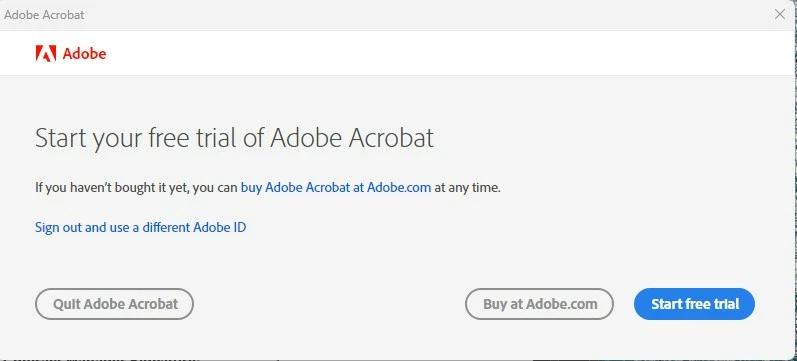
Enterprise Licensee Can't Get Past Trial or Buy screen

  • July 31, 2025
  • 1 reply
  • 80 views

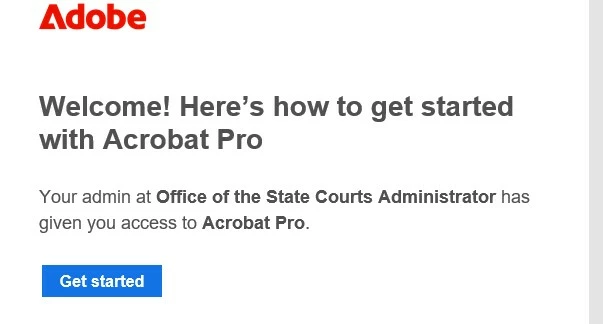
I was given an  online Acrobat Pro license from my employer (See attached photo).  Using the email sent from Adobe, I downloaded the Acrobat Pro 64 bit software and sucesfully installed it.  I launch the program, sign into my work Microsoft Profile but when the Adobe screen opens I get propmted to buy the software or start a free trial.  There is not option to validate the bulk license or to close the pop-up without closing the entire program.


How do I fix this?
 

1 reply

creative explorer
Community Expert
Community Expert
July 31, 2025

@steven_0715 essentially, you still have the Trial version on your computer. You need to make sure that trial version is cancelled or else you will get billed for that! https://helpx.adobe.com/ca/manage-account/using/cancel-subscription.html

Second, I would uninstall that trial version. Yeah, you can uninstall the normal way. But for a 'Clean Uninstall,' and potentially te 'nagging' pop-up, I would Adobe Cleaner to wipe it out! https://helpx.adobe.com/ca/creative-cloud/kb/cc-cleaner-tool-installation-problems.html

Then go back to your adobe account and install the app again


m