Hi glamorous_Galaxya71f,
Thank you for reaching out, and sorry for the trouble caused.
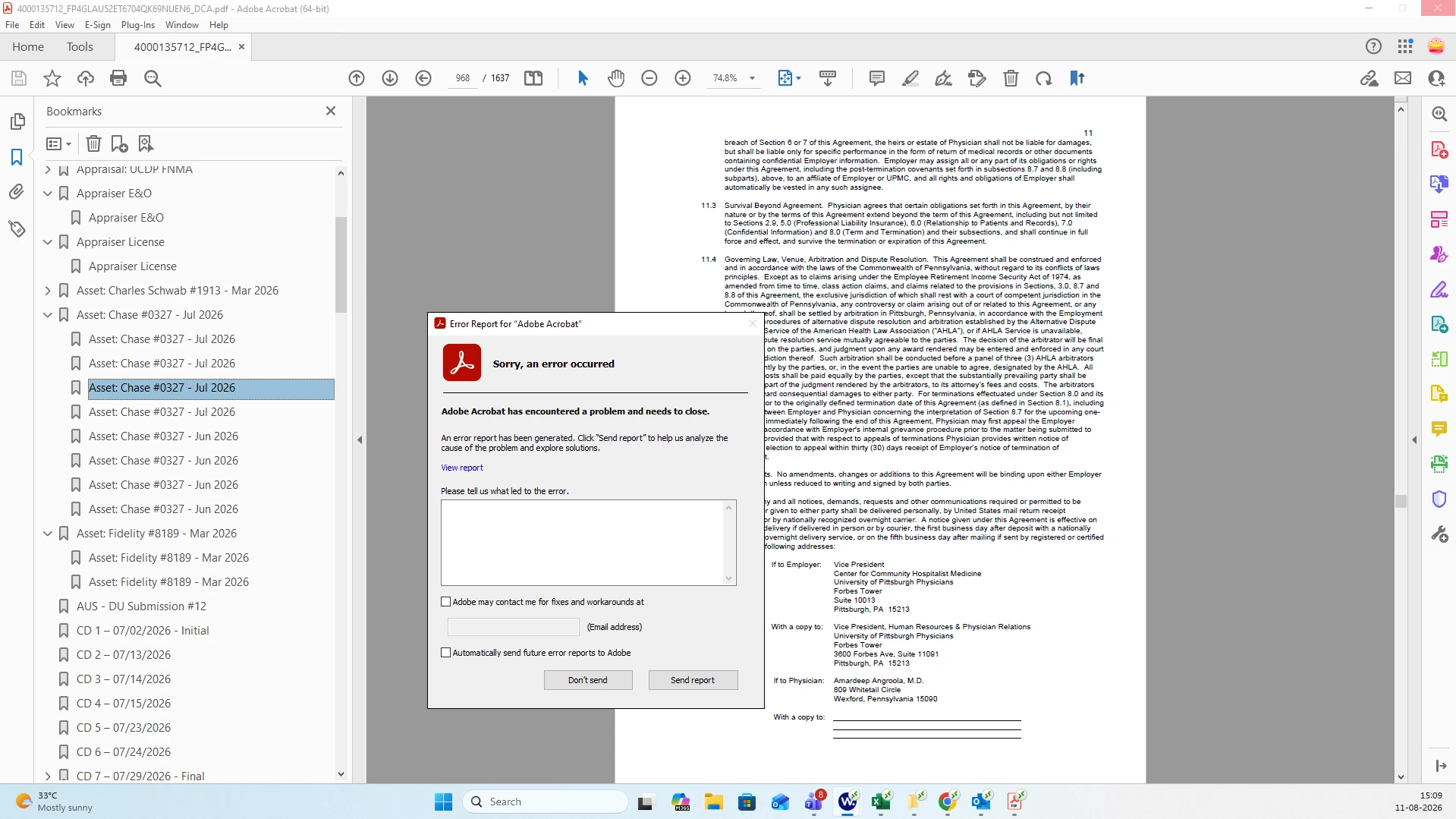
The error that appears suddenly mid-session is usually one of the following things: a graphics/display conflict, a corrupted preference, a problematic PDF, or something specific to a remote-session environment. It could also be a PDF-specific issue. Please check if you experience the same issue with other PDFs.
Please share the following information:
Does it happen with every PDF, or just one specific file? Try opening a different PDF to confirm.
Are you running Acrobat in a virtual/remote desktop environment?
Is the file stored on a shared network drive? If so, copy it locally and test again.
In the meantime, please try the following troubleshooting steps:
Turn off the graphics acceleration setting: Go to Menu > Preferences > Page Display. Then uncheck the “Optimize Page Interactions” option under Rendering. Now, click OK and restart Acrobat.
Ensure that you are updated to the latest version. Go to Menu > Help > Check for updates. Install the update and reboot.
Repair the installation (Windows). Go to Menu > Help > Repair installation, then restart your computer.
Try resetting the Acrobat preferences.
Check if this helps.
Let us know how it goes.
Thanks,
Meenakshi




 AdChoices