
Participant
July 15, 2024
Answered

Error Message: "Error on page, page might not be disaply correctly"

  • July 15, 2024
  • 1 reply
  • 558 views

Im getting the Above error message when opening the attached file in Adobe
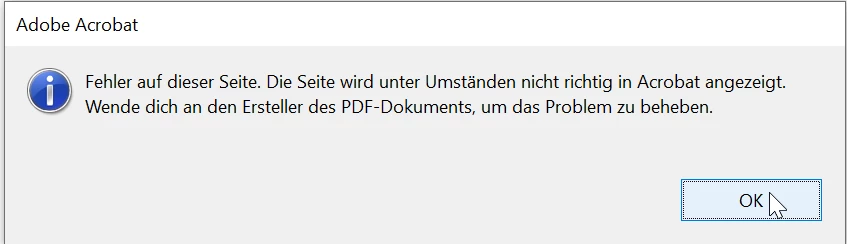
 

Removing the watermark on the top of page 1 fixes the problem. The same watermark appears on page 2 also, but does not create the same problem.


Adobe Prefiligt Syntax check complains about an "illegal content stream state" with operator "m". 
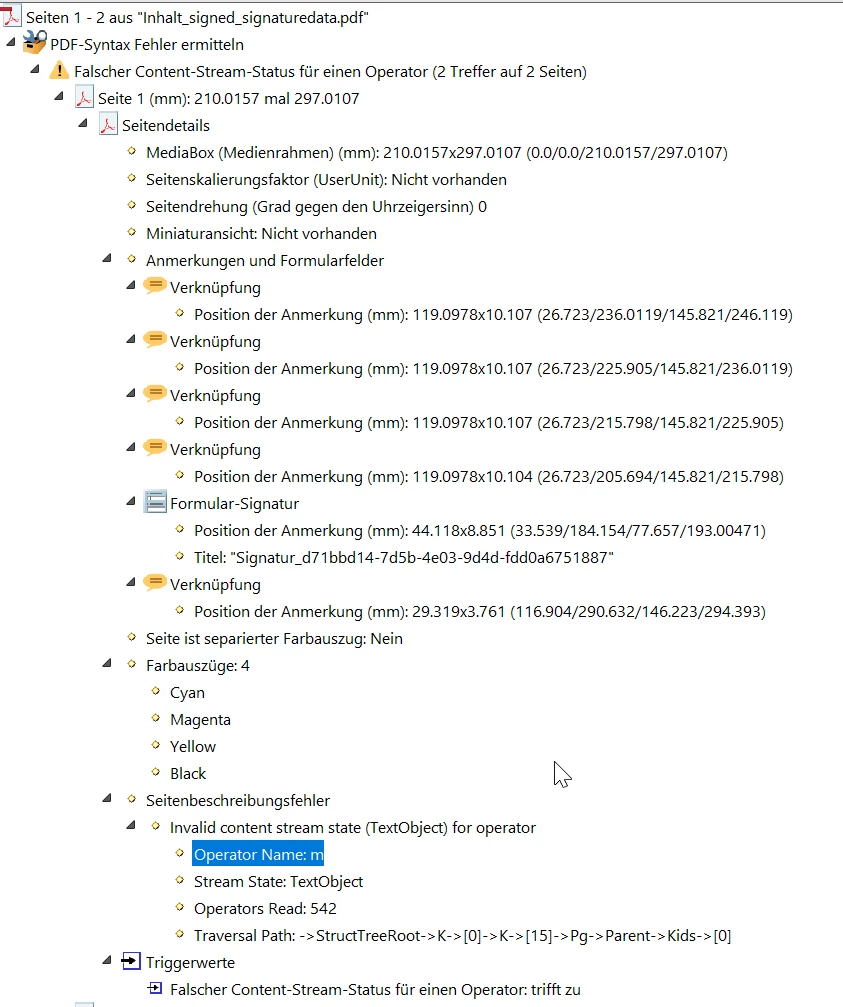


I cannot figure out what that exactly means. But removing the "m" Operator fixes the problem:
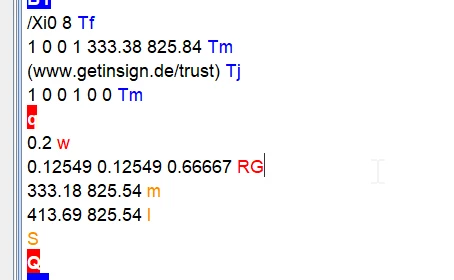
Any help or hints highly appreciated!

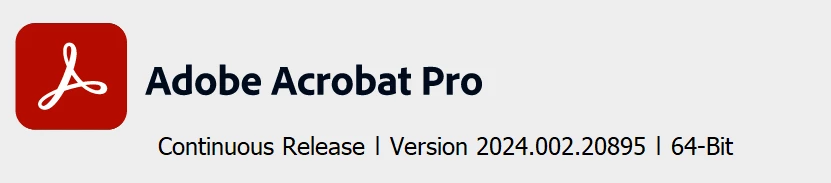
My Acrobat Pro version:


This topic has been closed for replies.
Correct answer Tariq Ahmad

Hi @Thomas28061514puoy

Sorry for the trouble. 
I looked at one of the files attached to your post. The file wasn't created with the Acrobat solution.  

Since the file is created with the third-party solution, they may refer to any object injected in the file with the name "m." 
Sadly, there isn't much that can be done as it seems more of a specific issue. You may contact a third-party solution to check for syntax errors. If you are a part of a software development team, you can contact our Developers Support team for further insights about this issue: https://adobe.ly/4cVeESF;


Feel free to reach out if you have further questions in the future.

~Tariq 

1 reply

Tariq AhmadCommunity ManagerCorrect answer
Community Manager
July 15, 2024

Hi @Thomas28061514puoy

Sorry for the trouble. 
I looked at one of the files attached to your post. The file wasn't created with the Acrobat solution.  

Since the file is created with the third-party solution, they may refer to any object injected in the file with the name "m." 
Sadly, there isn't much that can be done as it seems more of a specific issue. You may contact a third-party solution to check for syntax errors. If you are a part of a software development team, you can contact our Developers Support team for further insights about this issue: https://adobe.ly/4cVeESF;


Feel free to reach out if you have further questions in the future.

~Tariq