Answered
Error when opening adobe
Everytime i open a pdf or just Adobe, there is a pop up that open and close all the time. It looks like the log in screen, but it never loads.
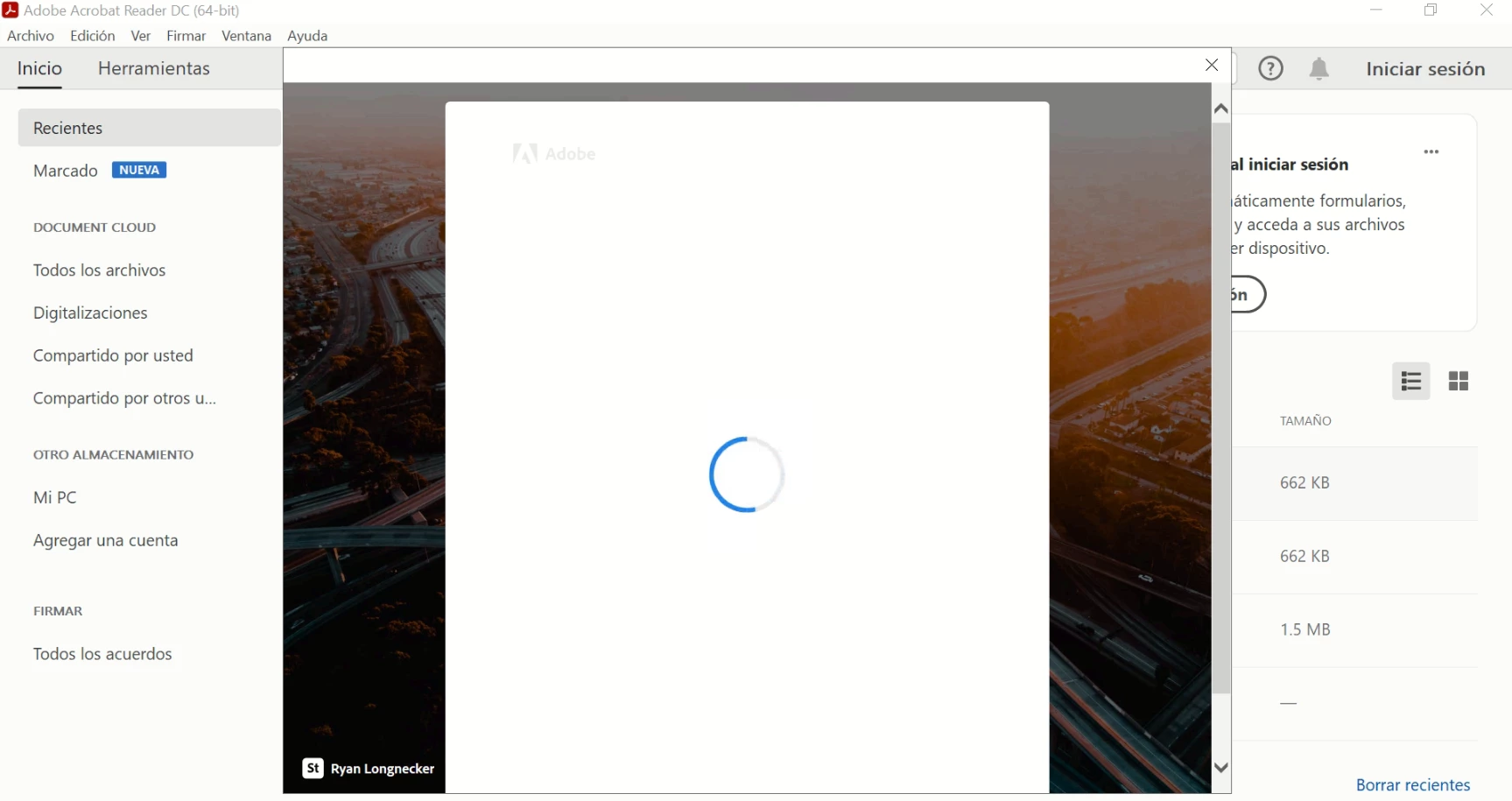
My computer is a Windows 10 all updated.

Everytime i open a pdf or just Adobe, there is a pop up that open and close all the time. It looks like the log in screen, but it never loads.
My computer is a Windows 10 all updated.
As per the issue description above, getting a sign in window having loading icon.
Check if you have Creative cloud desktop app installed then close Acroabat and open Creative cloud, sign out and sign in back and then open Acrobat from there.
Could you try rebooting the machine once if you haven't already and try using fill & sign again, does that work?
If not, try repairing Acrobat using "Repair installation" option under Help menu (for Windows OS only), reboot the machine after repair and check.
Also, try signing the document using a web browser at this link: Adobe Document Cloud and check if that helps.
Let us know if that helps.
Thanks,
Harsh
Already have an account? Login
Enter your E-mail address. We'll send you an e-mail with instructions to reset your password.
 AdChoices