
Question
Excel cell borders when exporting to PDF
No doubt this is a silly question, but I am stuck nonetheless. I have a calendar spreadsheet with thick borders around each month. When I export the document to PDF many of those borders do not export properly. Some, appear solid, as they should. Many others, however, appear broken, like the line in on the left side of the image. When creating the spreadsheet, I made the entire sheet have white cell borders so they wouldn't be visible to the user. Then, each month was set up (inside & out) with None. Filled in all of the thin lines inside the month & then the thick outside border. Is there a way to fix this?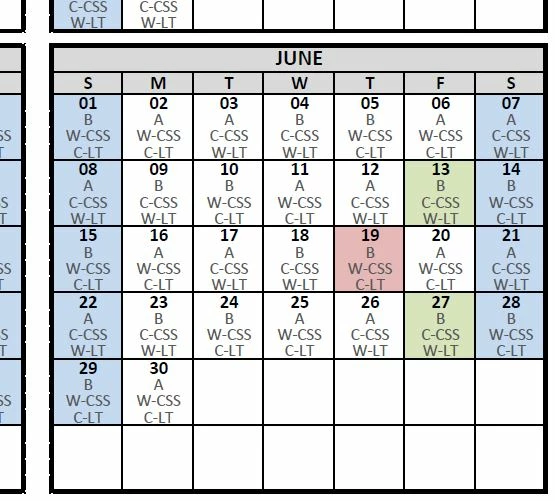
 AdChoices