
ahadp64518429
Participant
December 9, 2017
Question

Export PDF from Chrome Changes Original Color

  • December 9, 2017
  • 1 reply
  • 4945 views

Im Trying to export PDF (Adobe PDF Printer) from JPG image in Chrome.

If i save the file in system and then use "Create PDF from file" In Adobe Acrobat DC , The Color Percent is ok (100% yellow and no other color) :
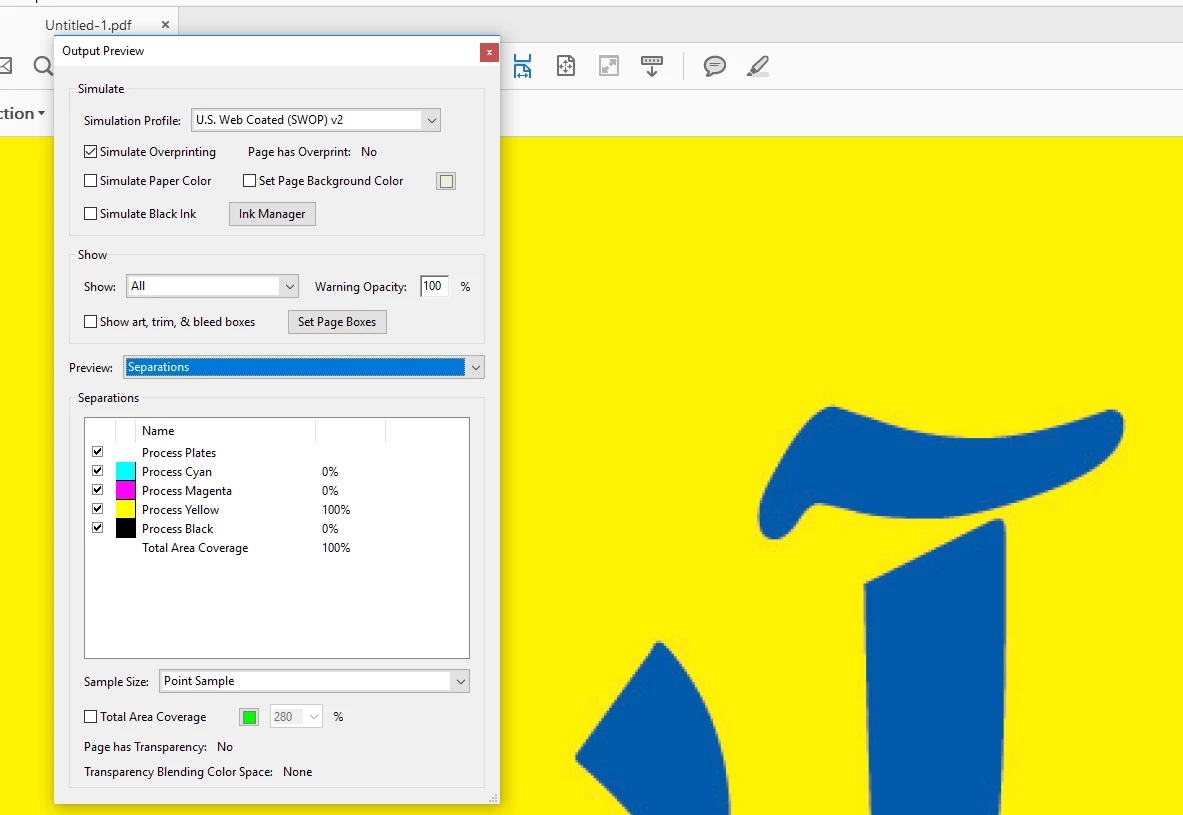
But If i do that with the same image in Chrome T and using "Adobe PDF Print"  With These Profile :
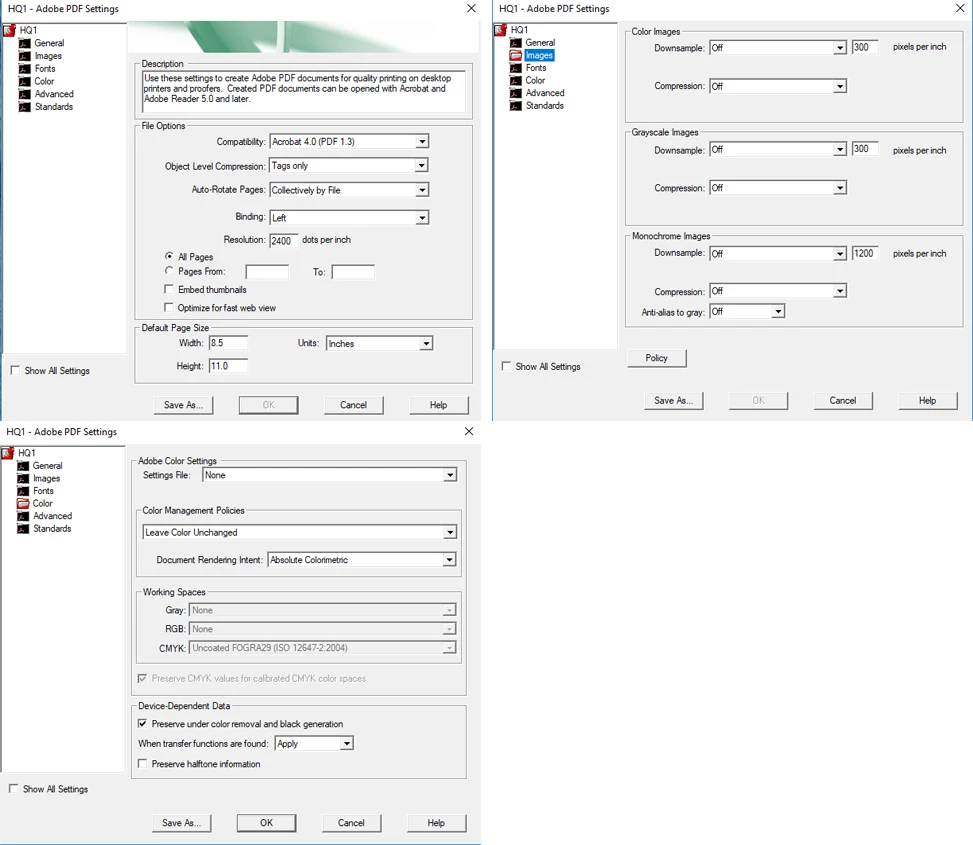
The Result Comes With yellow impurity and some percent Of Cyan :
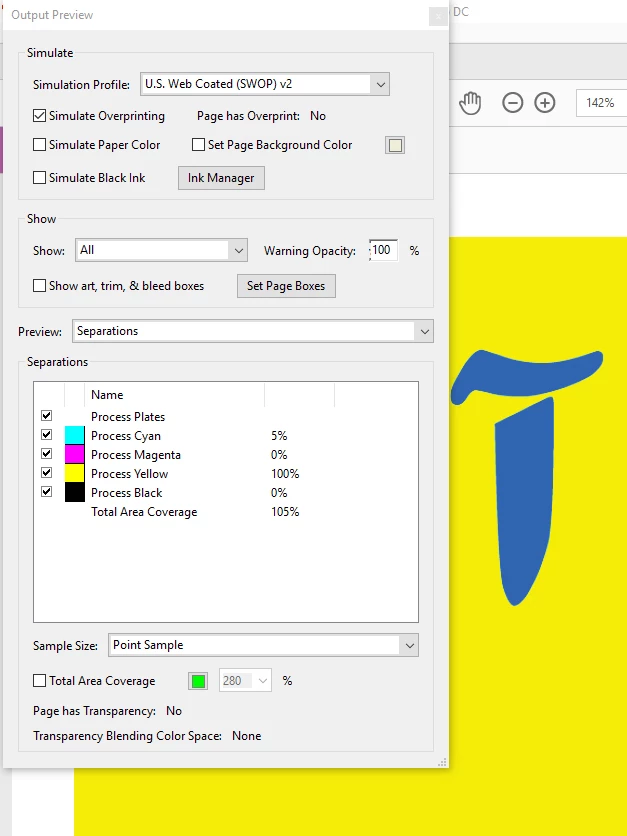
My Output must be 100% pure in PDF . is it possible to achieve this from chorme with Adobe printing PDF?

This topic has been closed for replies.

1 reply

Legend
December 15, 2017

I'm trying to figure out why you are using a workflow that uses printing to Adobe PDF printer from Chrome. The JPG is displayed in a web browser, when printing from a web browser you are basically printing RGB colour, which will explain the issue you are seeing.

If the JPG that you are viewing in Chrome is a CMYK JPEG with exact colours, then way to use this JPG is to right-click the image and download it to your system... as you've discovered this will retain the original colours.

ahadp64518429
Participant
December 18, 2017

Thanks for reply

we are using this workflow to print newspaper style page , that generated with our C# application.
The output is website(html)  with CMYK Jpeg pictures in it.
The sample above is just a crop of the output.

Best regard

Legend
December 18, 2017

This sounds normal. Chrome is a web browser not a DTP app. It will convert a CMYK image to RGB for display and it will stay RGB for printing. So colours MUST change.

If you must work with CMYK images the list of apps you can use is VERY SHORT and includes no web browsers. HTML is not a viable design tool for prepress!