
Participant
June 15, 2023
Question

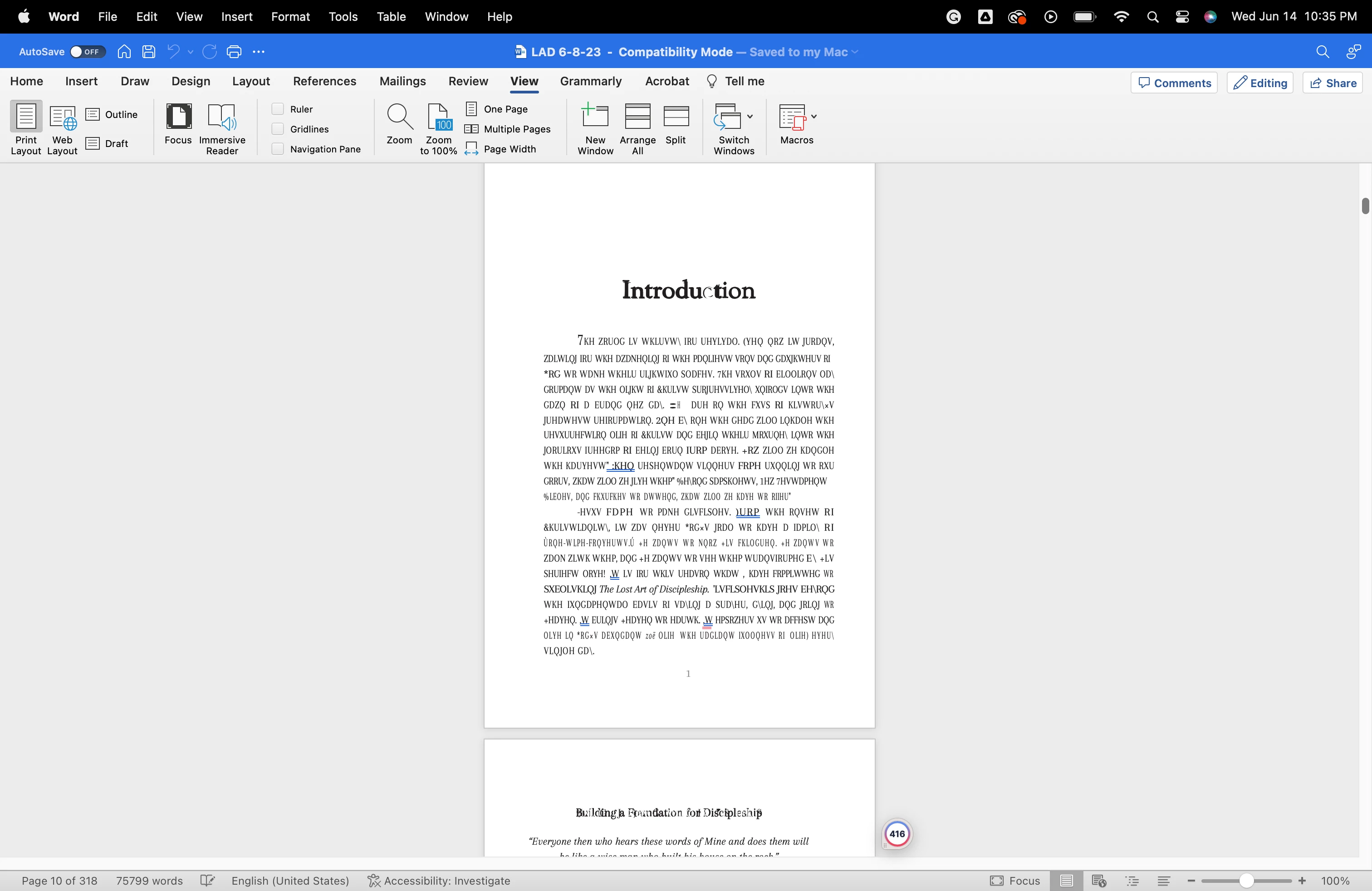
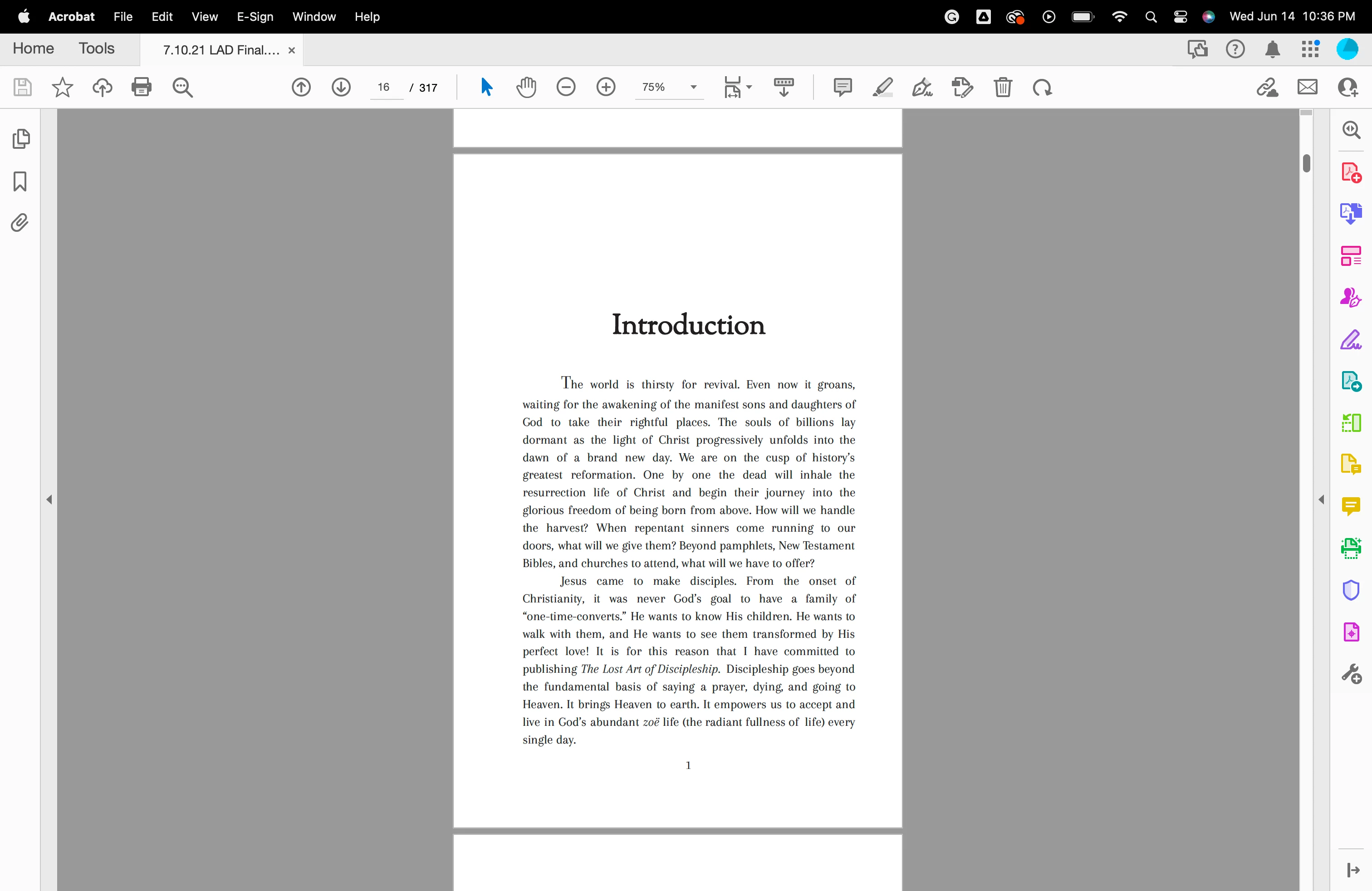
Exporting PDF to Word and all the text is gibberish.

  • June 15, 2023
  • 1 reply
  • 1566 views

I am trying to take a manuscript that my team previously published, to make some changes and reformat it. To do so, I need to be able to convert the PDF to a Word doc. However, each time I try and do this, the text turns to gibberish. So something isn't translating properly. Even when I copy and paste the text out of the pdf, it won't recognize/read what I am pasting.


Am I doing something wrong here? I am a bit clueless here and could use some help. Everything I think should work is not.
This topic has been closed for replies.

1 reply

Eric Dumas
Community Expert
Community Expert
June 15, 2023

Hi,

A couple of things to check to help us understand your issue better.

  1.  Did you try to open the pdf from Word, just a simple file > Open > select your pdf
  2.  in Acrobat, can you File > Properties > Fonts and share a screen shot of that panel
  3. in Acrobat, can you File > Properties > Security and share a screen shot of that panel
Participant
June 15, 2023

Participant
June 15, 2023

I did not open the pdf from Word. I just from Adobe Acrobat, "export" to "PDF"