

Fields Misaligned Line Up When Printed
Hi there!
I am completely stumped by this issue and am really hoping I can get some help!
We have a PDF form that is printed onto a bank contract (8.5" x 17"). I painstakingly laid out each field on a blank PDF page so that it would print correctly onto the contract, and it has been working for the better part of a year.
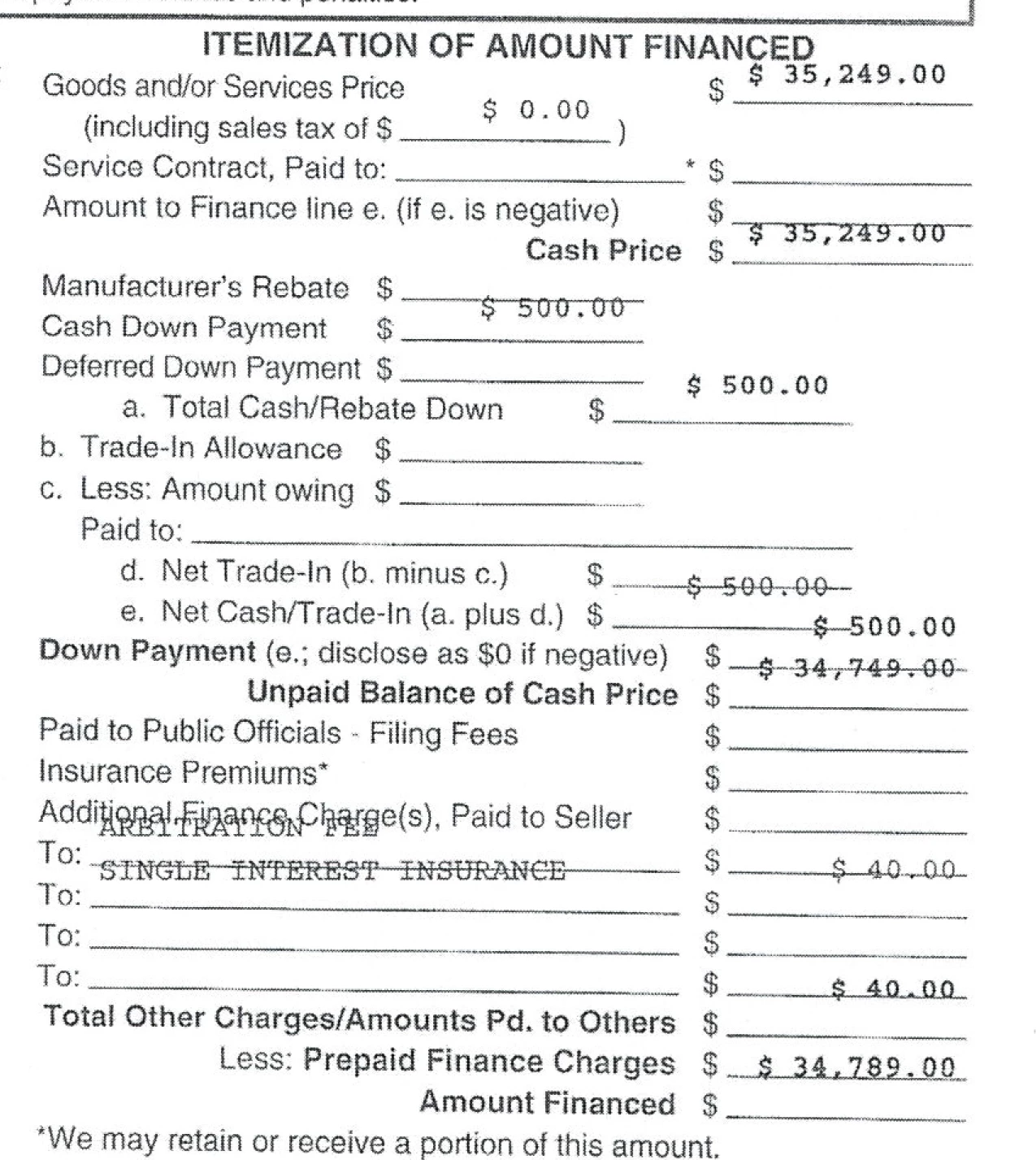
Today I received a call saying that for some reason, the contract is no longer printing correctly. A salesperson sent me a scan of the document, which showed the fields at the top of the page printing too low, the fields in the middle printing perfectly, and the fields at the bottom of the page printing too high. Below screenshot shows a portion of that scan. The last number ($34,789.00) should be on the line "Amount Financed".
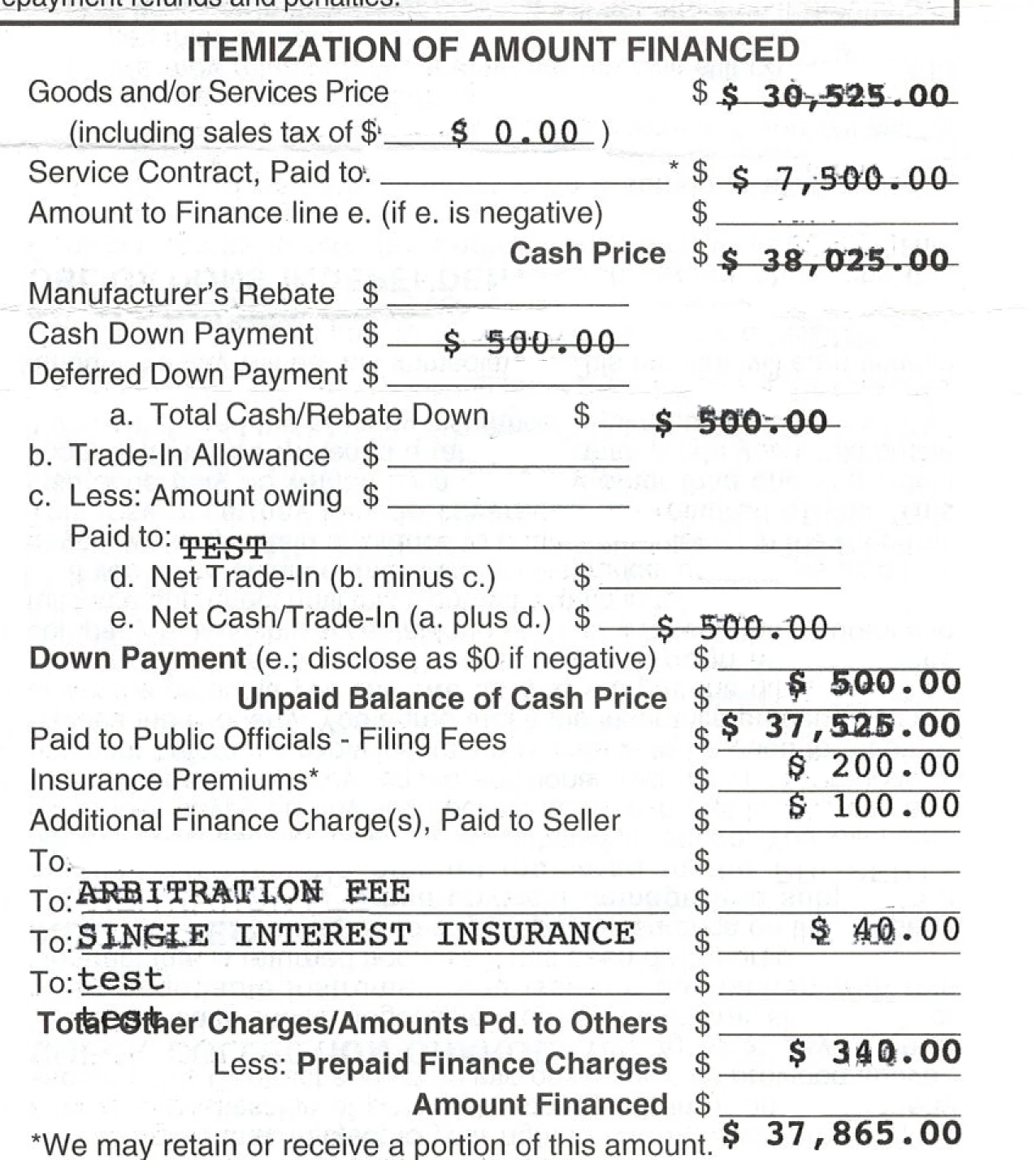
I adjusted the fields accordingly, but upon testing it, I found that everything I adjusted was then off by a line in the other direction. (I tested this on an old contract, so please excuse the state of the scan):
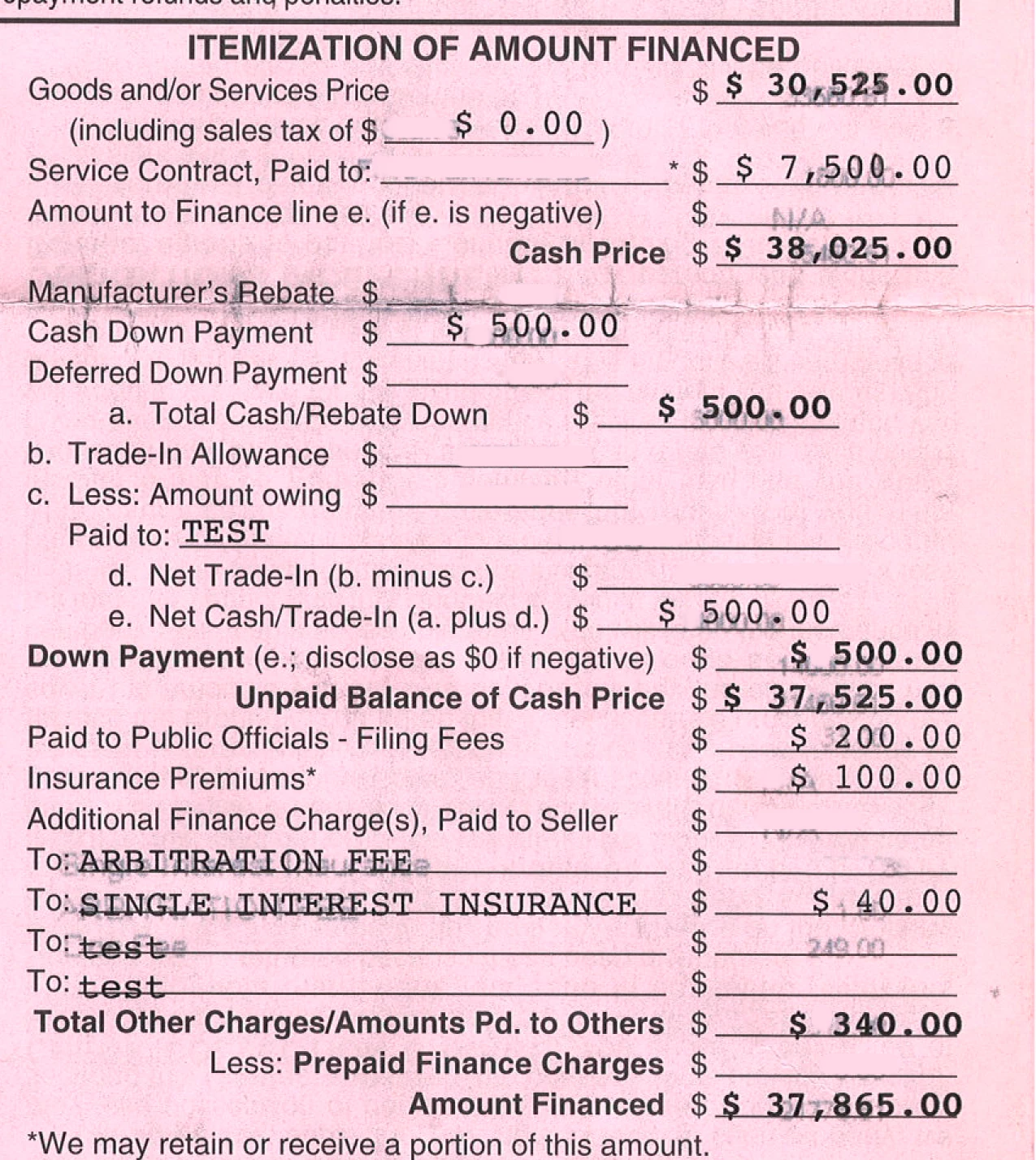
I then printed the original document that has always worked, and it printed just fine:
It seems to me that my original still works just fine, and the salesperson's printer (or their version of Reader, which I have yet to confirm) is doing something wonky. Could this possibly be a problem with printer speed? If it grabs the page too fast, could that cause the fields to be misaligned? Any advice would be greatly appreciated!!


 AdChoices