Files are automatically opening to Acrobat Pro instead of Reader
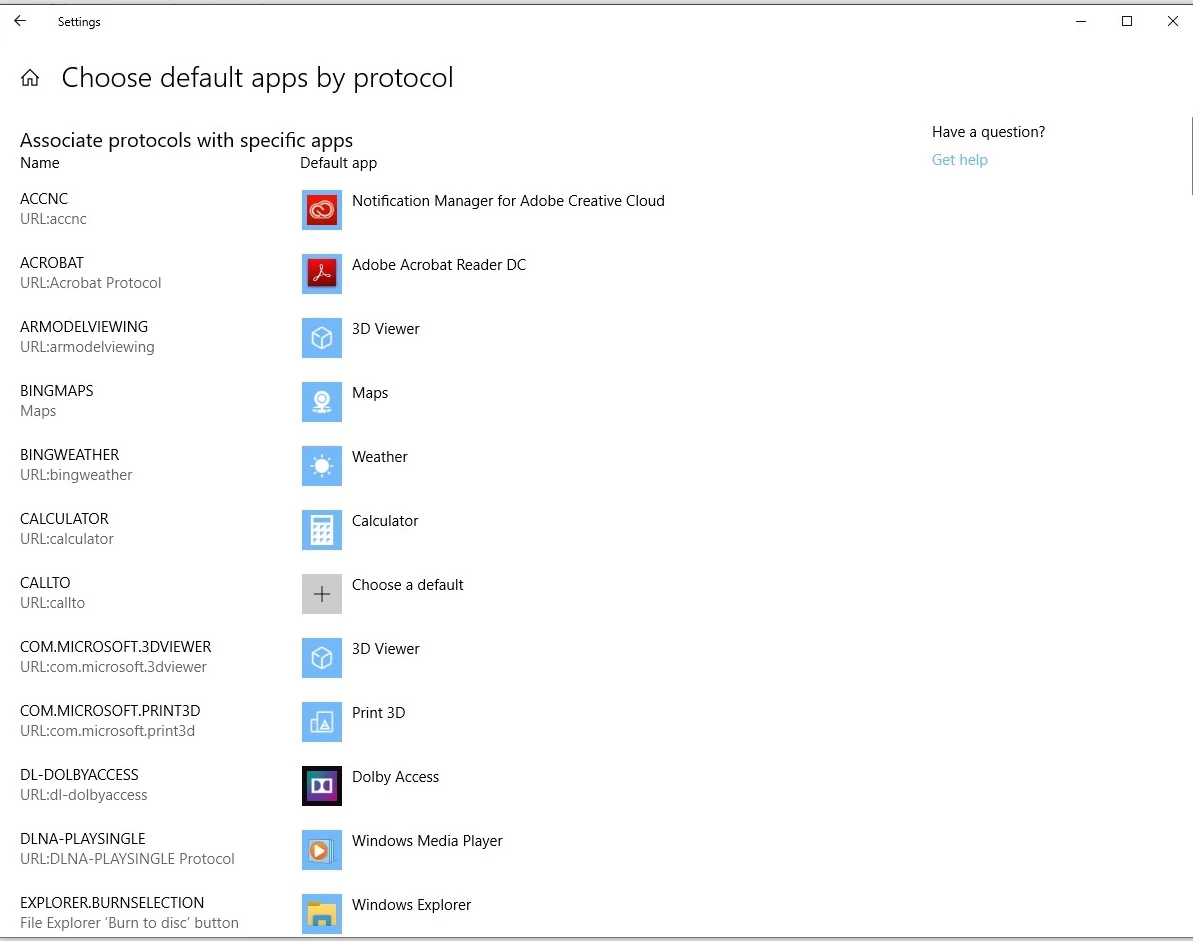
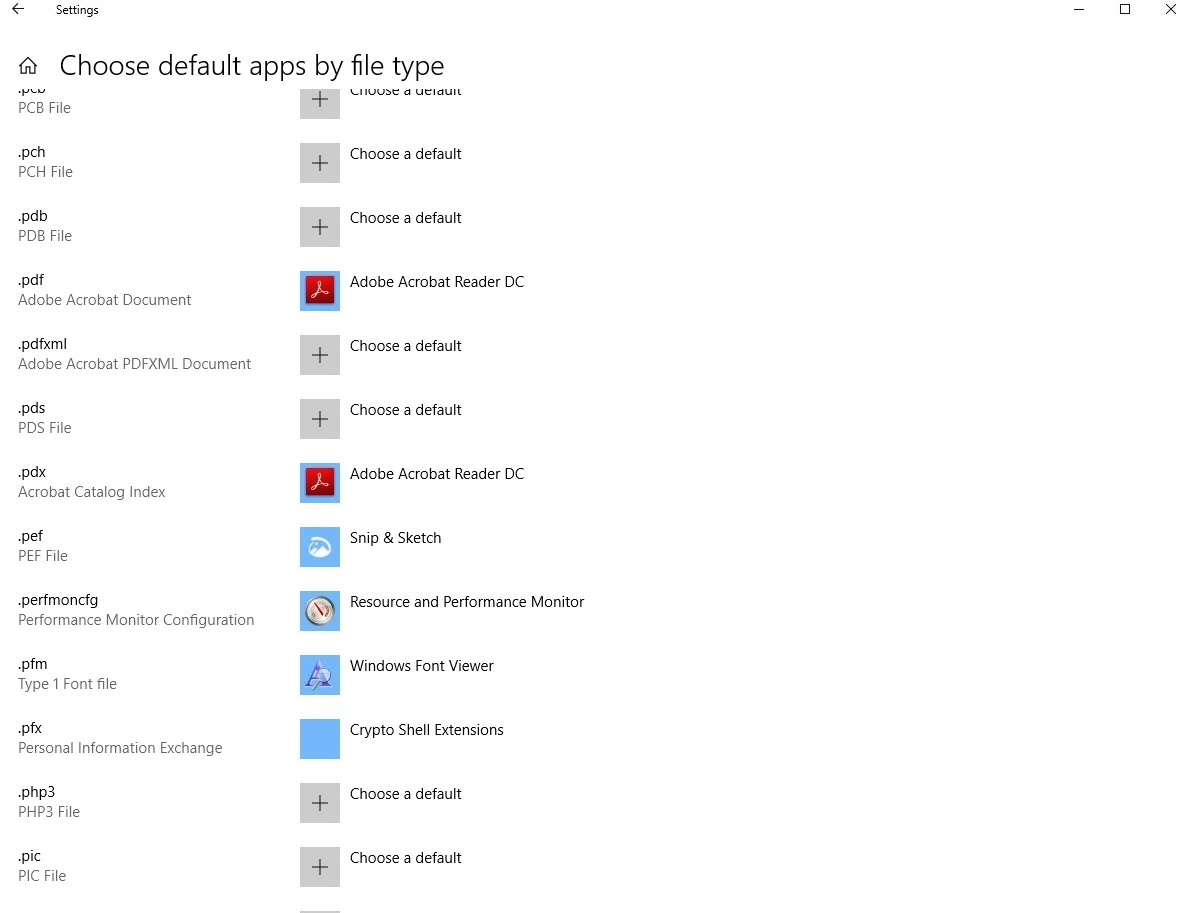
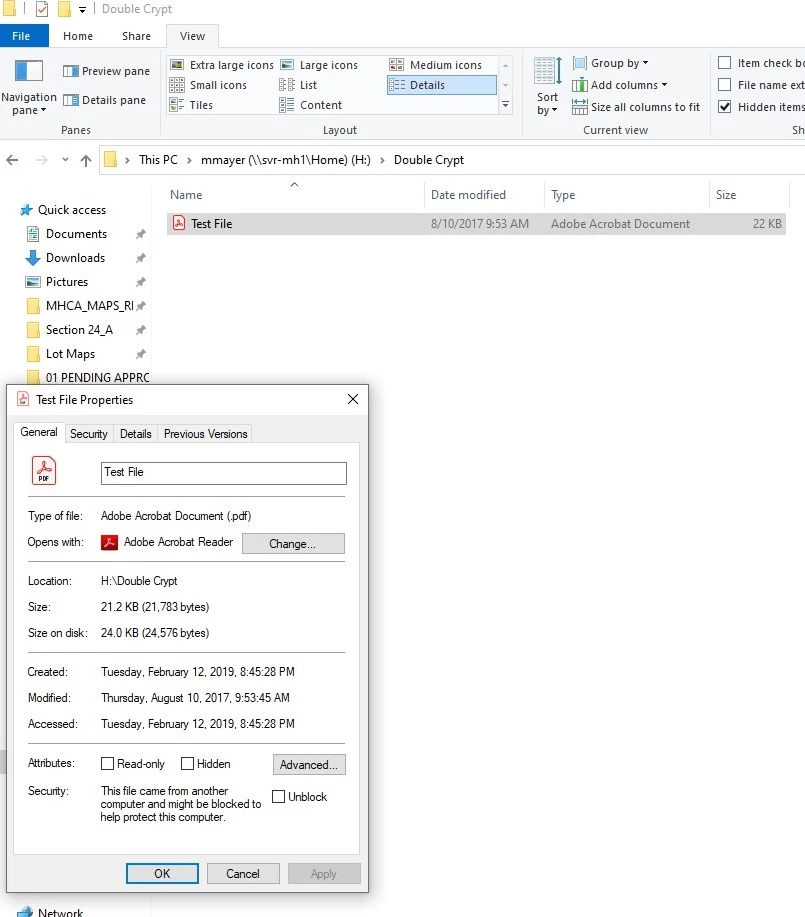
Just in the past week I've been having an issue with all of my PDF files opening to Adobe Acrobat DC instead of Adobe Reader DC. Everything is set for Adobe Reader to be the default program and I've tried uninstalling and reinstalling Reader. I'm on the latest update of Windows 10 as well as the latest updates on both Adobe Reader and Adobe Acrobat. The only way I can open a file in Adobe Reader is to open the program first and then 'Open' a file from within the program. The right-click shortcuts on the taskbar icon don't even work. They just open in Adobe Acrobat.
This is a big problem for another user that logs onto this computer once a week who doesn't have Adobe Acrobat DC (not allowed to) installed on their profile. Any PDF they open tries to open in Acrobat and gives him an error message. It won't even open in Adobe Reader which he does have installed on his profile. I can't figure out the source of this issue. See pictures to show defaults all set correctly.
 AdChoices