
Question
Fill and Sign Form is missing in Acrobat Pro on MacBook Pro
Hi Adobe Team,
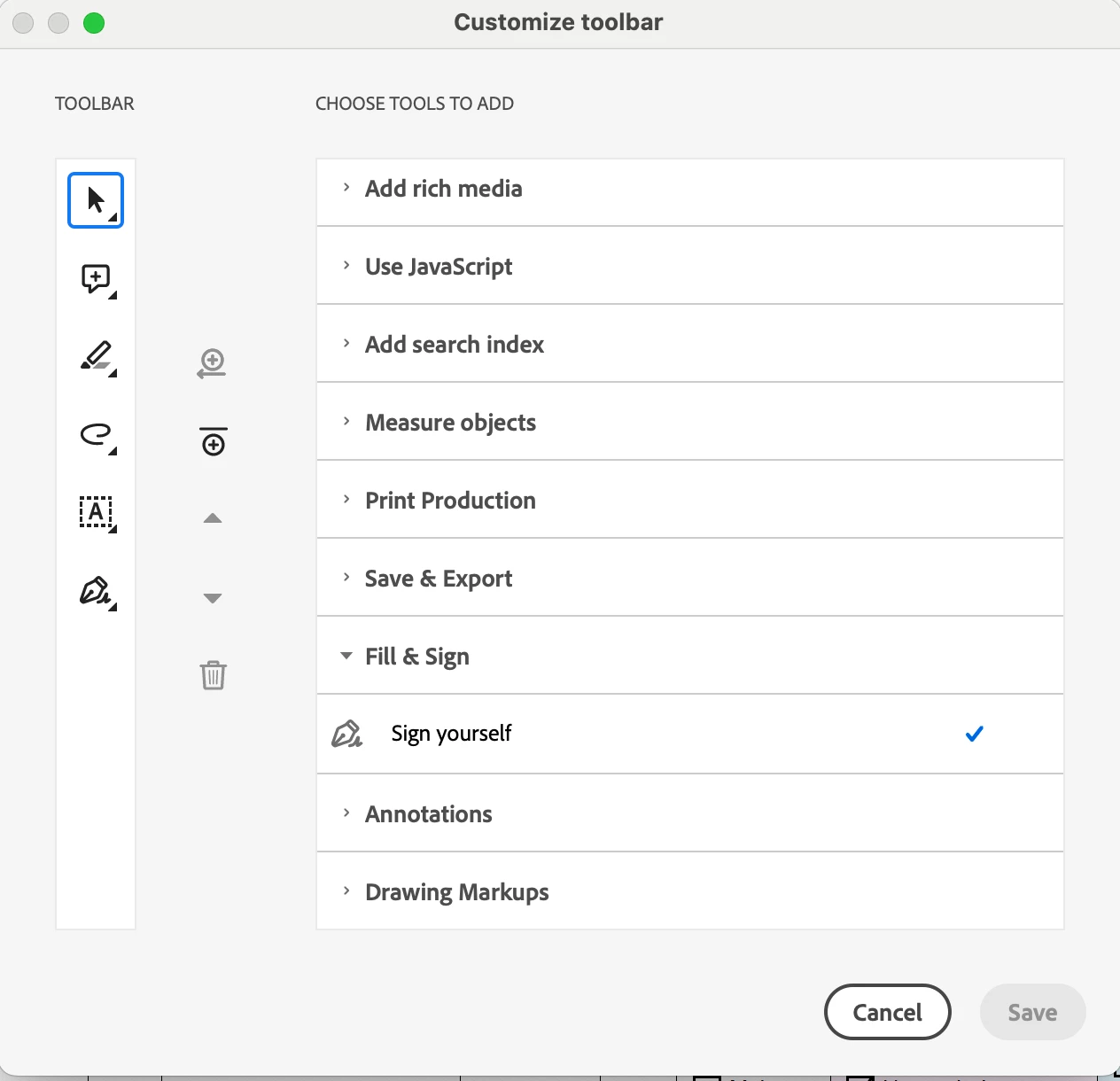
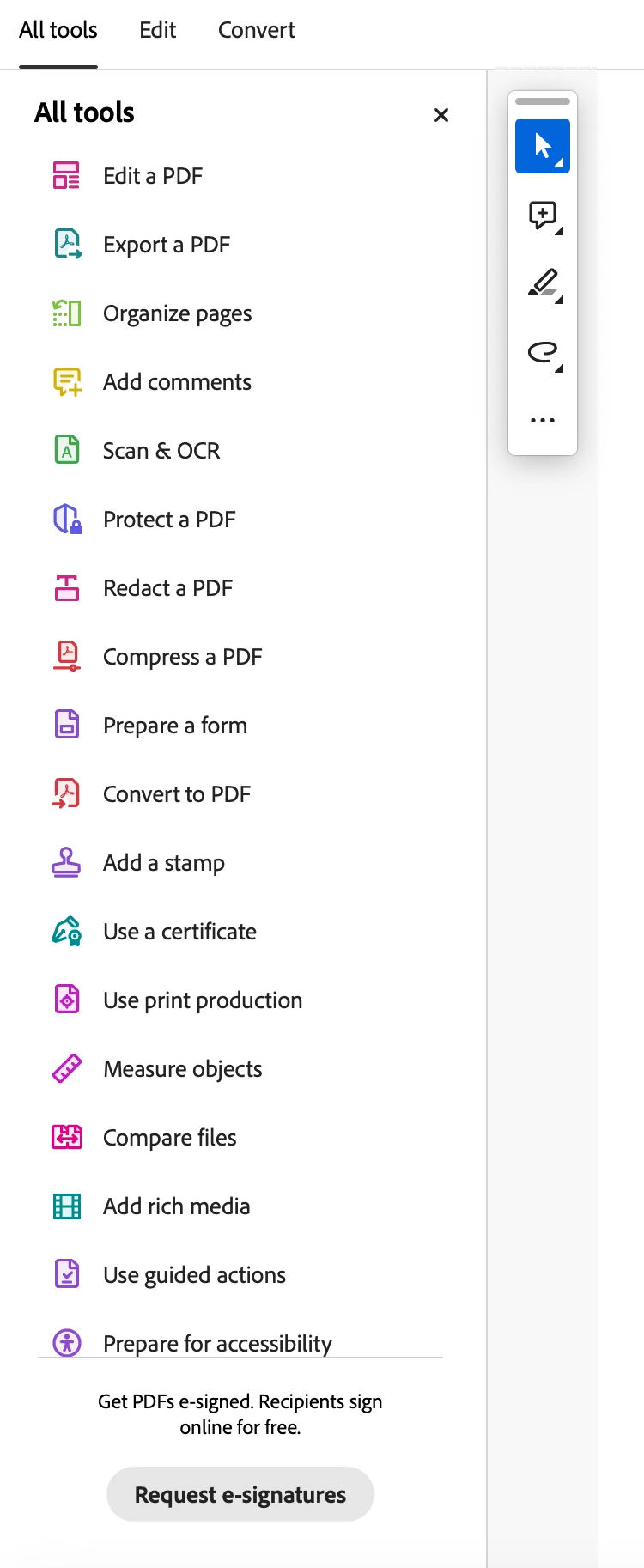
I recently installed new Acrobat Pro on Mac Book Pro. The Fill and Sign Form buttons are missing. I already tried the following but all in vain.
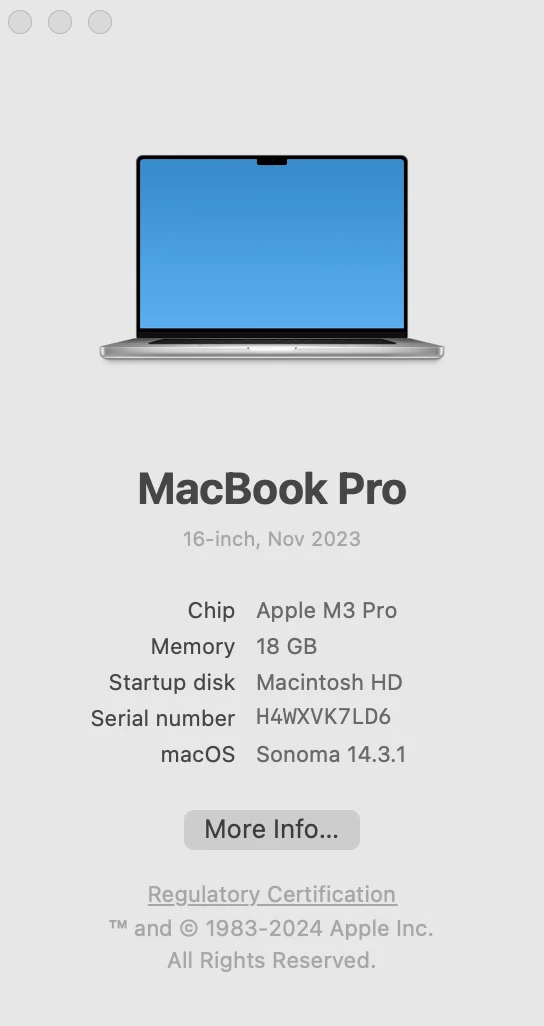
MacBook Pro > OS 14.3.1
Acrobat > 2023.008.20555
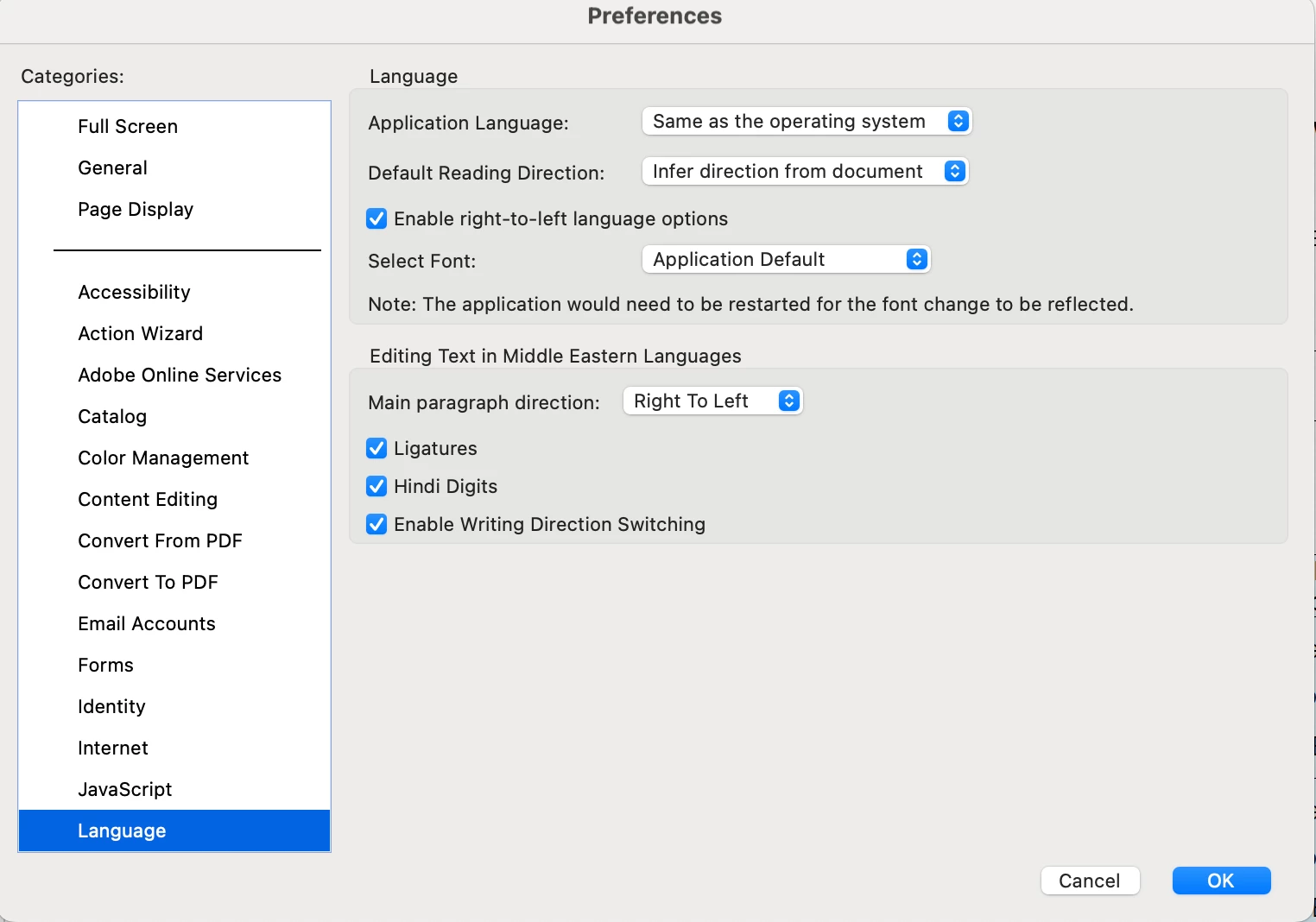
1. Preferences > Language > Set as the operating system
2. Deleted old Preference file: Finder > Go > Go to Folder > ~/Library/Preferences/
3. Unistalled and reinstalled Acrobat
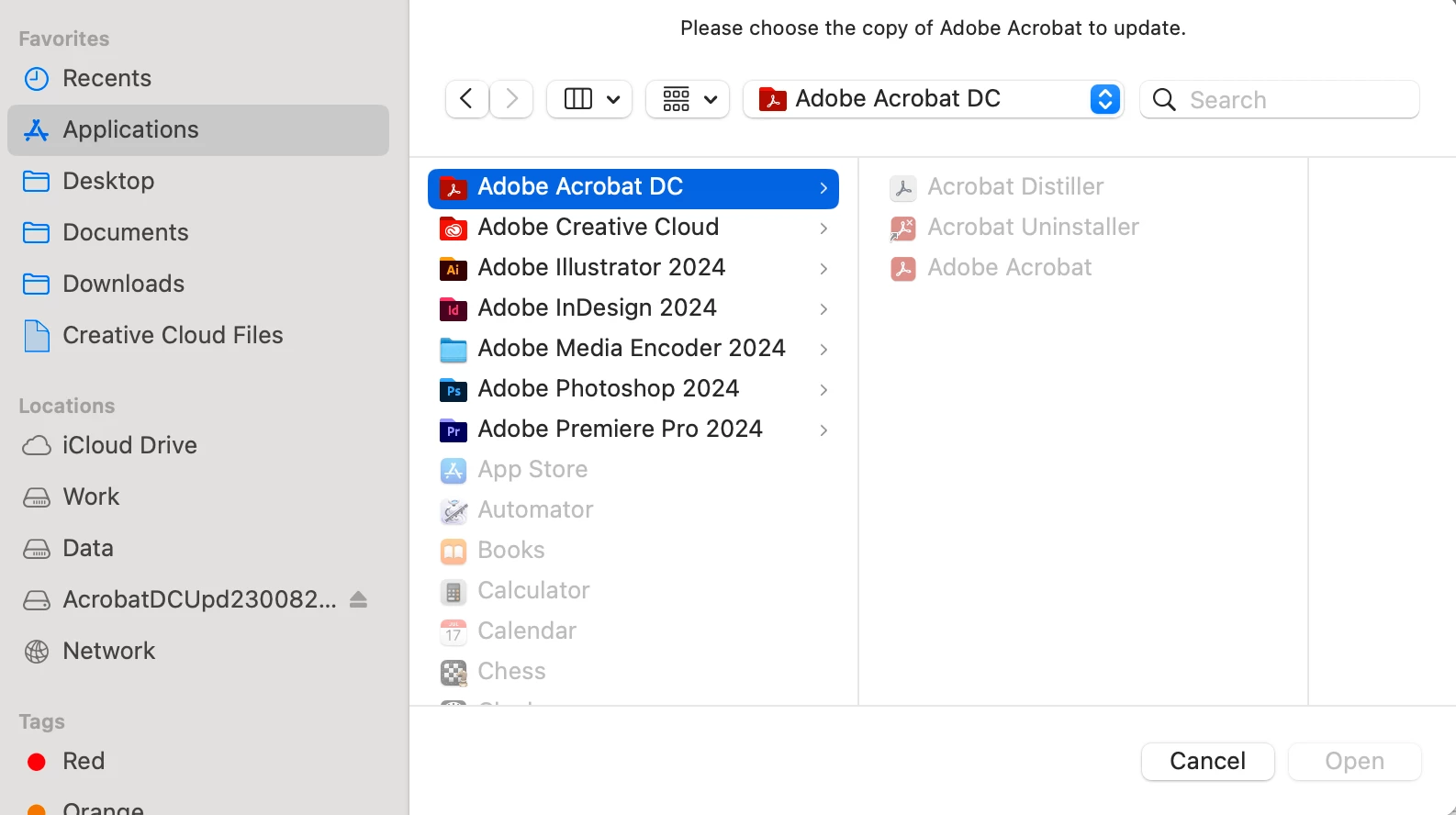
4. Patch Tool does not work at all: https://www.adobe.com/devnet-docs/acrobatetk/tools/ReleaseNotesDC/index.html
Nothing is working out. Adobe needs to find a solution as I have gone through the post many users are facing the same problem. Help Please.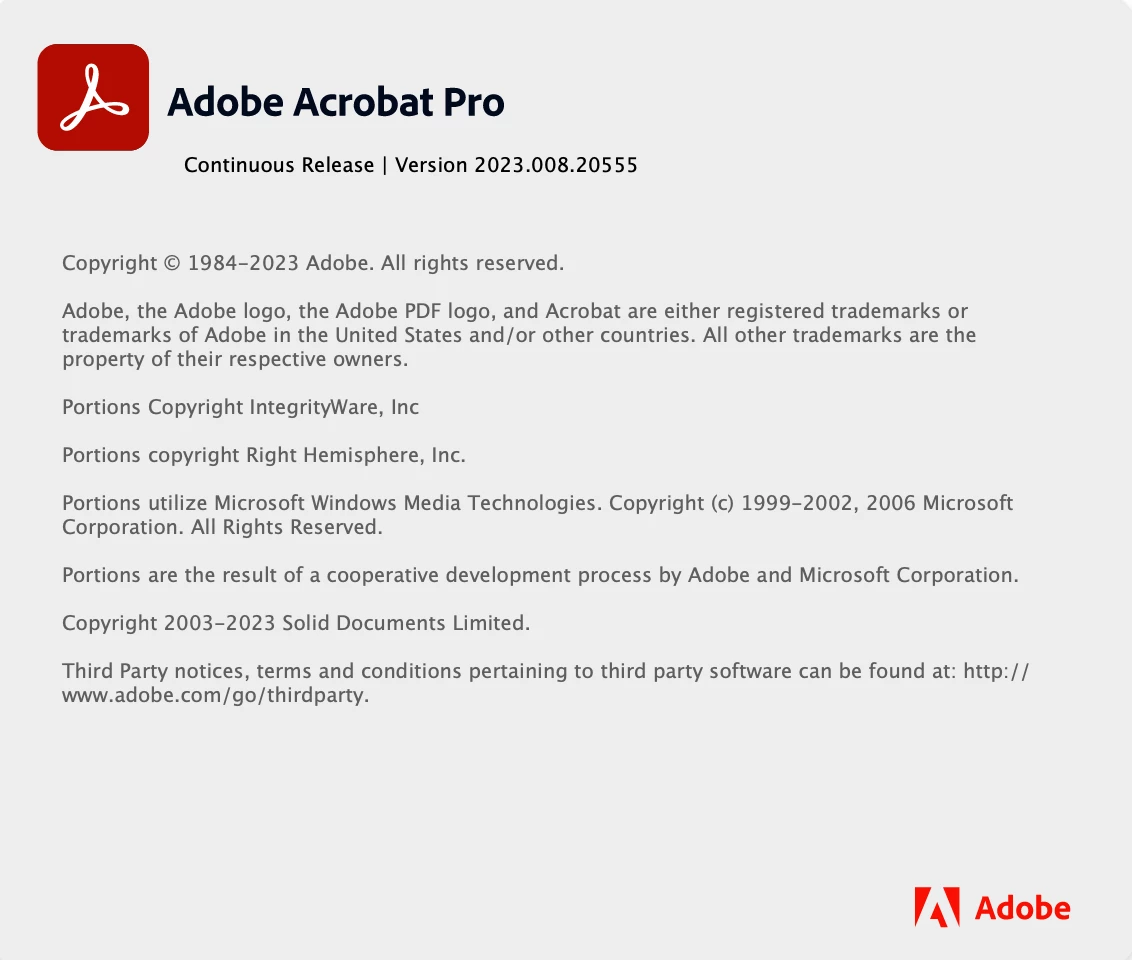
Regards,
 AdChoices