


Fill in form fields text history deletion
Hello.
I have been trying to find a way to delete the history of my typed text inside the Fill in form field from previous actions, and i cannot seem to find any option regarding this.
I regularly type text inside a PDF using Fill in form fields for text.
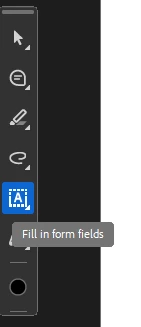
My problem is that all the text i previously typed inside other past PDF's was saved somewhere.
And whenever i want to type something new, my adobe pdf freezez until he loads my previous typed text, and it looks like this
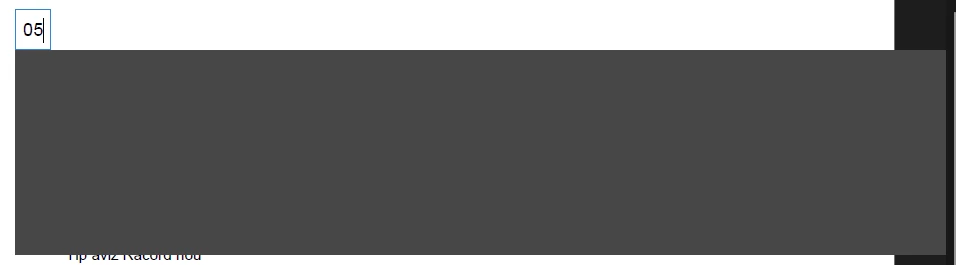
After some time it manages to load some of the text i inserted in the past, but i cannot delete them manually, as a was doing from time to time, because the boxes are out of cluster, or out of reach to see the x button
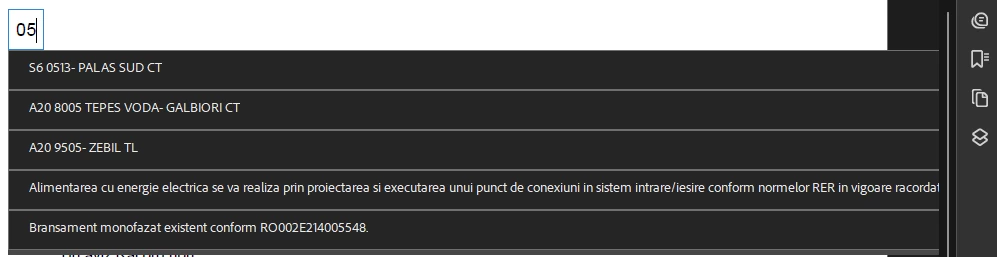
Normally, it would look like this
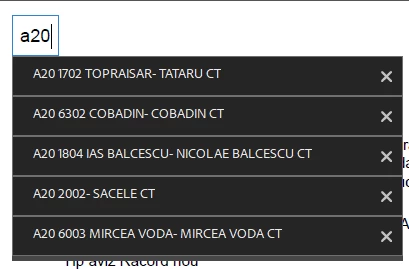
And i would manually click the x button located at the right end of my previously typed text.
How do i delete all this inserted text that was used in the past, so i can work smooth with this Adobe PDF ?
I tryed using the solutions i found about fill in forms, but they only talk about signatures, nothing about the history saved of the past inserted text.
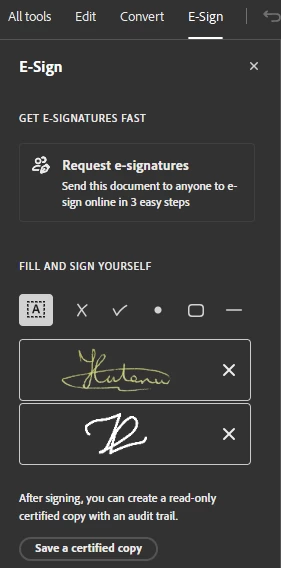
Please help me.
Everytime i have to insert text inside PDF i am loosing precious time just waiting for the Adobe PDF viewer to load something i do not need anymore, and i am wasting coleagues time as well, when i need to show them something, and i have to wait for it to load.
I was in a meeting last week, and i had to show my bosses something in pdf, and when i typed just 2 numbers, it froze, and i was pretty much embarrassed in front of everyone to waste time inside a meeting just to wait a pdf do load useless stuff.
You can reach me at hutanuvld@gmail.com or just reply at this discussion.
Thank you.

 AdChoices