


Fillable form field properties disappear after I open the PDF outside of Acrobat
I am using Acrobat to create a fillable form, similar to an order form. There's a series of rows with a numeric quantity which needs to be totalled. I have made the quantity fields numeric with two decimal places and added the calculation for the total. It works fine in Acrobat preview. After I save the form, exit Acrobat, and open the form in my browser it does not work properly. When I open the PDF in Acrobat again, I can see that all the field properties have reverted to the default format and the calculation has been removed.
I am working on a standalone Mac with an up to date OS (Sequoia 15.4.1).
I am using Acrobat on a free trial.
I have opened the PDF using Safari and the Mac's built in preview.
I am being very careful about making sure that I am using the right file, created a folder that contains only that PDF and am consistently using only that file.
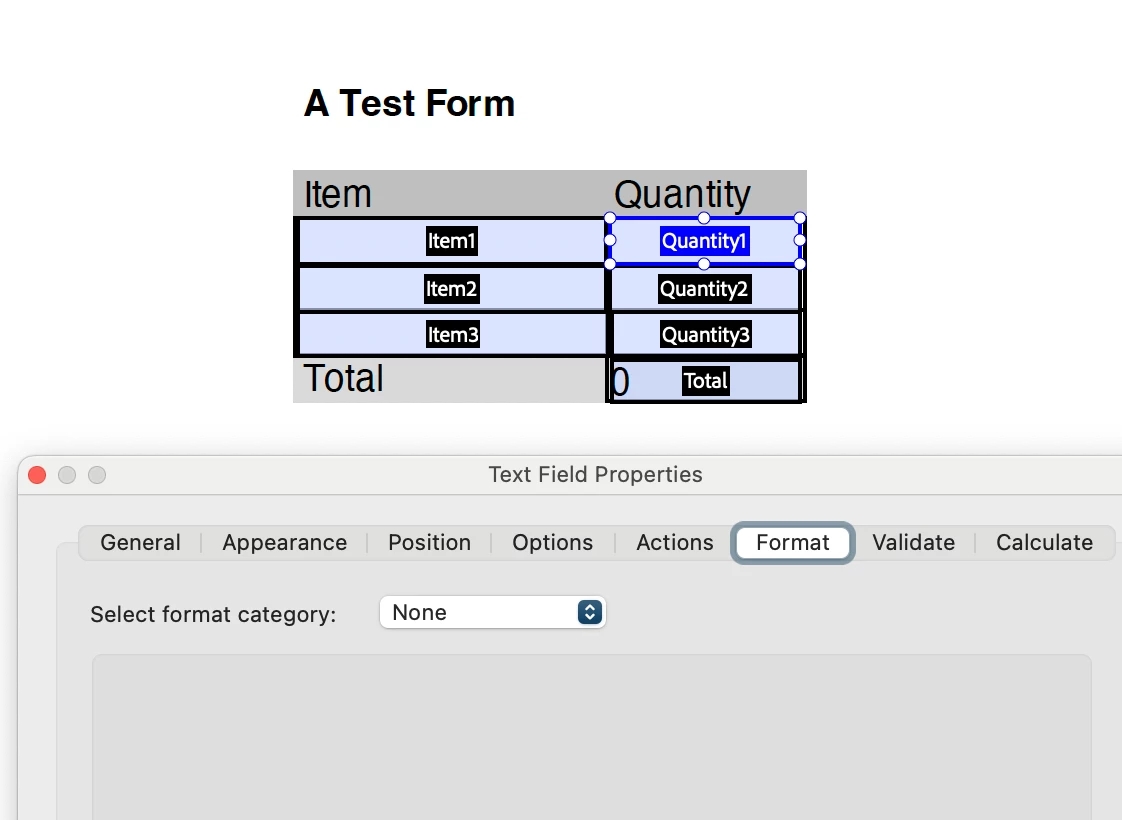
Here's what I'm seeing, using a simplified form for the example:
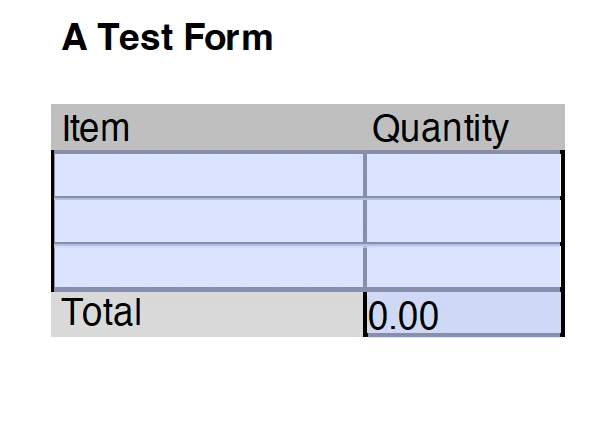
1. Empty Form in Acrobat Preview
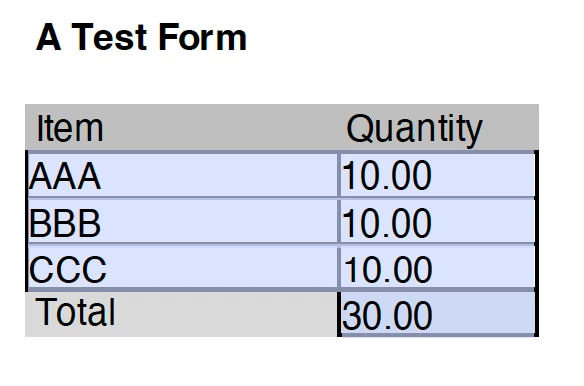
2. Completed Form in Acrobat Preview - Everything working as expected, quantities display 2 decimal places and calculated total is accurate.
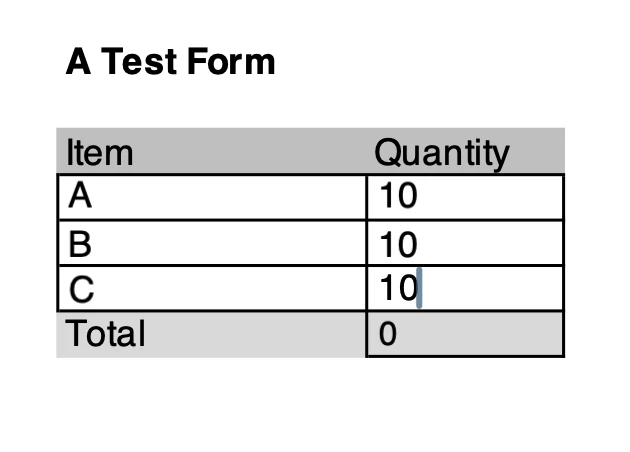
3. Exit Preview, Clear Form, Save Form, Open outside of Acrobat - The quantity fields do not display decimal places and the total is not calculated.
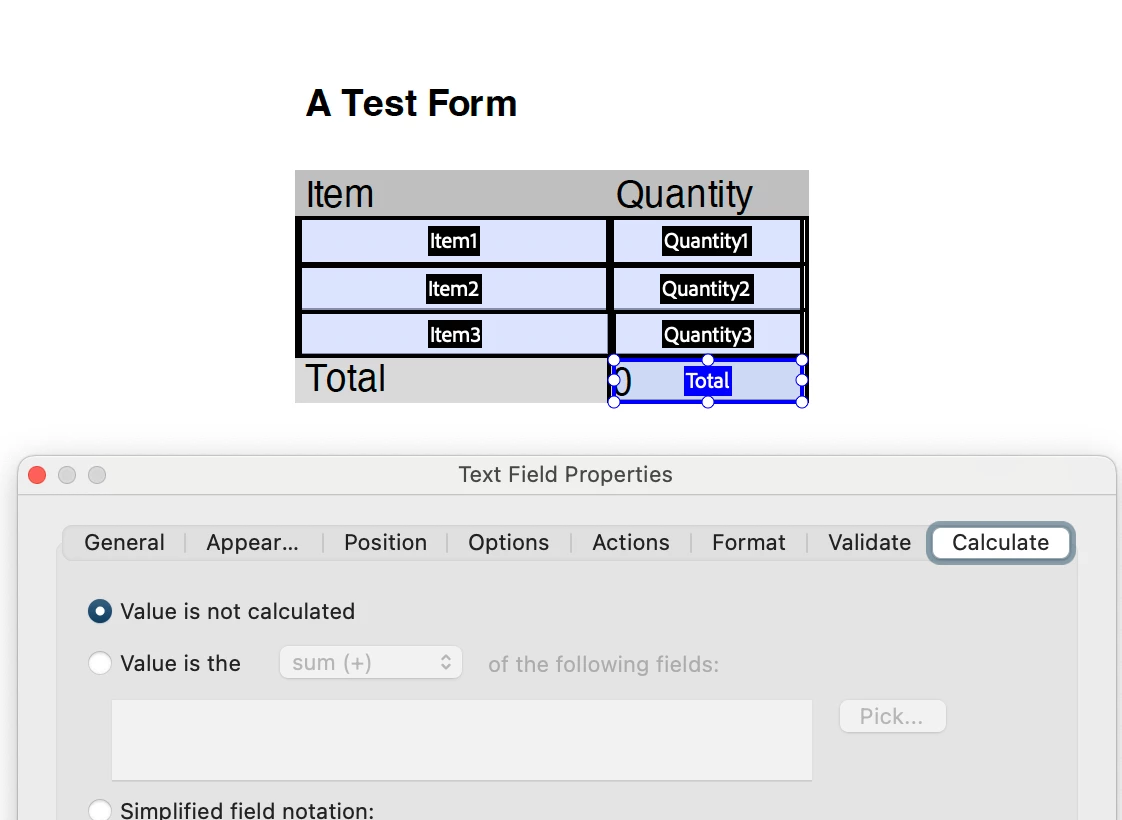
4. Open Form in Acrobat / Edit / Prepare Form - The total field, which was previously defined as a calculation, has gone back to non calculated and the quantity fields have lost their numeric format.

 AdChoices