Participant
January 23, 2020
Question

Filling forms stopped working, but can still sign

  • January 23, 2020
  • 1 reply
  • 267 views

Hi, 

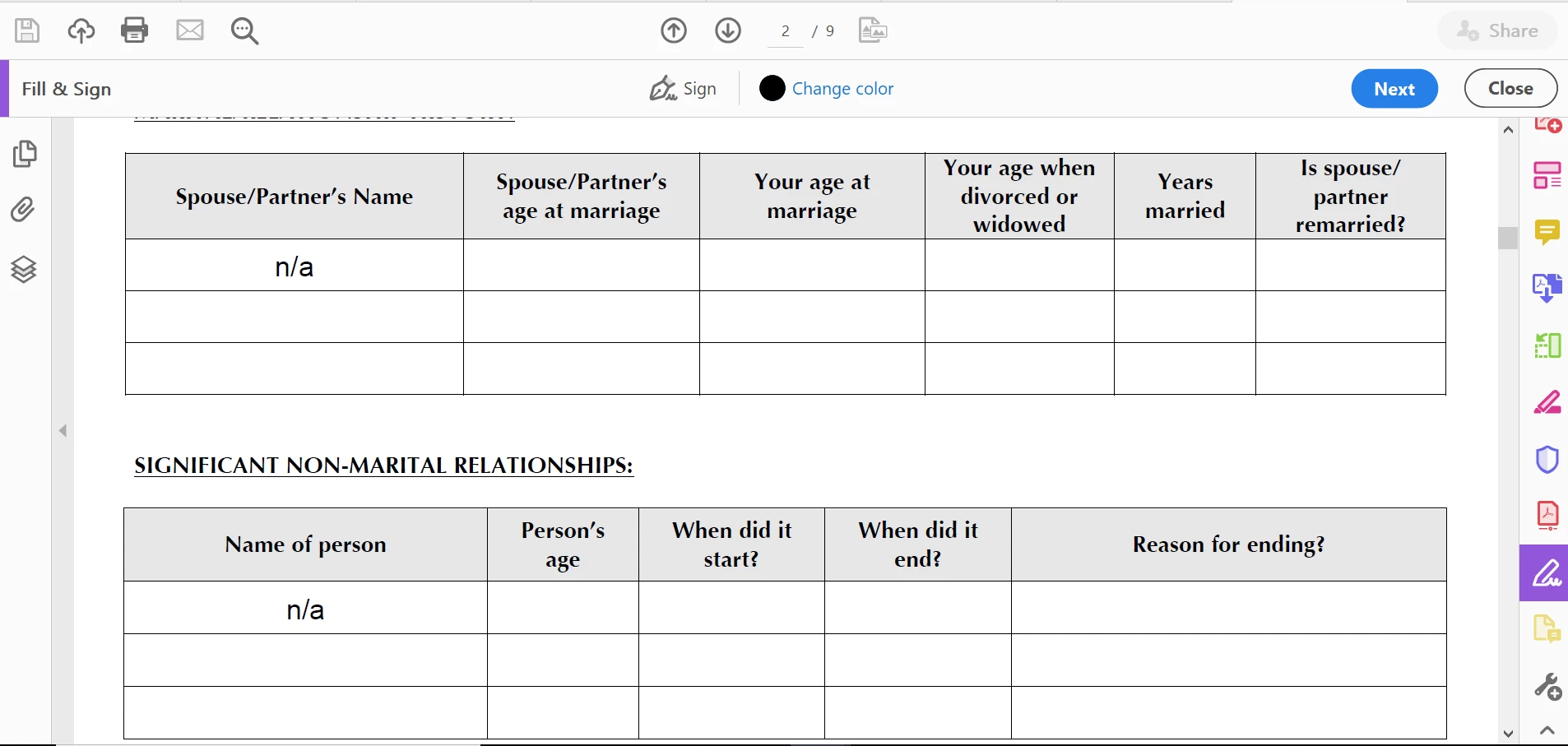
I'm suddenly unable to add text, check marks, etc., to a fillable form. It was working fine several minutes ago, but the only thing I can add now to fillable fields is my signature. It appears I lost some functionality the last time I saved, but didn't close, the file. I then tried closing and reopening the file, but that didn't fix the situation. Does anyone have any suggestions or know how to fix this?  Thank you!
 

This topic has been closed for replies.

1 reply

ls_rbls
Community Expert
Community Expert
January 23, 2020

Hi,


It seems that you've been working with the  Sign tool. If you were invoked the Sign Tool using Fill & Sign as soon as you apply a signature it will protect the document and then bring you to Adobe Sign to send for signatures to other recipients.


Cancel the Adobe Sign process that you were trying to do to return to the original document. It may be possible that you were filling out the form using the Sign Tool in the fields that you have filled with "n/a".


If this was the case, then it took it as if an electronic signature was appplied as you were preparing the document; that explains why it only allows you to sign and not make further edits to the form.