
Font Not Displaying Correctly in Form Properties
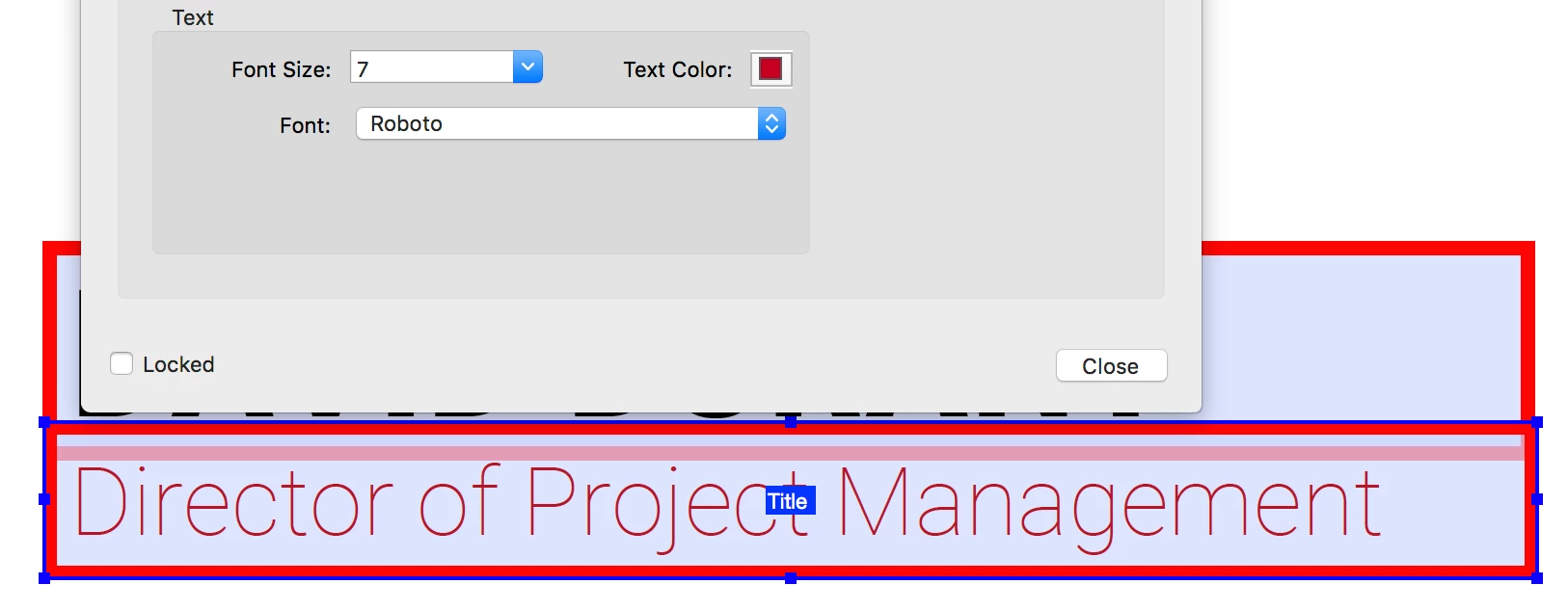
I'm creating an editable business card template for a client, and Roboto is the brand standard font. However, when I select Roboto from the dropdown list when defining the text field properties, the font appears as Roboto Light or Thin, not Roboto Regular. See images below:
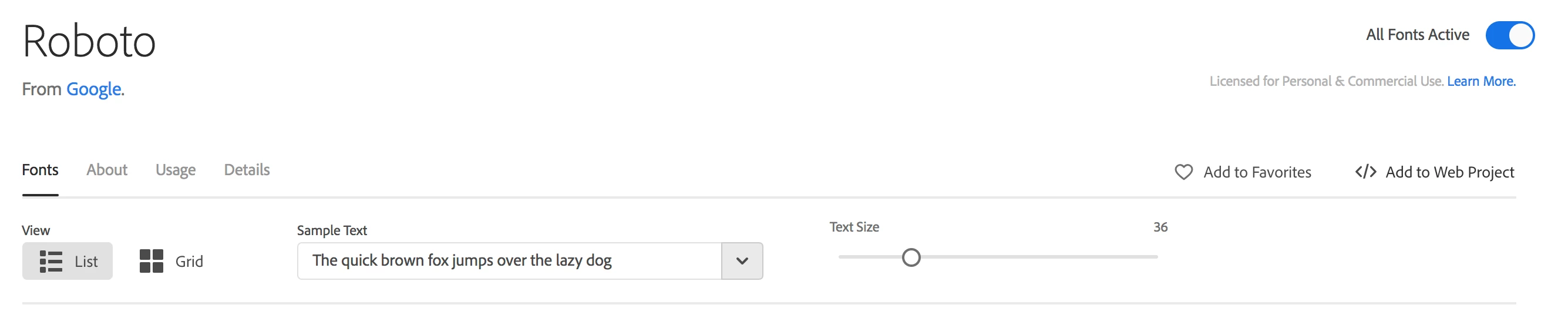
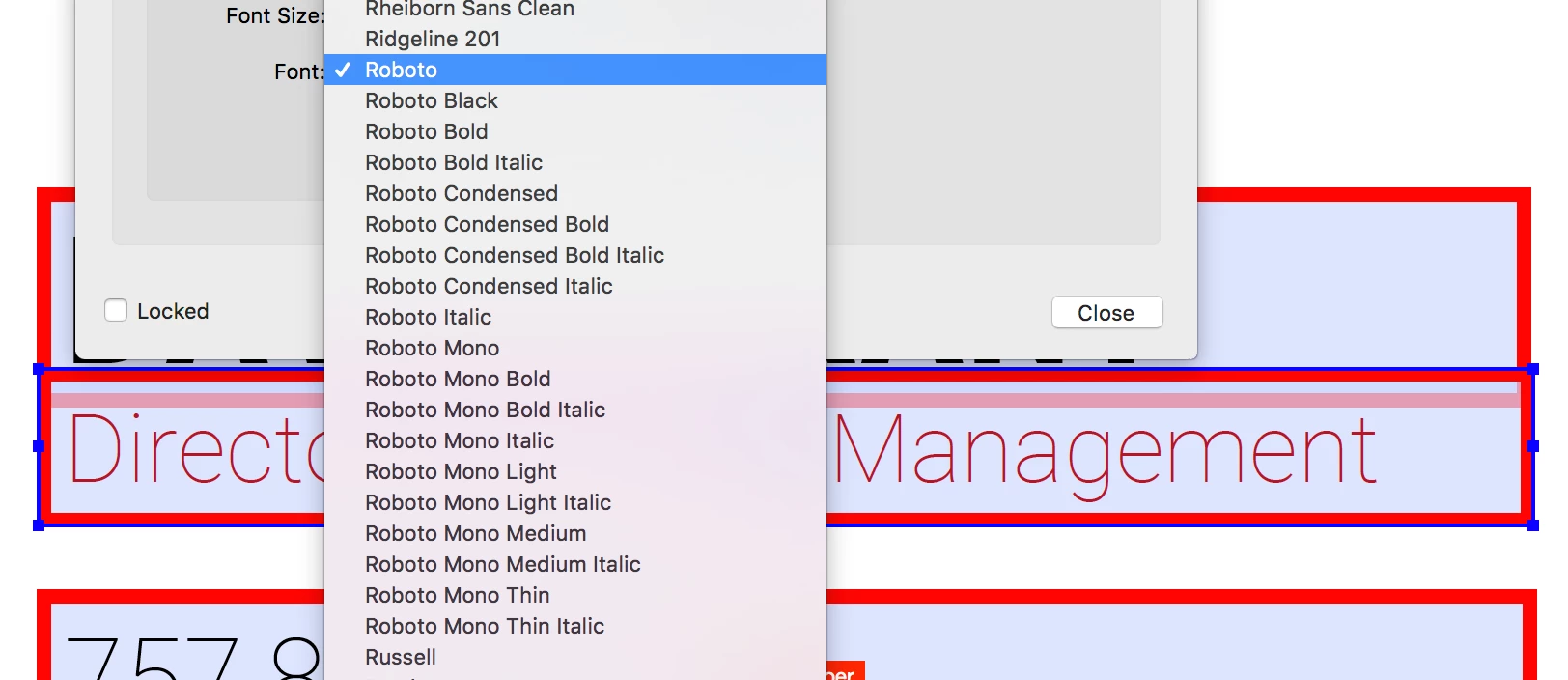
I have all Roboto type families installed through Typekit, however when I bring up the Font list in properties, not all installed fonts are displayed (for example, there is no Roboto Medium, Roboto Light, or Roboto Thin to choose from, although selecting Roboto seems to display as either Light or Thin):
I'm running the most recent version of Creative Suite, on the most up-to-date Mac OS. Is there something I'm missing? I have to be able to use these fonts to maintain brand standards. Please help! Thanks!
 AdChoices