Participating Frequently
June 7, 2021
Question

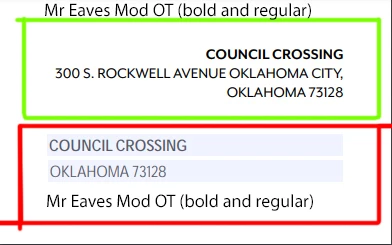
Font show different on general text and text field

  • June 7, 2021
  • 3 replies
  • 1124 views

Used font - Mr Eaves Mod OT (bold and regular)   - Download from Adobe font

Text is fine. But form font became different.

I am using Acrobat DC, Google Chrome.


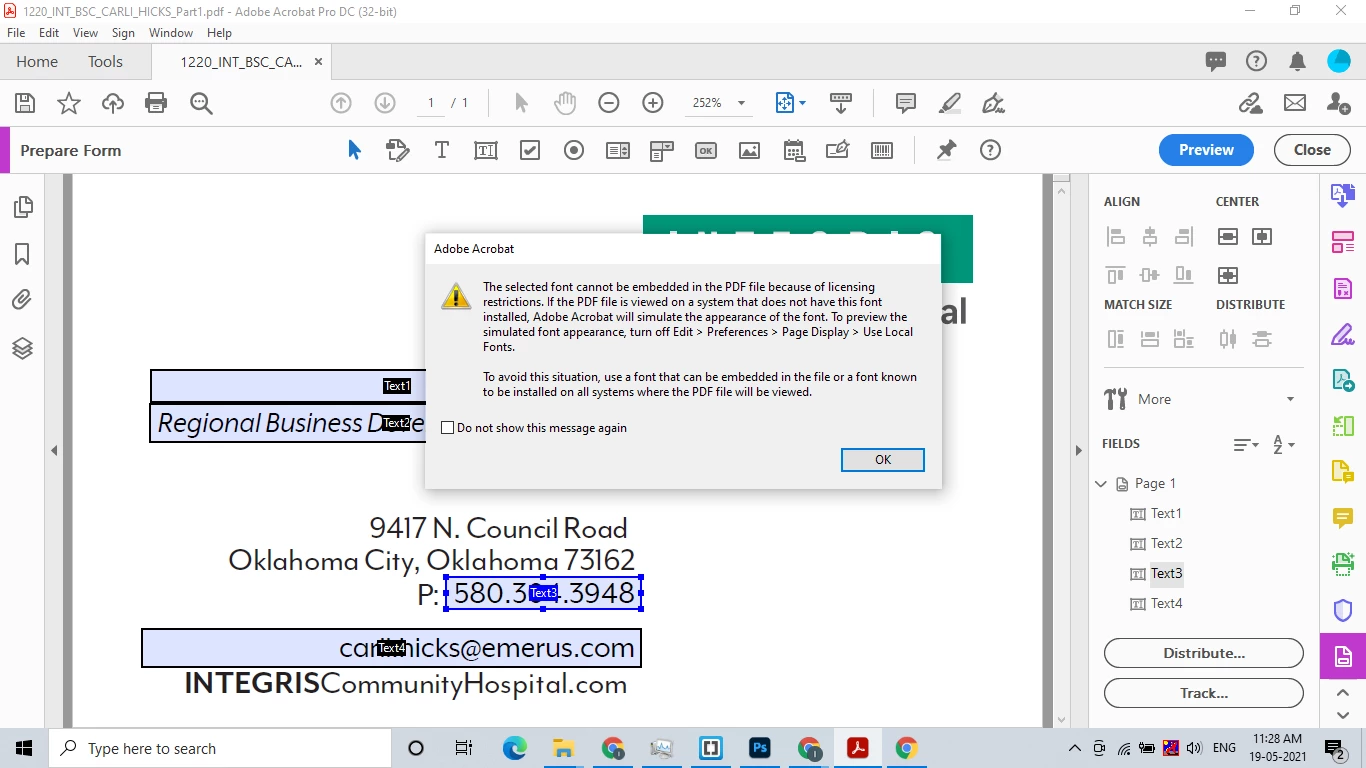
I tried in Acrobat DC pro and select -  Mr Eaves Mod OT (bold and regular) thisfont,  this masage is shown


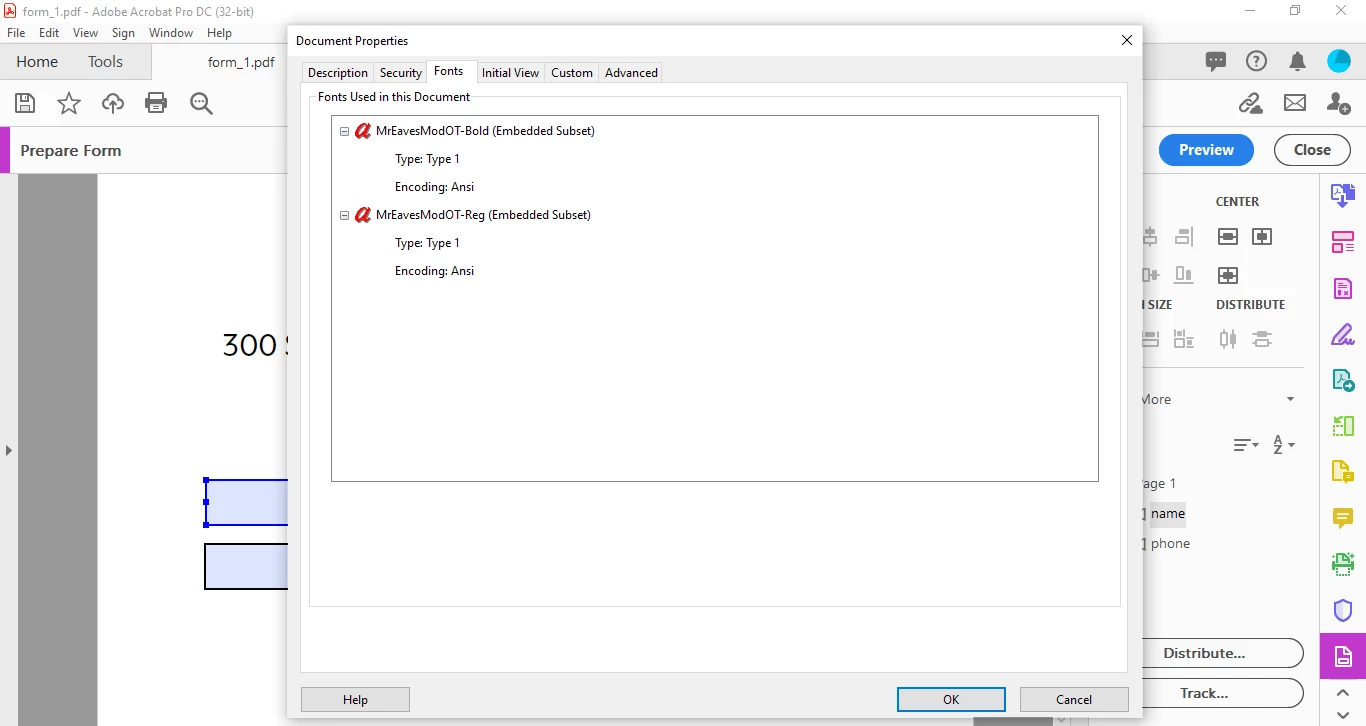
When i see properties it shows font is embeded but it wont reflect on forn field.
 

What should i do to fix this problem, please help

This topic has been closed for replies.

3 replies

Brad @ Roaring Mouse
Community Expert
Community Expert
June 8, 2021

Actually: here's the actual relevant verbiage I just found in their terms and agreement of one of their fonts I use. I suspect this applies to Mr Eaves as well:


"10. Embedding of the Emigre Fonts Software is permitted only within electronic documents created in PDF, Microsoft Word & Microsoft PowerPoint, Flash, and Silverlight, and must be restricted to viewing, printing, and editing of a document to the extent that it remains substantially the same document. The document may not be edited into a new document, variations, templates, or dynamic content. The font data must be subsetted when embedded."

Brad @ Roaring Mouse
Community Expert
Community Expert
June 8, 2021

Emigre's (creator of Mr Eaves) embedding license for most of their fonts is such that it allows embedding in PDFs for the purpose of viewing and printing the document AS IS... (also: note your fonts are an Embedded Subset: which means only the characters necessary to reproduce the document are embedded, and not the complete font).

But embedding for the purpose of editing/changing the document is probably not allowed.

Karl Heinz  Kremer
Community Expert
Community Expert
June 8, 2021

The font for form fields gets actually embedded in a different way, and would not show up on the Fonts tab in the document properties dialog. Have you tried this with a font that does not have the embedding restrictions? Does it behave differently than what you see with this font? 

Participating Frequently
June 9, 2021

I had tried with different font which not have embedding restrictions. It works fine. But when i tried with this font then problem occers.

Can u please suggest me how can i embade font for form field in Acrobat Dc

Brad @ Roaring Mouse
Community Expert
Community Expert
June 9, 2021

If the font has embedding restrictions, there is no way.