
Question
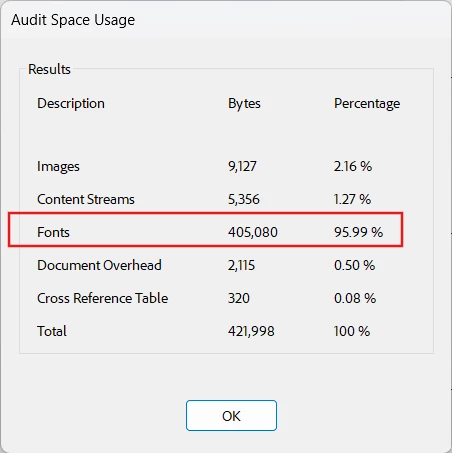
Fonts used 95% of total file size but no font is embedded. How to reduce the file size?
I have my PDF files which are generated by a Reporting tool. The PDF files are not fillable forms.
Some files have size 4xxKB but some are just 5x KB. They contains similar contents and has one page only.
"Audit space usage" found that the large files have 95% of size (~4xxKB) on fonts while those normal files have only 35KB on fonts. I guess the large files must have some fonts embedded. However the PDF Optimizer does not show any fonts embedded
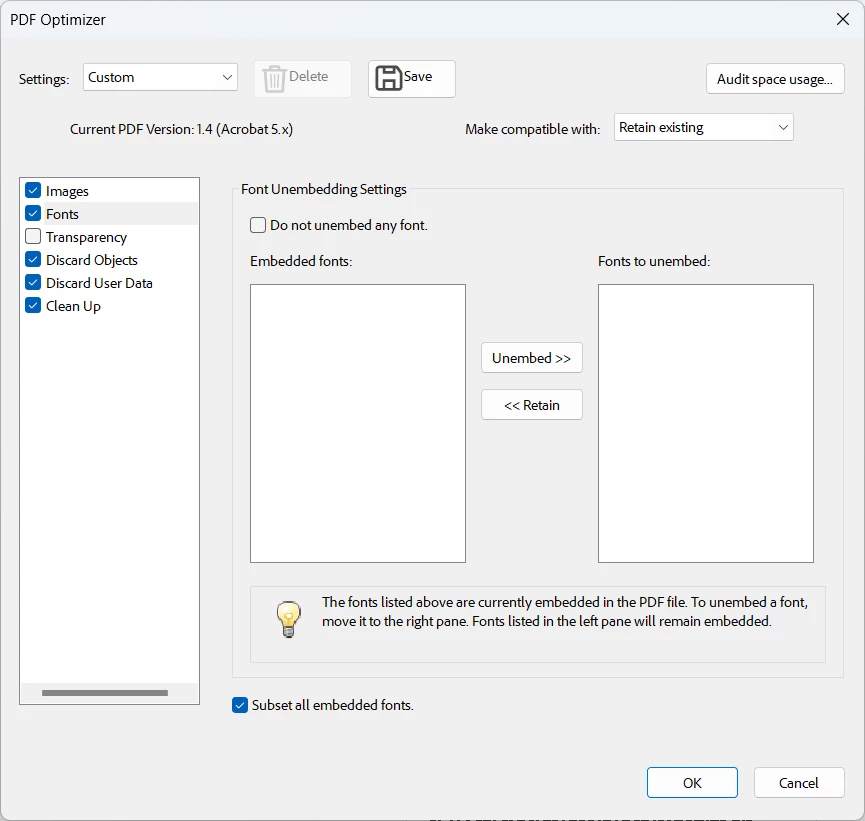
The document properties shows only one font is being used. That means I cannot standardize to using only one font as I learned from the other similar posts.
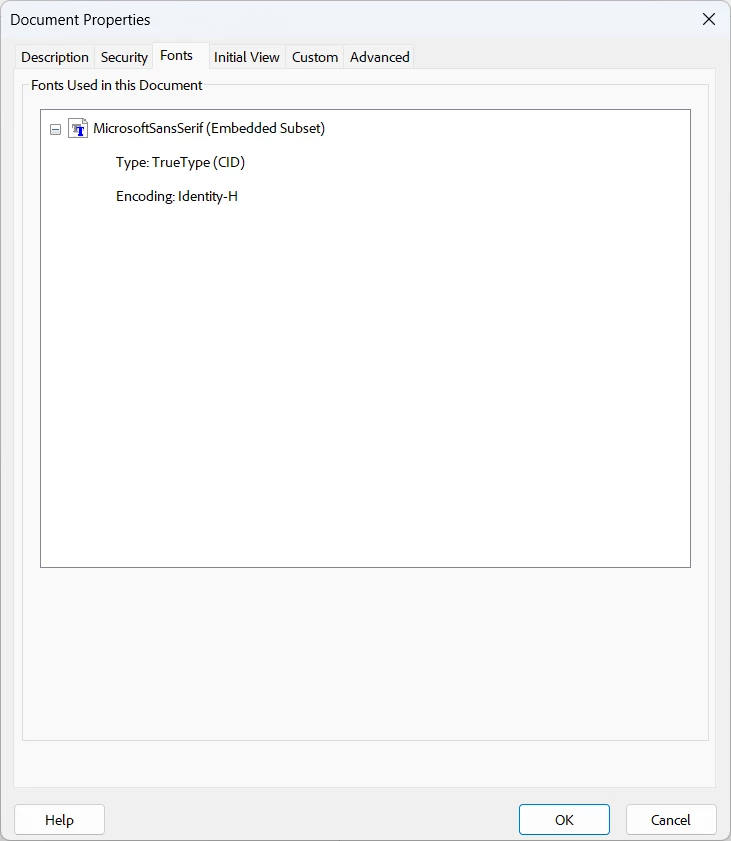
I would like to know what is causing such big difference in the PDF file size.
 AdChoices