
Question
Full Search did not find the word in the right place in the chart
Hi all,
I am IT Support for the company, the affected user reported this issue to me and I am stumped on this now, hoping for any help on this would be hugely appreciated.
How to reset/enable search to find all the words in the document/chart but also, at the right area. For example:
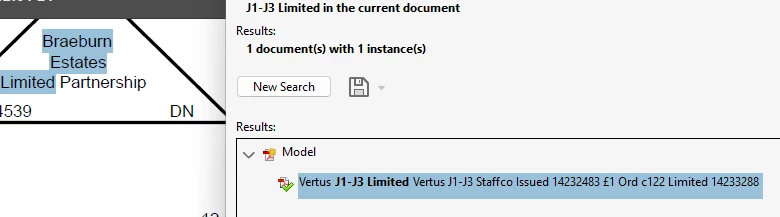
I searched for J1-J3 Limited and expect the search to bring up that in the document but what happened then it show up in highlight of completely different words and state that it all it found. See screenshot below.
I have already tried purge, reset index, ensure application is updated and still did not fixed this issue.
 AdChoices