


Inspiring
October 26, 2022
Question

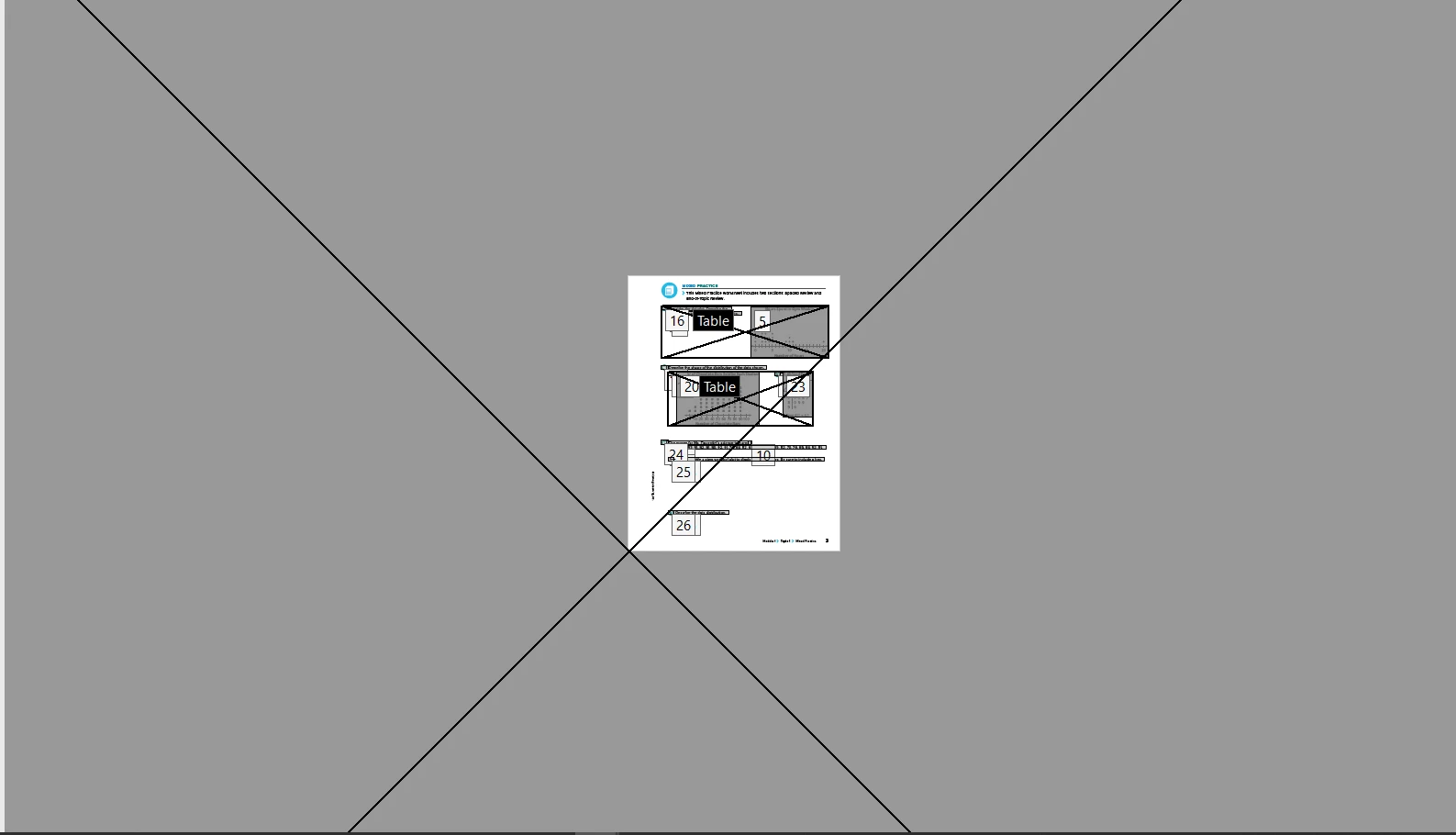
Fullpage grey box shown in reading order

  • October 26, 2022
  • 1 reply
  • 249 views

Hi 


We have created interact PDF from InDesign. If we click the reading order in Acrobat DC. Full page greybox shows in our 3rd page. Please let us know how to fix  this issue. I attached sample screenshot for your reefrence. You can see a greybox outside the page size.


Thanks

Ganesh.R

This topic has been closed for replies.

1 reply

JR Boulay
Community Expert
Community Expert
October 26, 2022

I think it's an InDesign bug, the same one I've been dealing with. Here's how I got around it:


- when exporting to PDF from InDesign you should not check this option (I don't have InDesign in English but the location is the same):


- then in Acrobat Pro you have to select "Order tabs by structure" to put things back in order:

Acrobate du PDF, InDesigner et Photoshopographe
Ganesh_InAuthor
Inspiring
October 31, 2022

Hi JR


Thanks for your quick reply. But I tried the above option but it not works.


While check the tag in Acrobat I found some extra figure tag, I removed the figure tag that big box removed from the layout


Thanks

Ganesh.R