



Getting "Bad widths" errors using Adobe Acrobat DC 2019
As of late, I have been getting repeated "bad width" errors. I create long books in InDesign, then export the books to PDF. I use Indesign CC 2019 and Acrobat Pro DC 2019. Nothing in my workflow has changed recently. But in the past few weeks, I repeatedly get "bad widths" errors. Sometimes it's with Arial, and sometimes Tahoma.
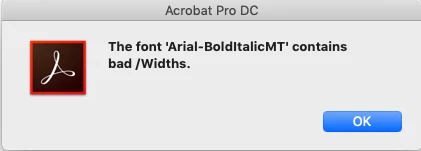
- I have placed into my InDesign documents large 11x17 engineering drawings. When I check those PDFs, they are fine and do not have any font errors.
- When I export those pages ass standalone PDF files, they are fine and contain on font errors.
- But often, when I export them as a part of the book is when I get the font errors.
- I have been using these large engineering drawings literally for years without issue.
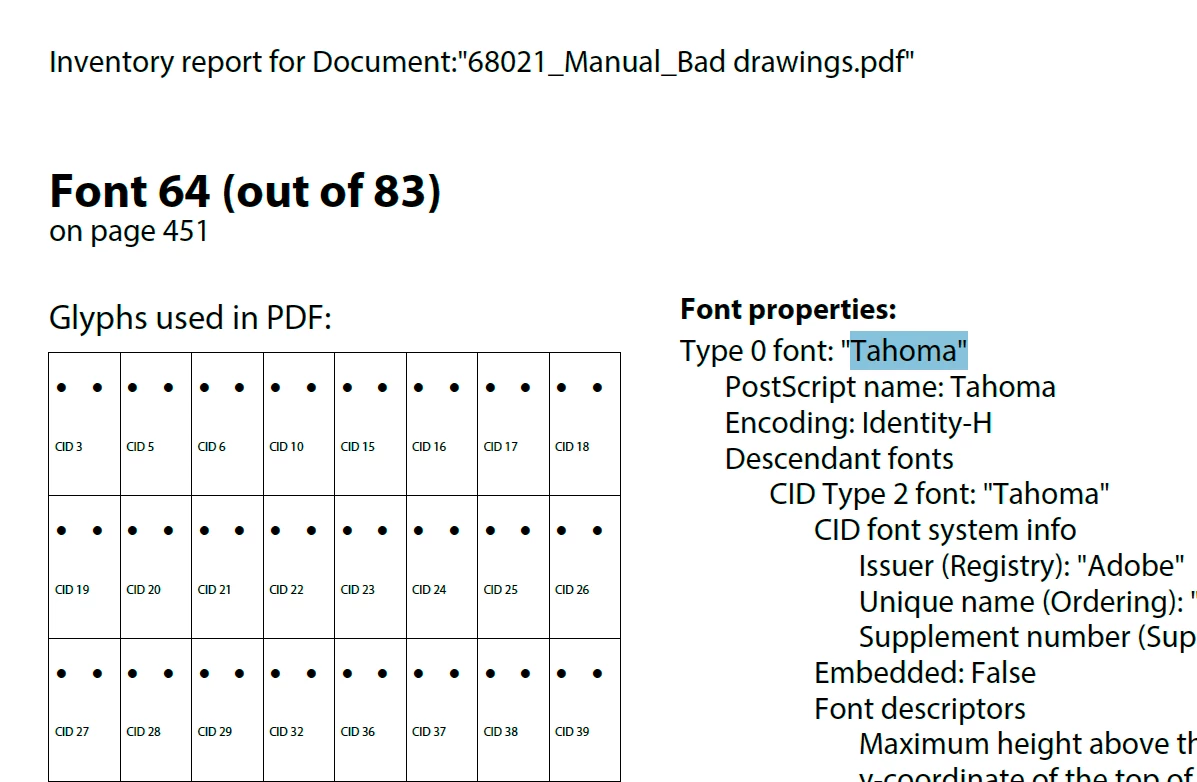
Another Acorbat user told me to open Preflight and run "Create Inventory." I did that and it came up with the list of fonts. Indeed, the missing font was found.
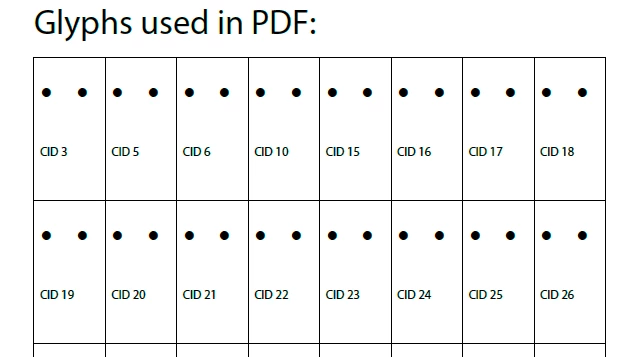
But here's what's really weird. Even in the Inventory Report, there was a font error! And that was a file created entirely by Acrobat.
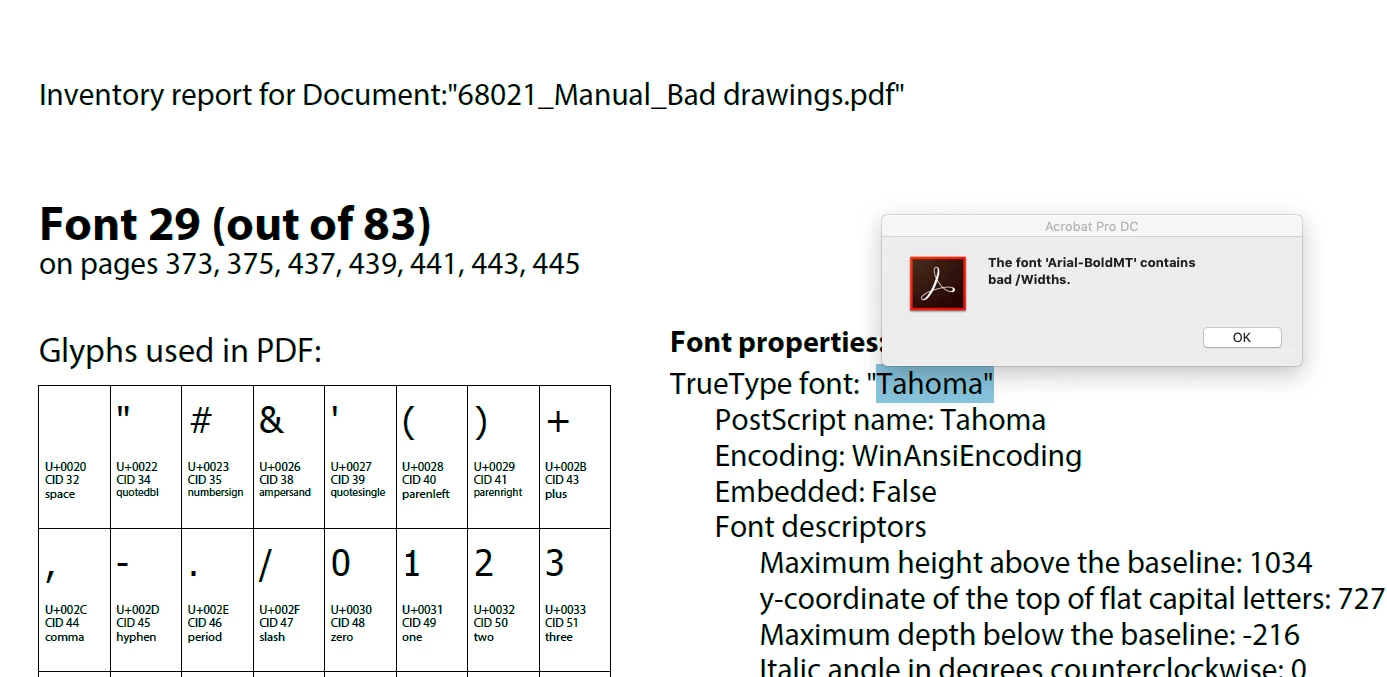
Why these sudden errors? I don't know if this is an InDesign issue or an Acrobat issue.
Any ideas?
[Title Edited by Moderator]


 AdChoices