I need to mention, the best solution is to re-create the PDFs with all fonts properly embedded from the original application, but I assume that is not an option. Substituting the fonts in a PDF are likely to produce some unintended results, like missing letters or odd spacing. That said, the Plug-in PitStop can do this, although it's expensive. Which application produced the PDF? (File> Properties> Description) If it's Illustrator, you may be in luck, try to open the PDF in Illustrator and replace the fonts, then carefully check the formatting and save as a new PDF.
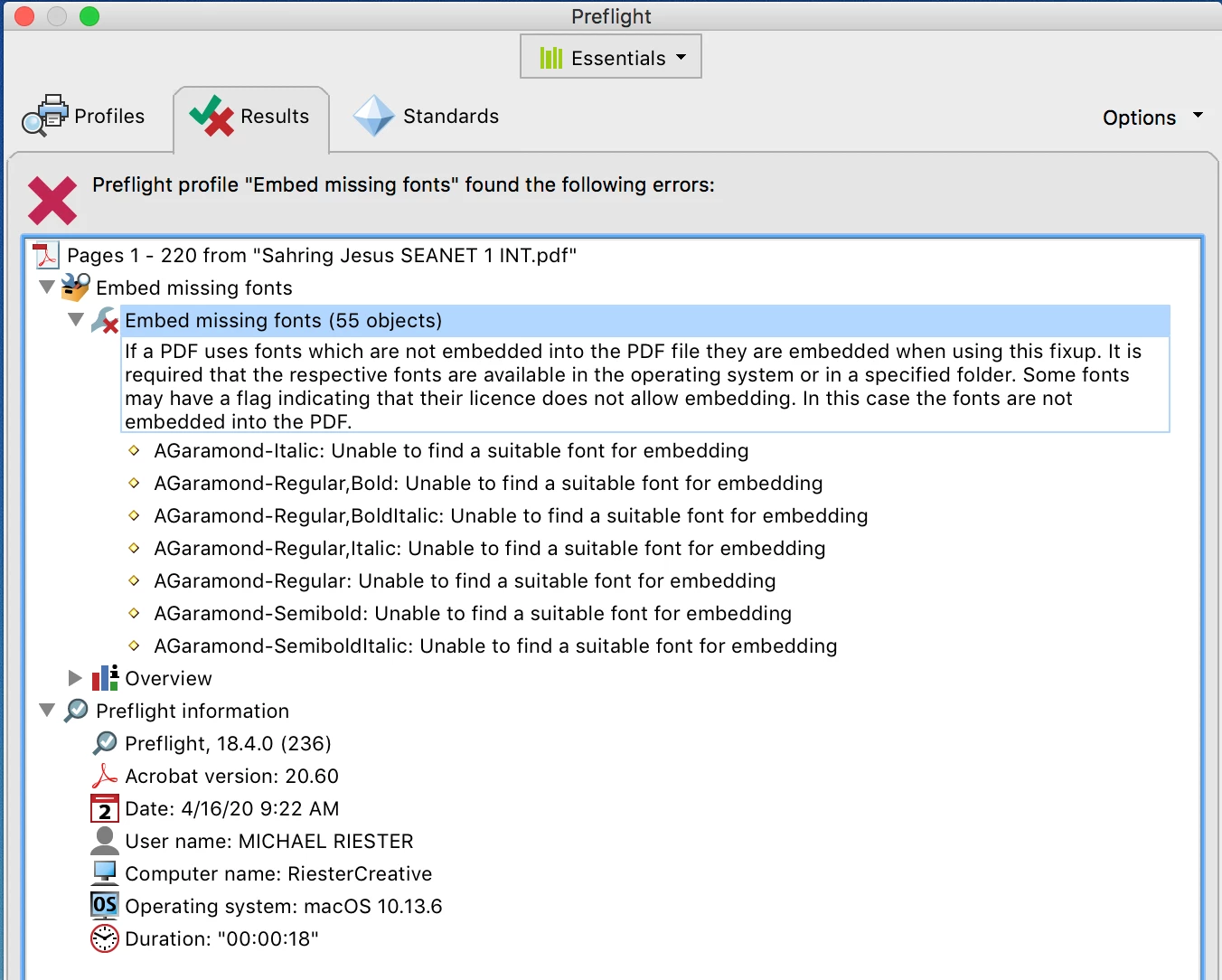
The next thing to try is placing the PDF into InDesign and exporting to a new PDF, once in a while InDesign will somehow convert the fonts and embed them (no guarantees here). Lastly, you could try converting all the type to outlines in Acrobat (using a preflight) which is not ideal for several reasons, but for the purpose of getting it printed, might work. Generally, a font would need to be embedded in order to outline it, but sometimes the preflight works anyway. There is an alternate method that involves adding a transparent watermark and the Flattener Preview tool to convert type to outlines.
Good luck.



 AdChoices