

Question
Green Check Mark (Tick Mark)
Dear Abobe,
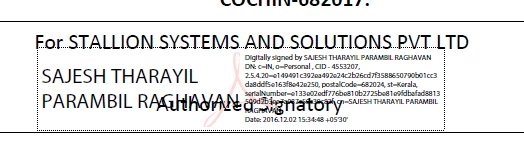
Done the below instructions on our adobe acrobat xi pro on our organisation. but its a valid one but didn't get the green tick mark
Right click on the signed signature field Select "Validate Signature"
Click "Signature Properties" button Select the "signer" tab (see screen shot)
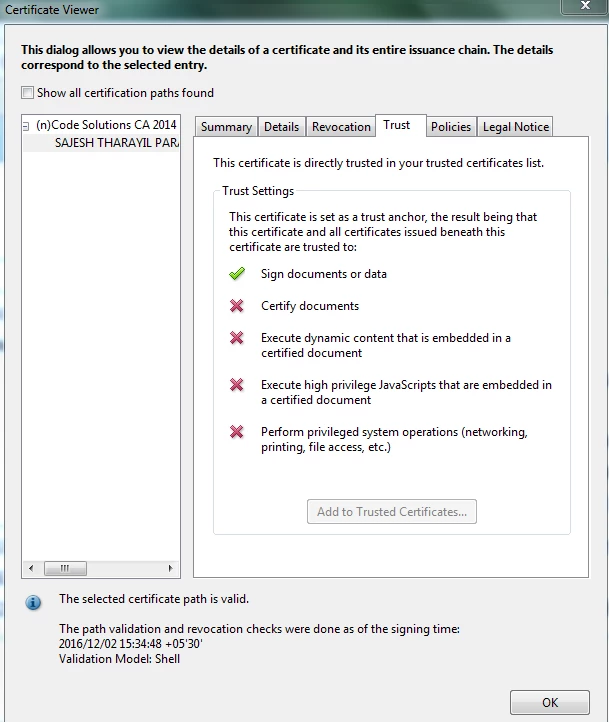
Click "Show Certificate" button Select the "Trust" tab
Click the "Add to Trusted Identities" button Set the desired "trust" settings
Click OK Right click on the signed signature field Select "Validate Signature" - you should now get the green check mark.
But we cant get to access the other trust tab icons " its disabled for us"
 AdChoices