Participant
April 14, 2025
Answered

Guided Actions Error - warning triangle when selecting individual guided actions

  • April 14, 2025
  • 1 reply
  • 550 views

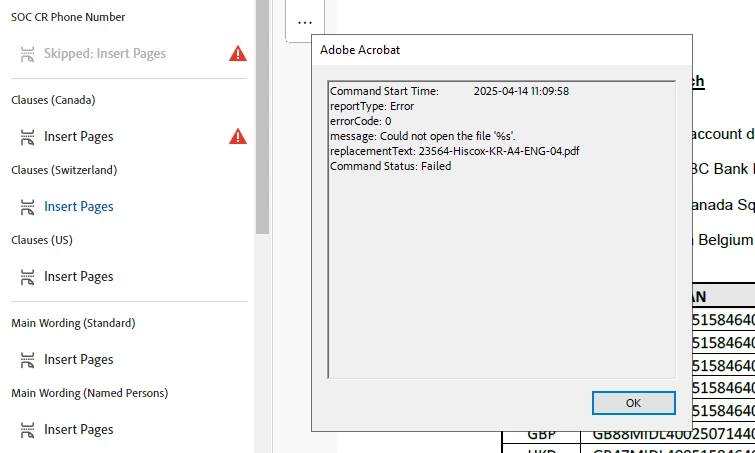
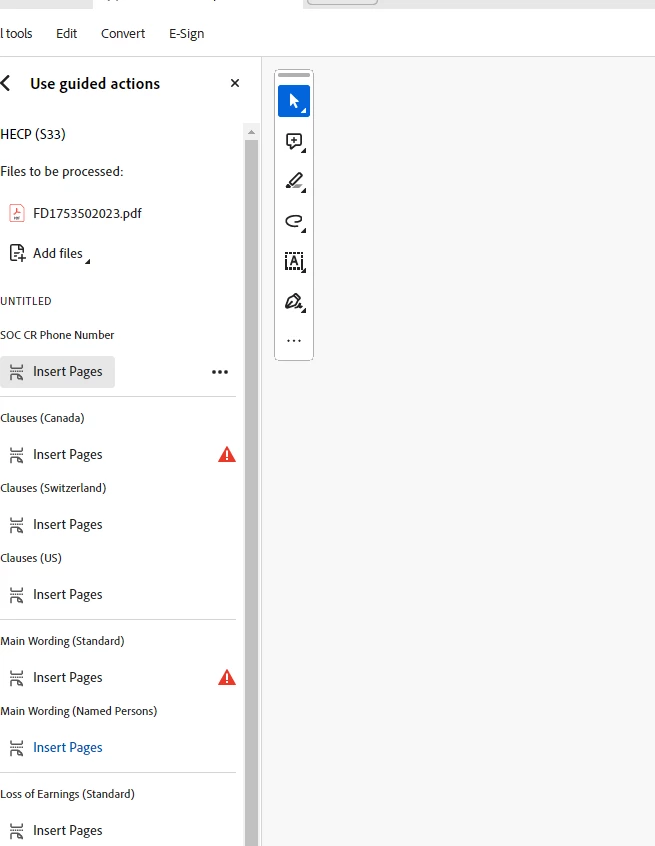
We have set up Guided Actions to be able to quickly add individual additional pdf pages in any combination to an existing pdf. This helps us add selected pages and not running the full action means we do not need to add all the optional pages then delete them. However, for some users when they select individual guided actions the below error appears (see image below), and the only workaround is clicking "start" but this runs the full action then the user has to manually remove pages.

This has only started happening recently to some users, are there any solutions please?
 

Correct answer clarice_9783

Hi @clarice_9783,


Try to launch Acrobat with Admin right and check if that resolves the issue. 

Also, let me know the files you are trying to run the action on, are those on the network drive? If that is the case, copy some of the files locally and run the test again. 


Let us know how it works.


~Tariq


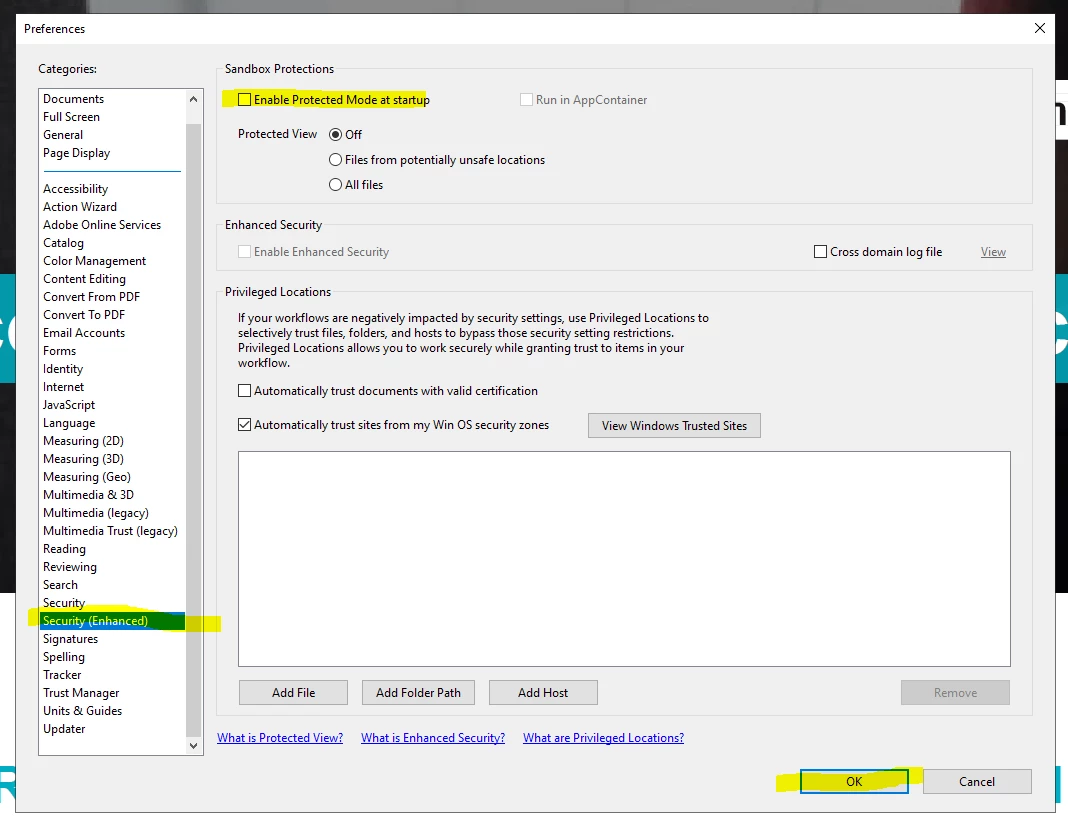
Hi @Tariq Ahmad clicking the below appeared to work for us! Thank you


1 reply

Community Manager
April 14, 2025

Hi @7405084_978, 


Sorry for the troubled experience, and thanks for reaching out. 

Judging from the screenshot, it appears there is an error with some files. To test, you can edit the existing action to test the workflow on an individual file and check if the action works on the affected machine. 


Also, if possible, try recording a video of the workflow so we can check if the application is having any trouble. 


Please ensure your copy of Adobe Acrobat is updated, to check for any pending updates, launch Acrobat > Help > Check For Updates.


Let us know how it works at your end


~Tariq

Participant
April 15, 2025

Hi Tariq, thank you for your reply!


I tried editing the action to test the workflow on an individual file, and I tried creating a new action too. The new action worked at first but when I tried in a different file/new file it stopped working.


Adobe Acrobat is on the latest version also.


If we click "start" it sometimes gives us this security warning and if we click allow it does seem to work.


Participant
April 15, 2025