Participant
August 29, 2023
Question

Help - I have two different E-signature fields

  • August 29, 2023
  • 1 reply
  • 451 views

Hello, 

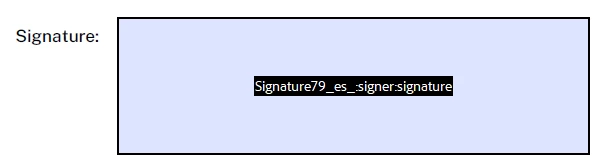
I am going insane with this. I have created a form as below. The E-signature works as it should and it looks like this. Now when I create my other form I don't have the same tool option (notice the different icons) and my signature is just a text box. I am creating these in the same app and I dont know what to do to get the second form to have the E-singature as the first one. 

The First one - which is what I want. 

The second one looks like this. 


This topic has been closed for replies.

1 reply

MikelKlink
Participating Frequently
August 29, 2023

When creating forms you have the choice of creating them as normal pdf forms for use by arbitrary pdf processors or as forms for use with Adobe Acrobat Sign.


It looks like the first form was created using the former choice while the second one was created using the latter choice. 


In detail:


When starting to create a form, you are at a screen like this:


If you want to create a normal PDF form, don't check the "This document requires signatures" checkbox! The checkbox title is misleading, it should have been something like "This document is for use with Acrobat Sign".


If you have created a form with that checkbox checked, you can still revert it to a normal form, click on "More" in the panel on the right:


Now select "Revert to Acrobat Form". Be sure to test your form fields thereafter, AcroForm forms and Acrobat Sign forms are different, so changing the type might damage some functionality.