James Prout
Known Participant
September 17, 2019
Frage

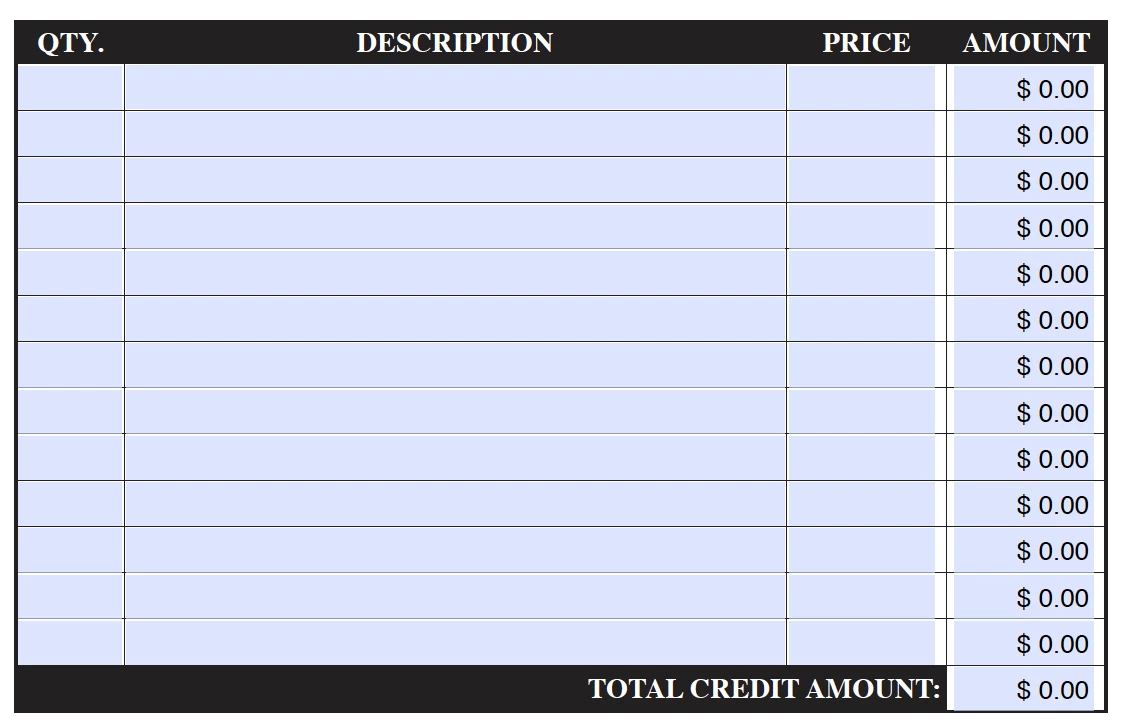
Hidding AMOUNT Values ($0.00) before QTY. and PRICE is entered

  • September 17, 2019
  • 1 Antwort
  • 683 Ansichten

I am trying to create a Custom Calculation Script to hide the $0.00 value shown in the AMOUNT column before values are entered.  It should still have the value appear once the QTY. and PRICE are calculated when entered.  Rows 1-13 should be hidden and TOTAL CREDIT AMOUNT can remain as $0.00
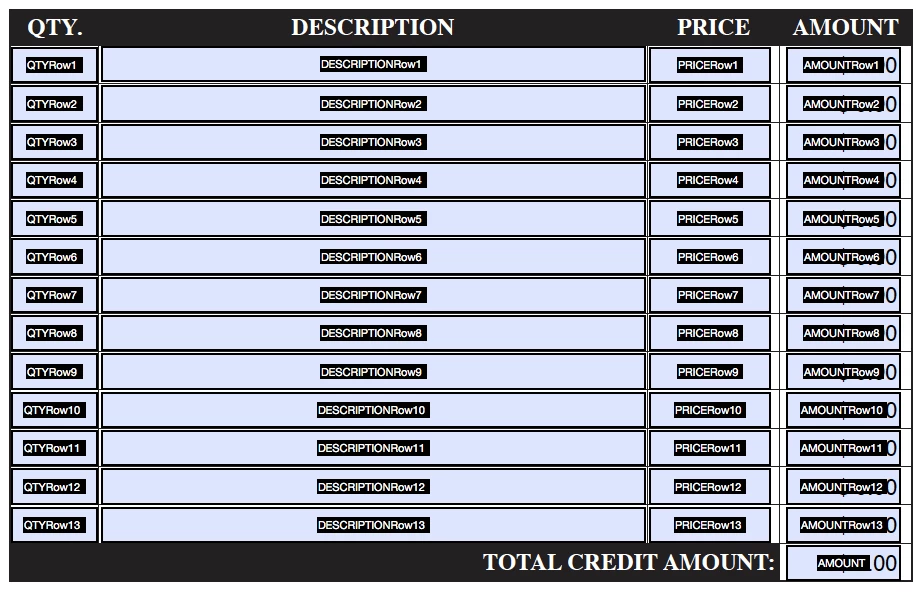
 

Value is the Product (x) of the following fields:

PRICERow1, QTYRow1

    Dieses Thema wurde für Antworten geschlossen.

    1 Antwort

    abracadabraJRB
    Inspiring
    September 17, 2019

    Hi


    Place this script as a "Custom Format script" in all calculated fields:


    if (event.value == 0) {event.value = "";}

    James Prout
    Known Participant
    September 18, 2019
    The problem with adding this script as a "Custom Format script" in all calculated fields... it removes the Value is the 'product x' of the following fields: PRICERow1, QTYRow1 calculation in the Text Field Properties pop-up window when you immediately select the Custom Calculation Script radio button. Am I entering these calculations in the correct fields?